How to Record a Remote Podcast With Guests Anywhere
As an Amazon Associate I earn from qualifying purchases.
Recording a podcast with a guest on the other side of the world used to be a technical headache, but today it is completely achievable from your home studio. Remote recording opens up an incredible range of guests you could never book in person, and with a little preparation it can sound nearly as polished as a same-room conversation. The key is understanding how remote audio actually gets captured, and building in safeguards so a shaky internet connection never ruins a great interview.
The single most important concept is local recording. When you talk to a guest over a standard video call, the audio is compressed and degraded by the connection, so it sounds thin and can drop out. Purpose-built remote recording platforms solve this by capturing each person's audio locally on their own device at full quality, then uploading those clean files afterward. This means a rough connection during the call does not ruin your final recording, because each track was recorded crisply at the source.
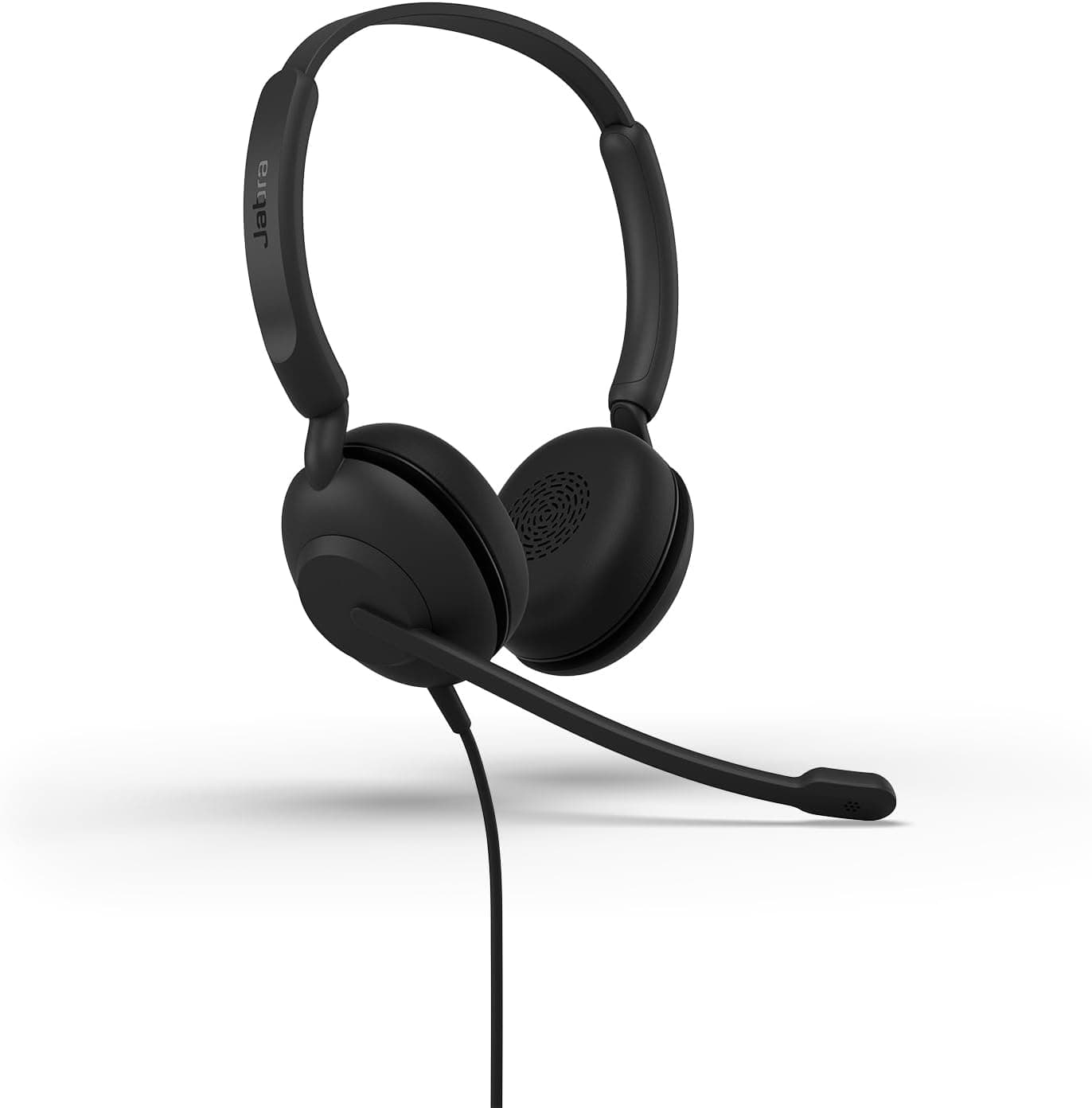
Before you invite guests, get your own house in order. Use a good microphone and headphones, record in a quiet, softly furnished room, and test your setup thoroughly. Wearing headphones is essential for remote recording because it stops your guest's voice from leaking out of your speakers and back into your mic, which would create echo that is nearly impossible to remove. Encourage your guest to wear headphones too, since it dramatically improves the quality of both tracks.
Guest preparation is where remote recordings are quietly won or lost. Many of your guests will not be podcasters and will not own good gear, so send them a short, friendly set of instructions ahead of time. Ask them to find a quiet room, use wired headphones, sit close to their microphone or even their phone's mic, silence notifications, and use a wired internet connection if possible. A little coaching turns a potentially rough guest track into a pleasant, listenable one.
Always build in redundancy, because technology fails at the worst moments. Even when using a platform that records locally, run a backup recording, such as capturing the call audio separately or having your guest hit record on a voice memo app as insurance. If a local file fails to upload or gets corrupted, you will be enormously grateful for a fallback. Professionals never rely on a single recording for an important interview, and neither should you.
Finally, manage the human side of the connection. Do a brief sound check at the start of every session, ask your guest to record a quiet moment for noise cleanup, and confirm their levels look strong. Keep the conversation flowing naturally and do not panic if the live audio stutters, since the local files are what matter. Once you are done, download every track promptly, back them up, and confirm the files are intact before you let your guest go. With clean local recordings and a well-prepared guest, your remote episodes can sound every bit as professional as an in-person sit-down.