Accessories
Accessories keep microphones steady and recordings clean. Boom arms, pop filters, shock mounts and good cables prevent the most common audio problems.
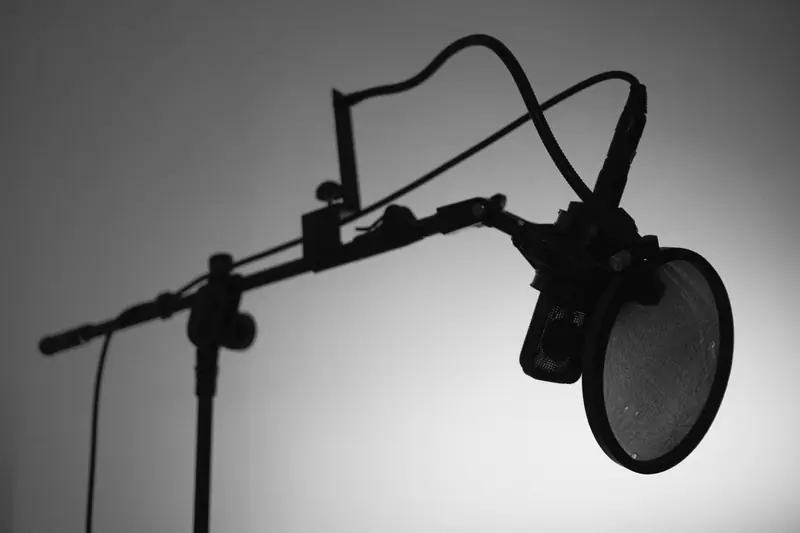
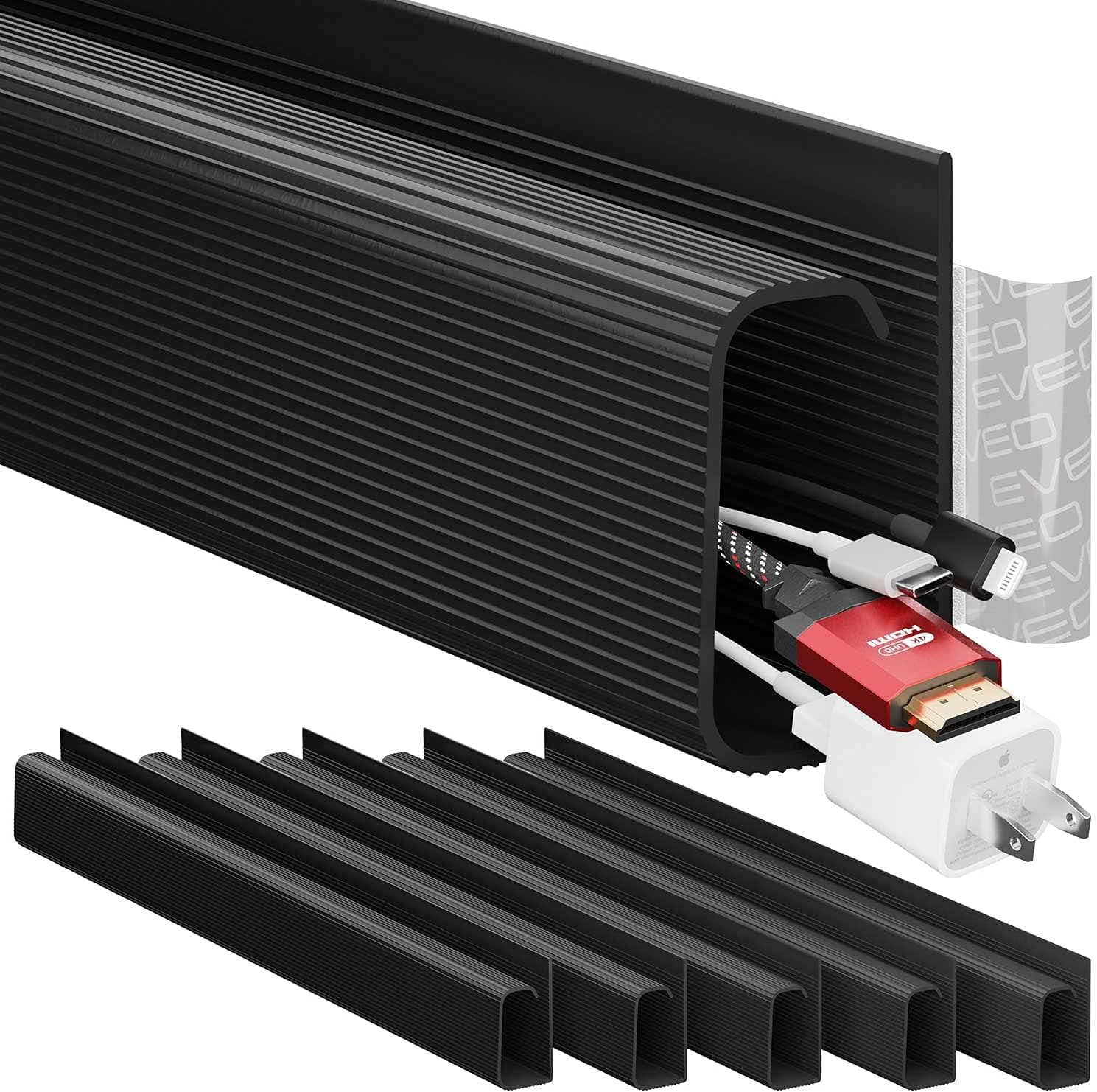
Best Cable Management Kits
Compare the best cable management kits for home studios and streaming setups. Tame cable clutter with sleeves, clips, and trays for a clean, safe desk.
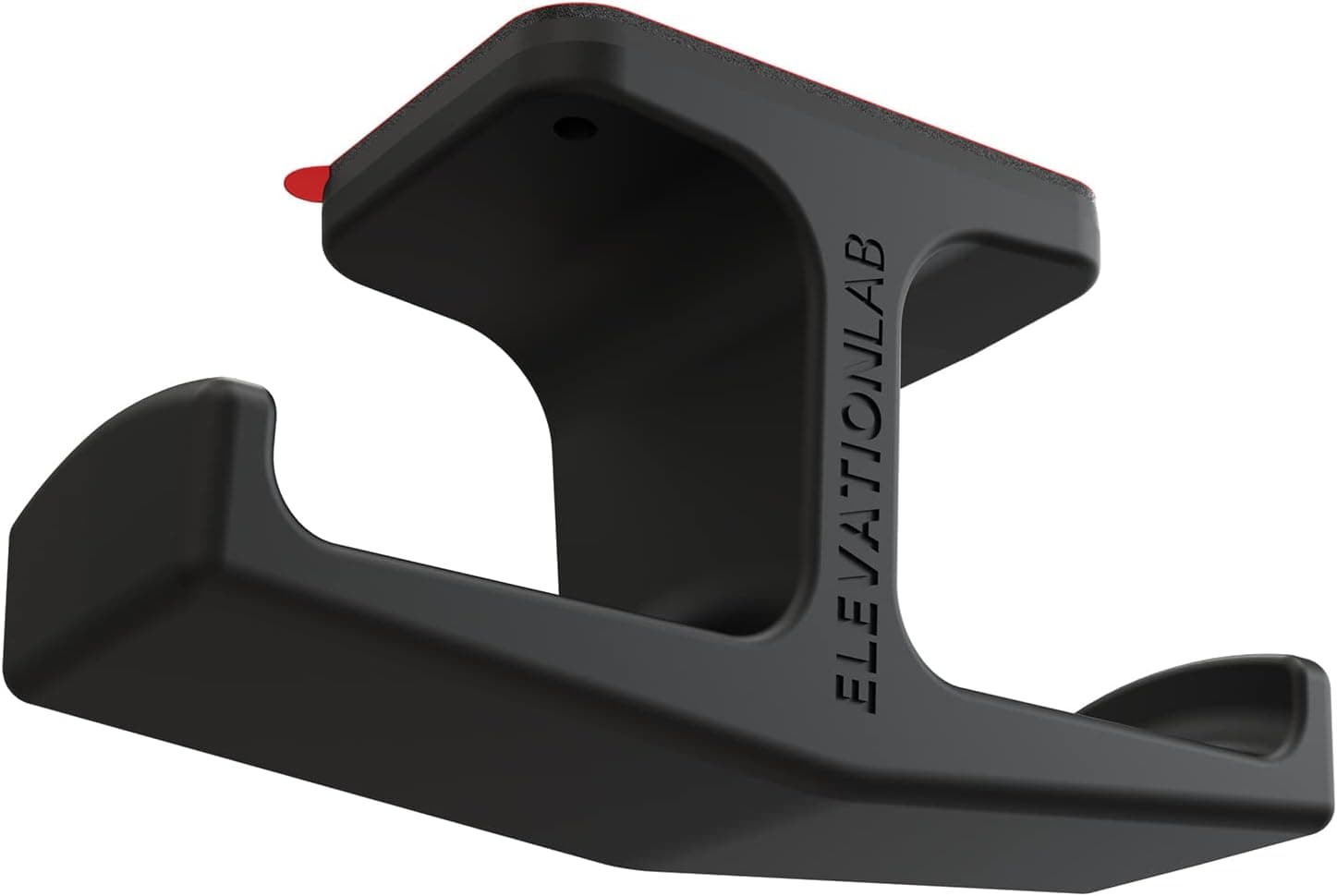
Best Headphone Stands
Find the best headphone stands for podcasting and home studios. Keep studio headphones safe, tangle-free, and within reach with sturdy desk and clamp stands.
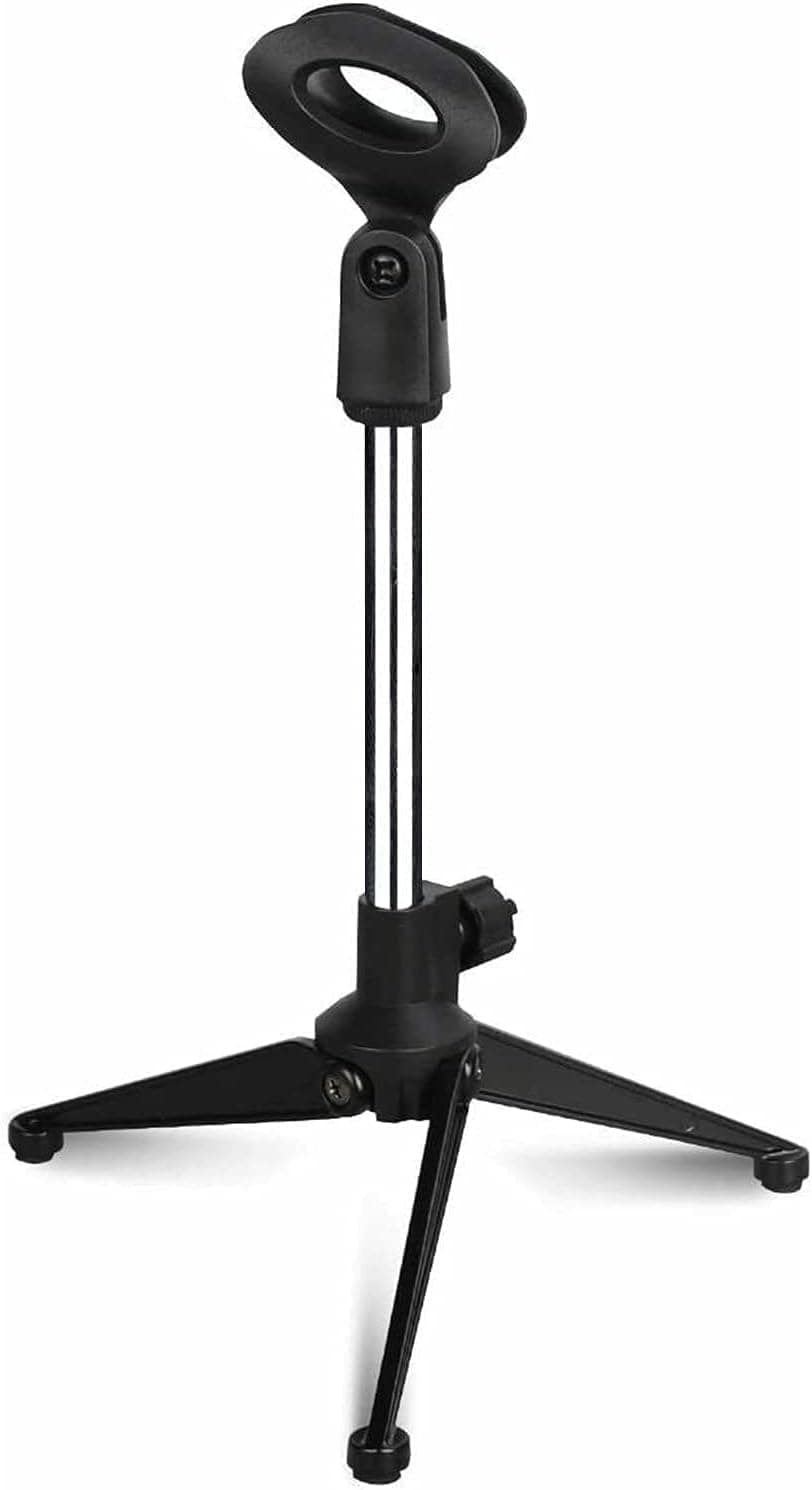
Best Microphone Stands
Compare the best microphone stands for podcasting and home studios. Find sturdy tripod, desktop, and floor stands that keep your mic rock-steady on air.
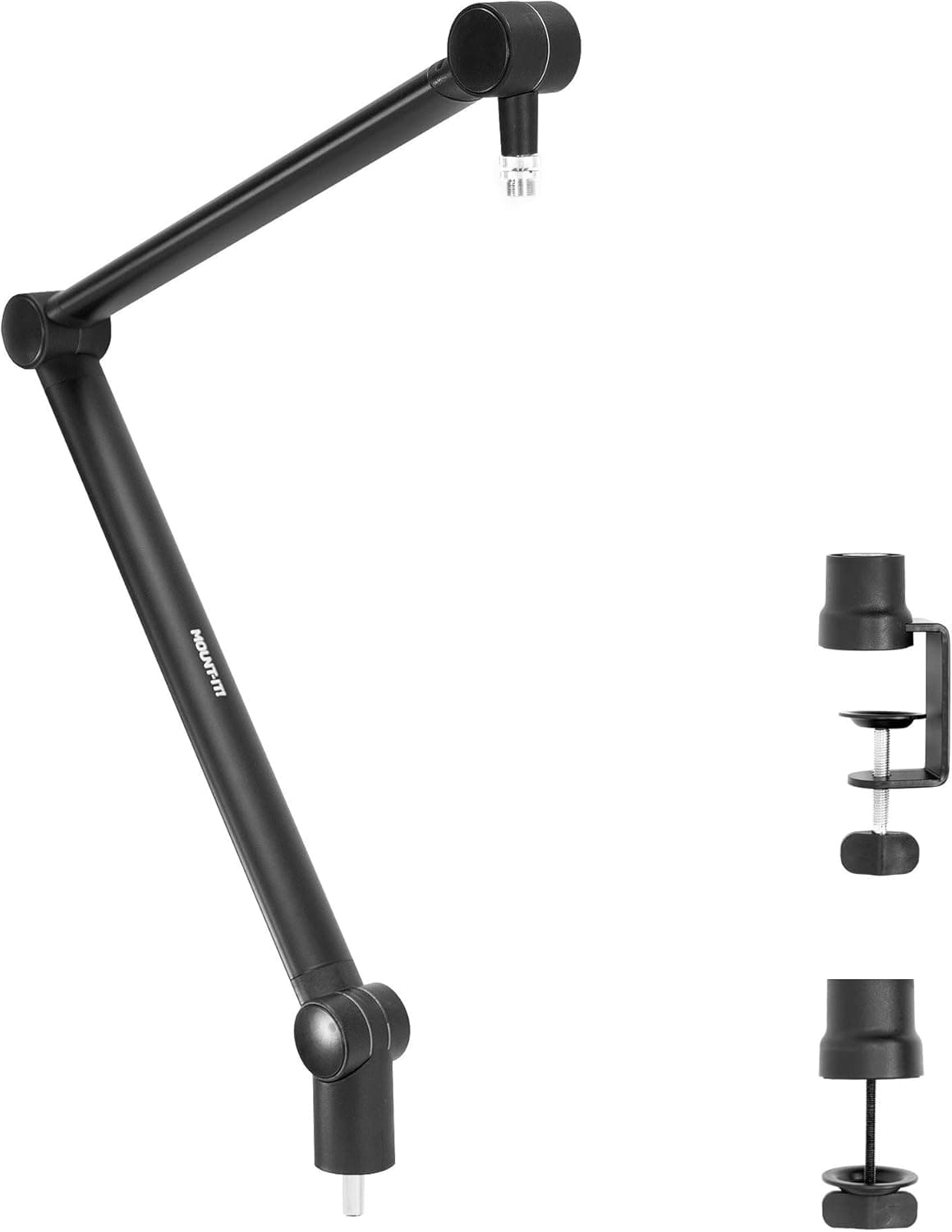
Best Boom Arms
Find the best microphone boom arms for podcasting and streaming. Compare desk-mounted arms for clean positioning, cable routing, and rock-solid stability.
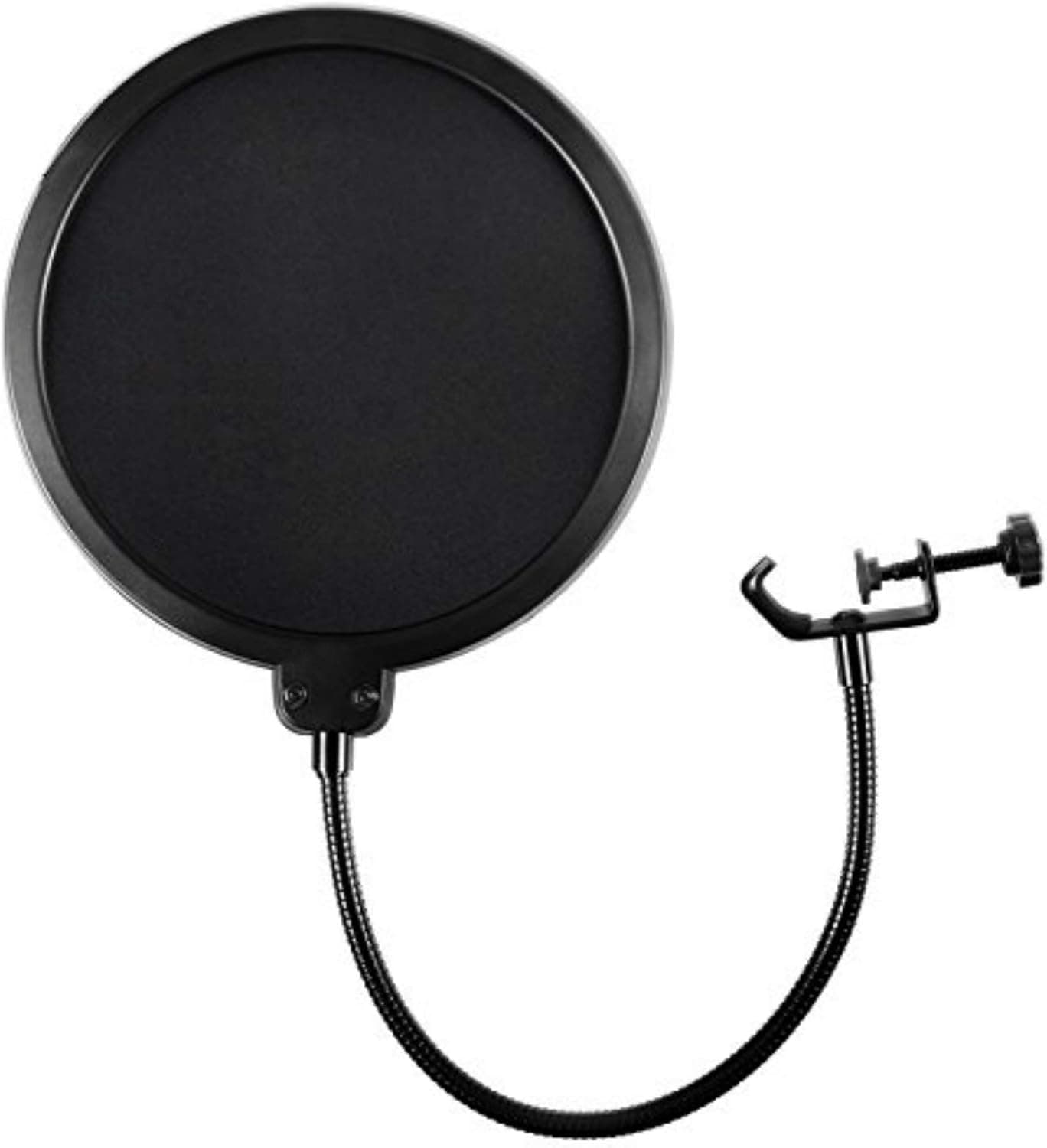
Best Pop Filters
Compare the best pop filters for podcasting and vocal recording. Tame harsh plosives and get cleaner, broadcast-ready audio from any studio mic.
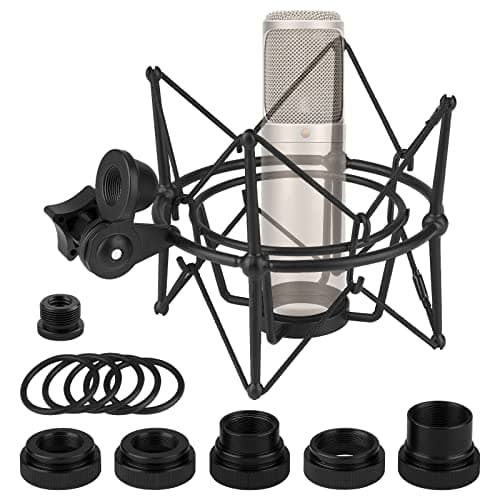
Best Shock Mounts
Find the best microphone shock mounts for home studios. Isolate your mic from desk bumps, keyboard taps, and floor rumble for cleaner podcast audio.
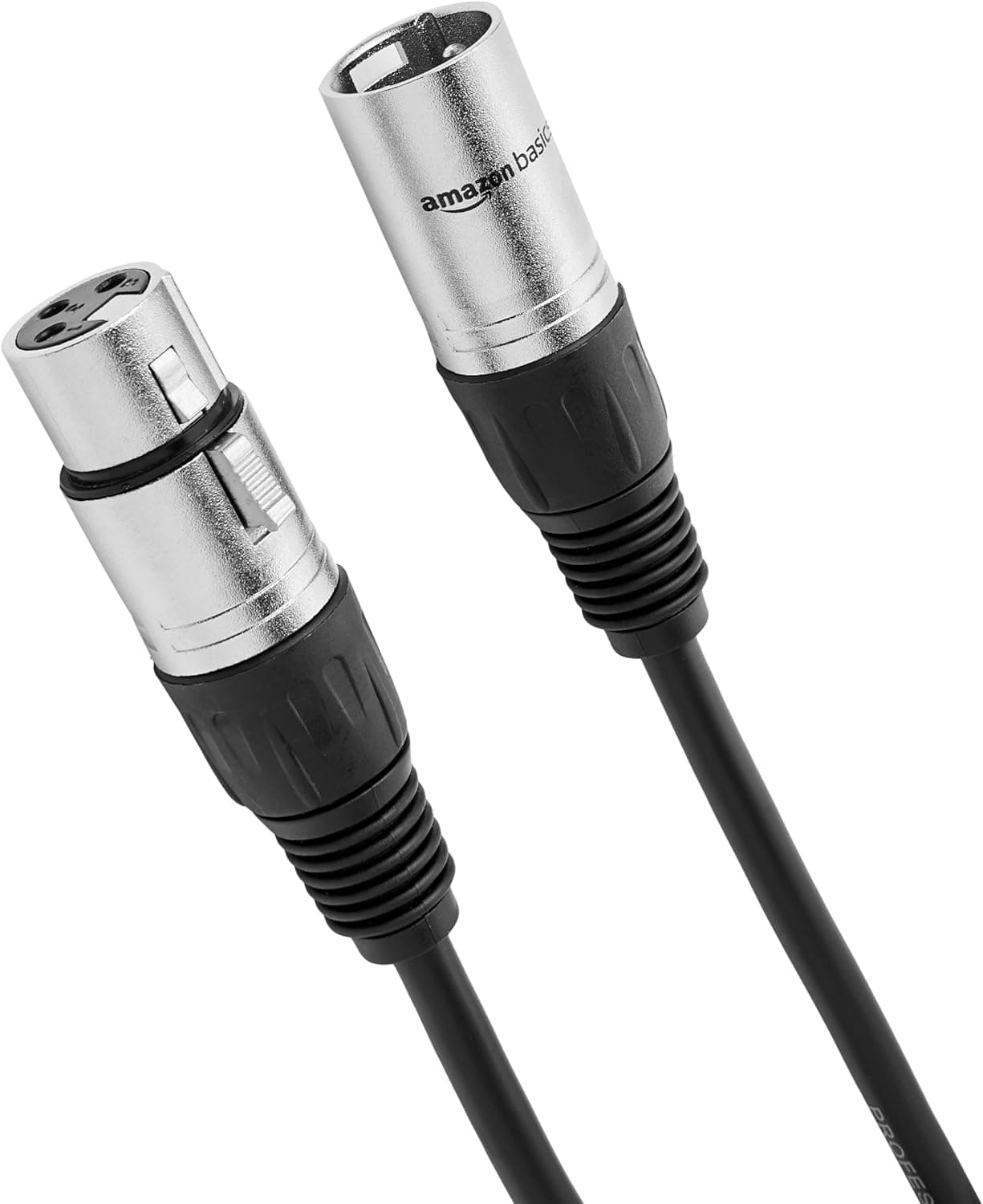
Best Xlr Cables
Compare the best XLR cables for podcasting and home studios. Find durable, low-noise mic cables with solid connectors for reliable, hum-free recordings.
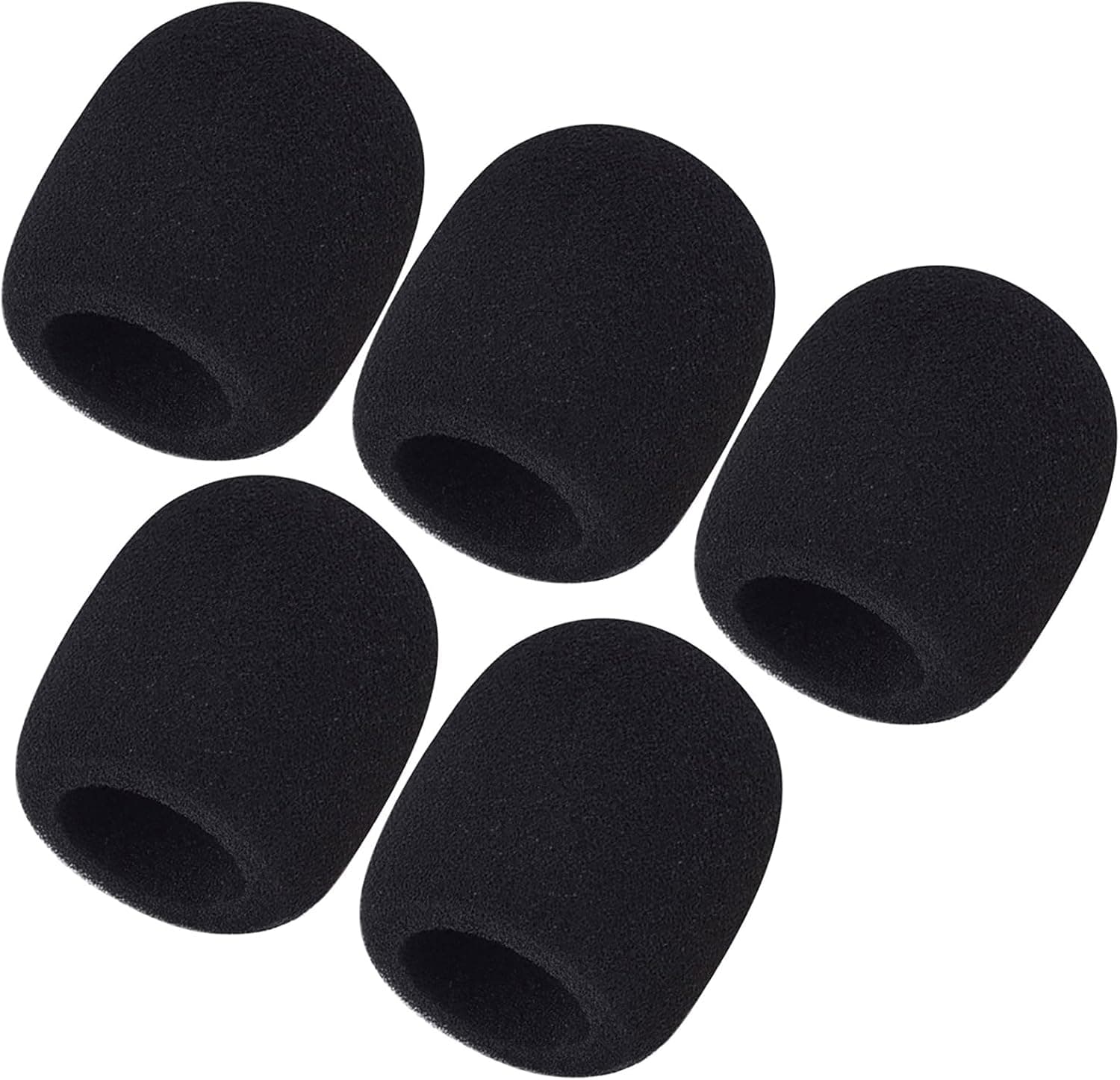
Best Microphone Windscreens
Find the best microphone windscreens for podcasting and field recording. Foam and fur covers that cut breath noise, plosives, and wind for cleaner audio.
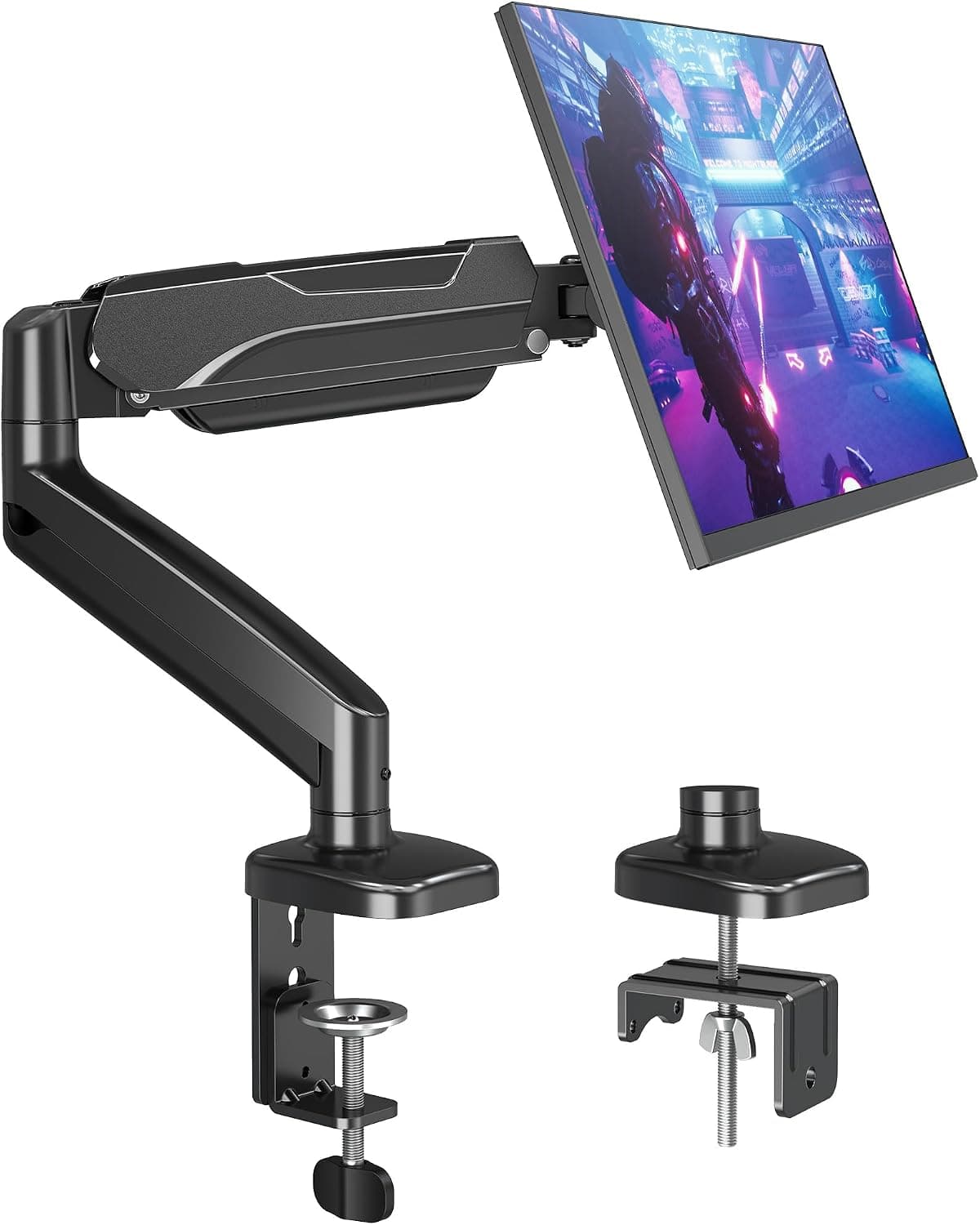
Best Monitor Arms
Compare the best monitor arms for studio desks. What to look for in VESA fit, weight range, and adjustment for a clear, ergonomic recording setup.
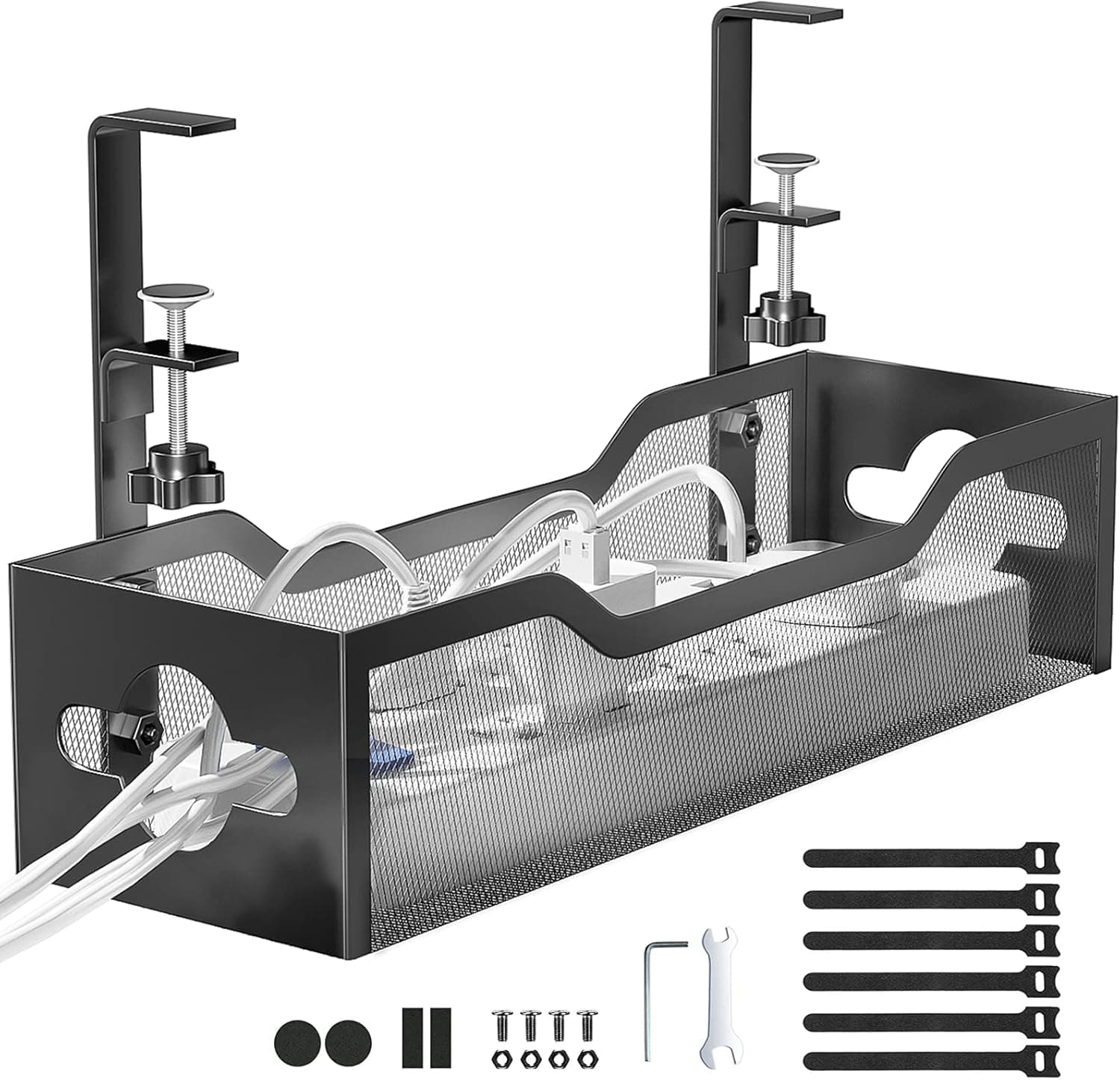
Best Under-Desk Cable Trays
How to pick an under-desk cable tray: clamp, adhesive or screw mounting, what tray length actually fits a power strip and bricks, and why steel holds up.
How to choose
- Use a boom arm to keep mic distance consistent.
- Add a pop filter or windscreen for plosives.
- Use a shock mount to reduce desk thumps.
- Choose well-built XLR cables with solid connectors.
Common questions
Do I need a boom arm for podcasting?
It keeps the mic close to your mouth without cluttering the desk, and makes it easier to maintain consistent distance.
What does a shock mount do?
It isolates the microphone from vibrations such as typing and desk bumps, which otherwise show up as low thumps.