USB vs XLR Microphones
Published How we research
USB microphones plug straight into a computer with no extra hardware, making them the simplest choice for solo or remote podcasters. XLR microphones route through an audio interface or mixer, adding a step but unlocking better quality, dedicated gain control, and true multi-person scalability (each mic on its own track). USB usually costs less upfront; XLR costs more to start but grows more economically over time. Start on USB if solo, move to XLR if you plan in-person panels or a permanent co-host. One of the first big decisions new podcasters face is whether to buy a USB microphone or an XLR microphone. It is a genuinely important choice because it shapes how your studio grows, how much you spend, and how simple your recording day feels. The good news is that both types are capable of excellent results. The right answer depends less on which is objectively better and more on how you plan to work and where you want to end up.
Products from this article
The highest-scoring picks from the buying guides this article links to. Scores are our editorial assessment, not customer ratings.
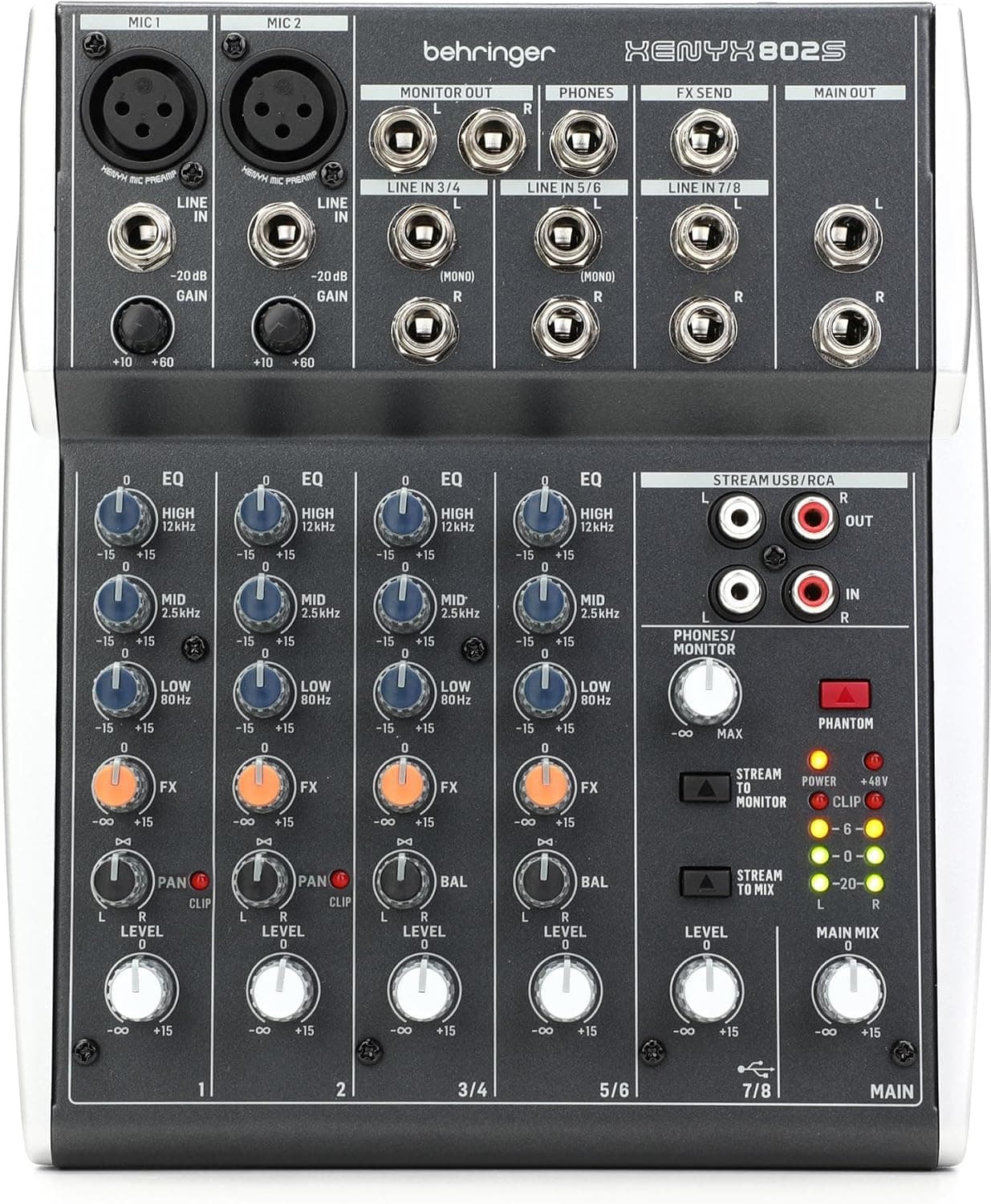
+ 8-channel design handles mics, instruments and computer audio together
From our guide: Best USB Mixers
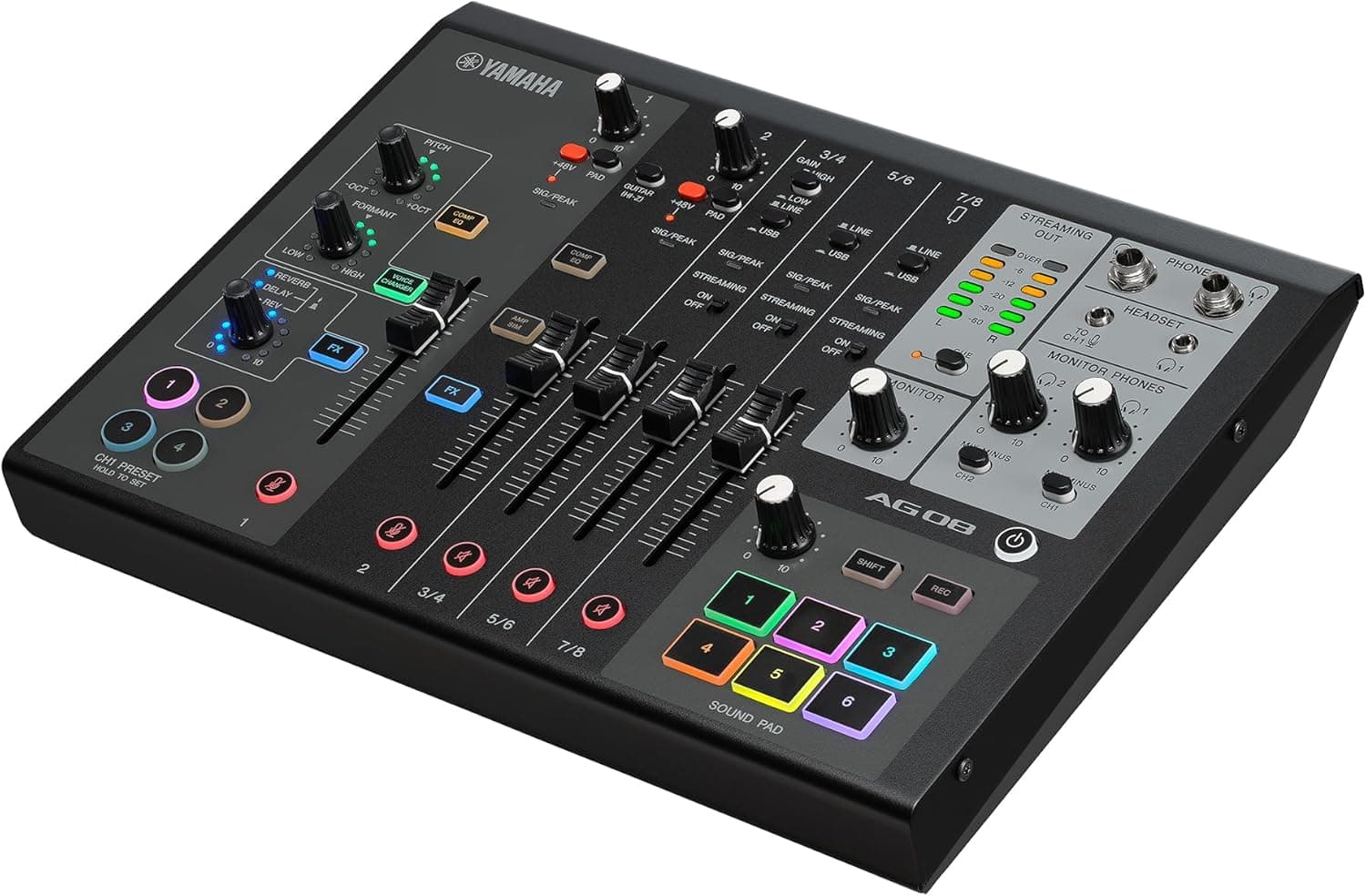
+ Open-back design gives a natural, spacious sound for mixing decisions
From our guide: Best Studio Headphones
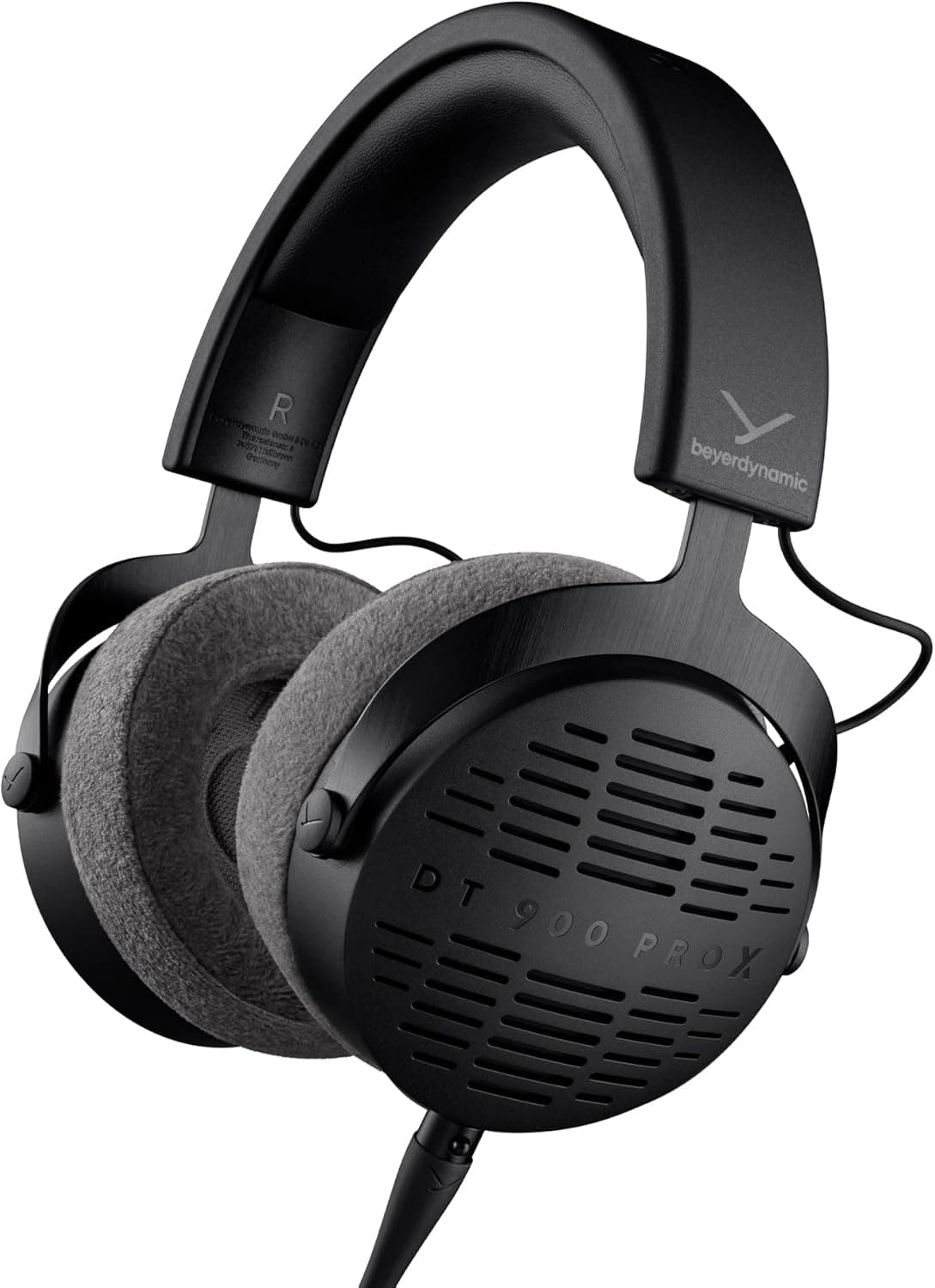
+ Link 370 USB adapter gives reliable wireless connection to computers
From our guide: Best Podcast Headsets
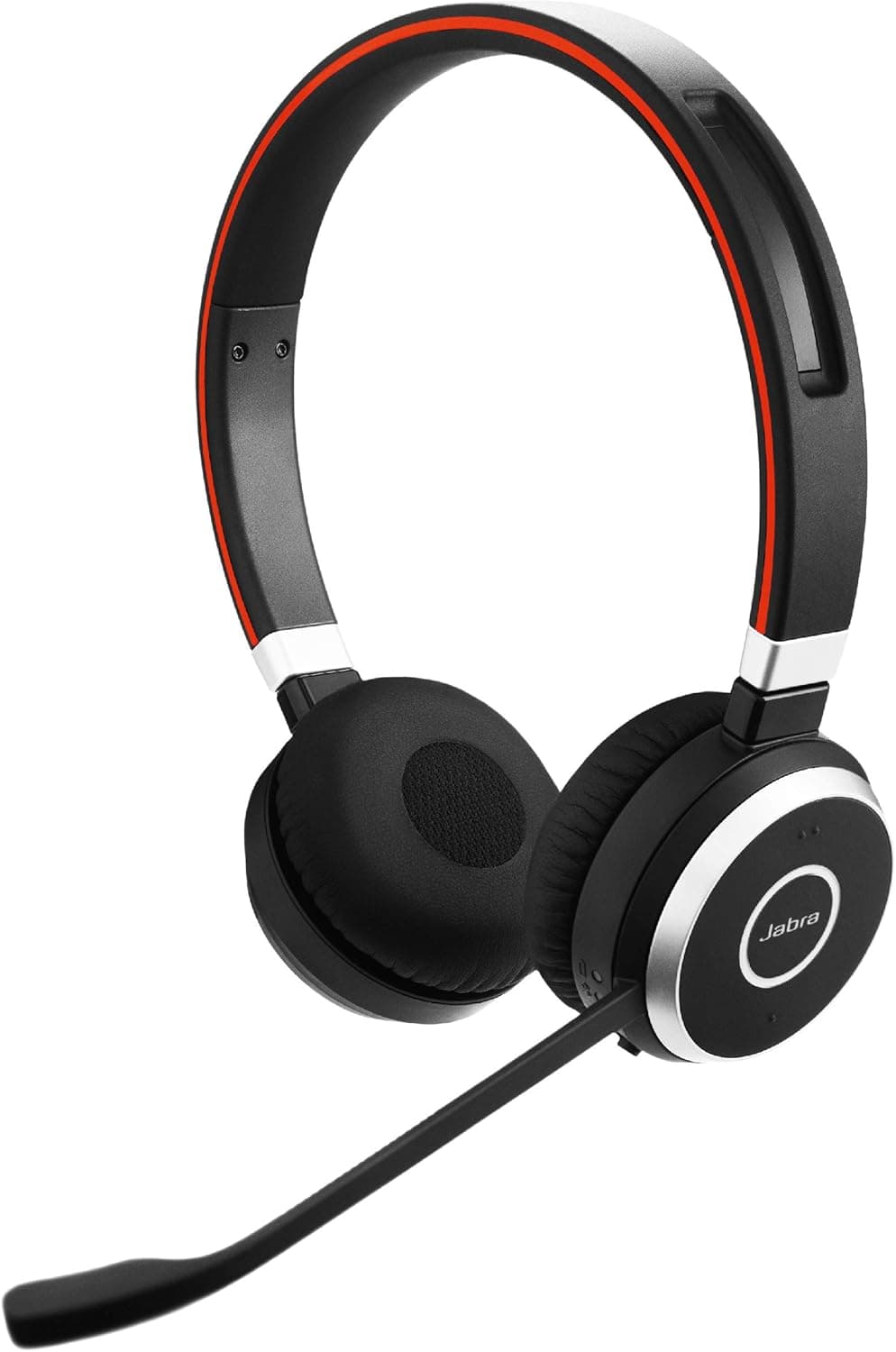
+ Loopback mixing blends mic, game and music for live streams easily
From our guide: Best USB Mixers
USB microphones: the plug-and-play champions
USB microphones are the plug-and-play champions. You connect one directly to your computer with a single cable, open your recording software, and you are ready to go. There is no extra hardware to configure and very little that can go wrong. For solo podcasters, remote interviewers, and anyone who values simplicity, a good USB mic removes almost every technical hurdle. This convenience is exactly why so many successful shows are recorded on them.
XLR microphones: more gear, more control
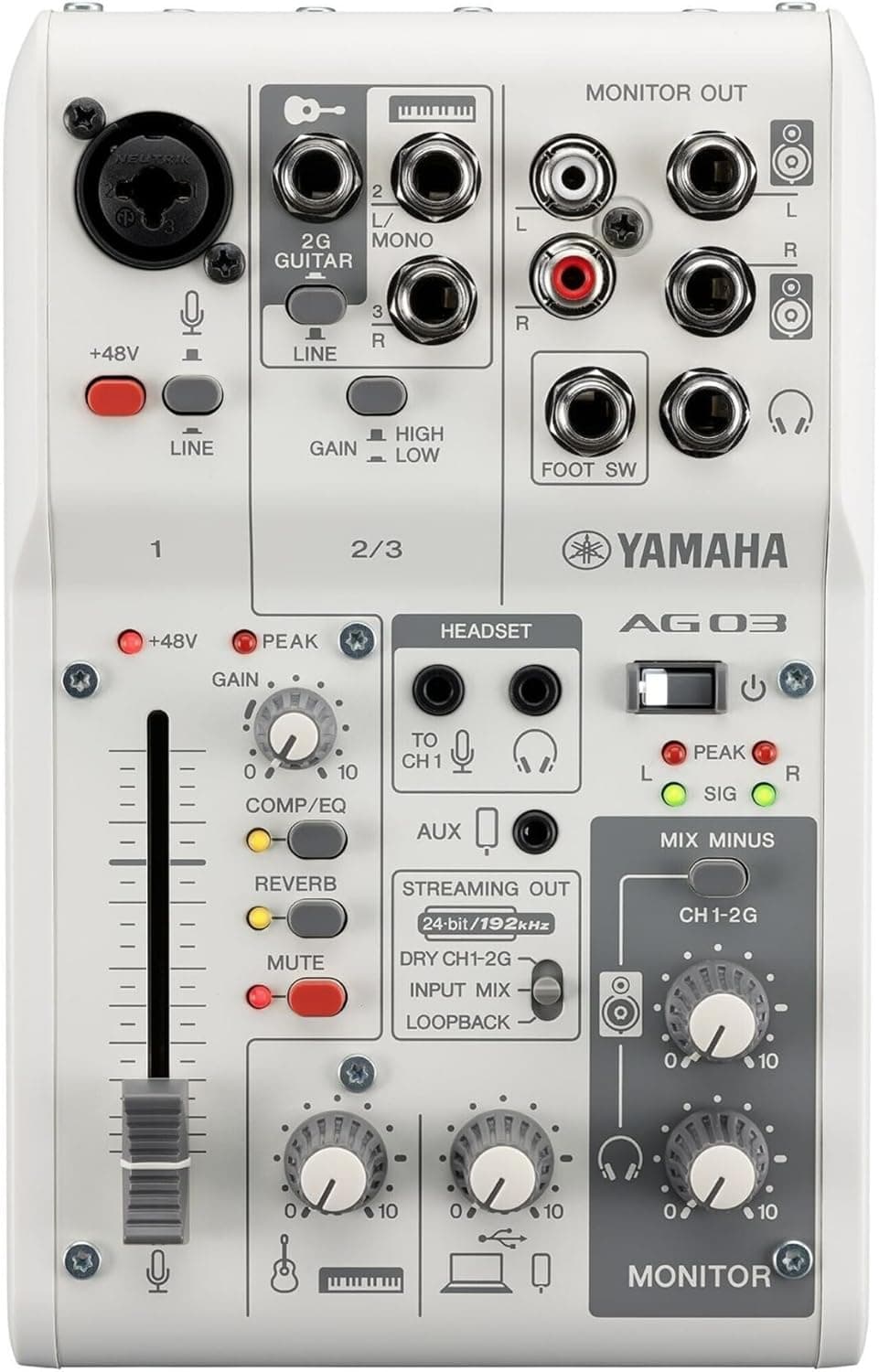
XLR microphones take a different approach. They use a three-pin analog connection and cannot plug into a computer on their own. Instead, they route through an audio interface or a mixer, which handles the conversion to digital and gives you dedicated control over gain and monitoring. This adds a step and a piece of gear, but it also unlocks a level of quality and flexibility that USB setups cannot fully match, especially as your production ambitions grow.
The biggest practical difference: scalability
The biggest practical difference is scalability. A single USB port typically supports one USB microphone cleanly, so recording multiple people in the same room gets awkward fast. An XLR setup shines here, because an interface with two or more inputs lets you record several microphones at once, each on its own track. If you dream of hosting in-person panels or bringing on a permanent co-host, XLR gives you room to expand without starting over.
Cost is more nuanced than it looks
Cost is more nuanced than it first appears. A quality USB microphone often costs less upfront because it is a single purchase. An XLR microphone might be affordable on its own, but you also need an interface and cables, so the total investment is usually higher to begin with. Over time, though, the XLR path can be more economical, since you can add microphones and upgrade pieces individually rather than replacing an all-in-one unit.
So how do you choose?
So how do you choose? If you are recording solo or remotely, want the least possible fuss, and are keeping your budget tight, a USB microphone is a smart and honest choice that will serve you well for a long time. If you plan to record multiple people in a room, care deeply about squeezing out the best possible sound, or want a setup you can keep building on for years, XLR is worth the extra cost and learning curve. Many podcasters start on USB and move to XLR later, and there is nothing wrong with that natural progression.
Frequently asked questions
Should I buy a USB or XLR microphone for podcasting? USB if you record solo or remotely and want the least fuss. XLR if you plan to record multiple people in a room or want a setup you can keep building on for years.
Can I record multiple people with a USB microphone? Not cleanly. A single USB port typically supports one microphone well, so recording several people in the same room gets awkward fast. An XLR interface with multiple inputs handles this far better.
Is XLR more expensive than USB for podcasting? Usually more expensive to start, since you need an interface and cables in addition to the microphone, but it can be more economical over time as you add or upgrade pieces individually.
Do most podcasters start with USB or XLR? Many start on USB for simplicity and move to XLR later as their production ambitions grow. Both are common paths and neither is wrong.
At a glance: USB microphone vs XLR microphone
| USB microphone | XLR microphone | |
|---|---|---|
| Setup | Plug into a computer | Mic plus interface or mixer |
| Total cost | Lower | Higher with the interface |
| Multiple hosts | Awkward on one computer | Easy with a multi-input interface |
| Sound quality | Good, limited by the built-in converter | Depends on mic, preamp and interface |
| Upgrades | Replace the whole mic | Upgrade mic or interface separately |
| Portability | Very simple travel setup | More pieces to carry |
Choose USB microphone if
- You record solo
- You want the simplest setup
- You record while travelling
Choose XLR microphone if
- You record guests in the same room
- You want to upgrade over time
- You want hardware gain and monitoring control
Bottom line: Solo podcasters can get excellent results from a USB mic. If you record more than one person in a room or plan to grow the setup, start with XLR. Hybrid mics with both outputs are a flexible middle ground.
Popular right now
- Best Microphone Isolation ShieldsBuying guide
- Best Acoustic DiffusersBuying guide
- Best XLR MicrophonesBuying guide
- Gain Staging BasicsArticle
- Best LED Video LightsBuying guide
- Best Digital RecordersBuying guide
Based on the last 28 days of search and visitor data.