Elgato Key Light, Professional 2800 Lumens Studio Light, Wi-Fi App Control, 2900-7000K Review (2026)
Updated September 21, 2026 · Research-based review
Our verdict
The Elgato Key Light is a 2800 lumen studio panel with Wi-Fi app control over brightness and color temperature from 2900 to 7000K, built for video podcasters who want camera-ready light without physical dials. It suits anyone on camera regularly, though setup can be fussy and it costs more than remote-controlled budget lights.
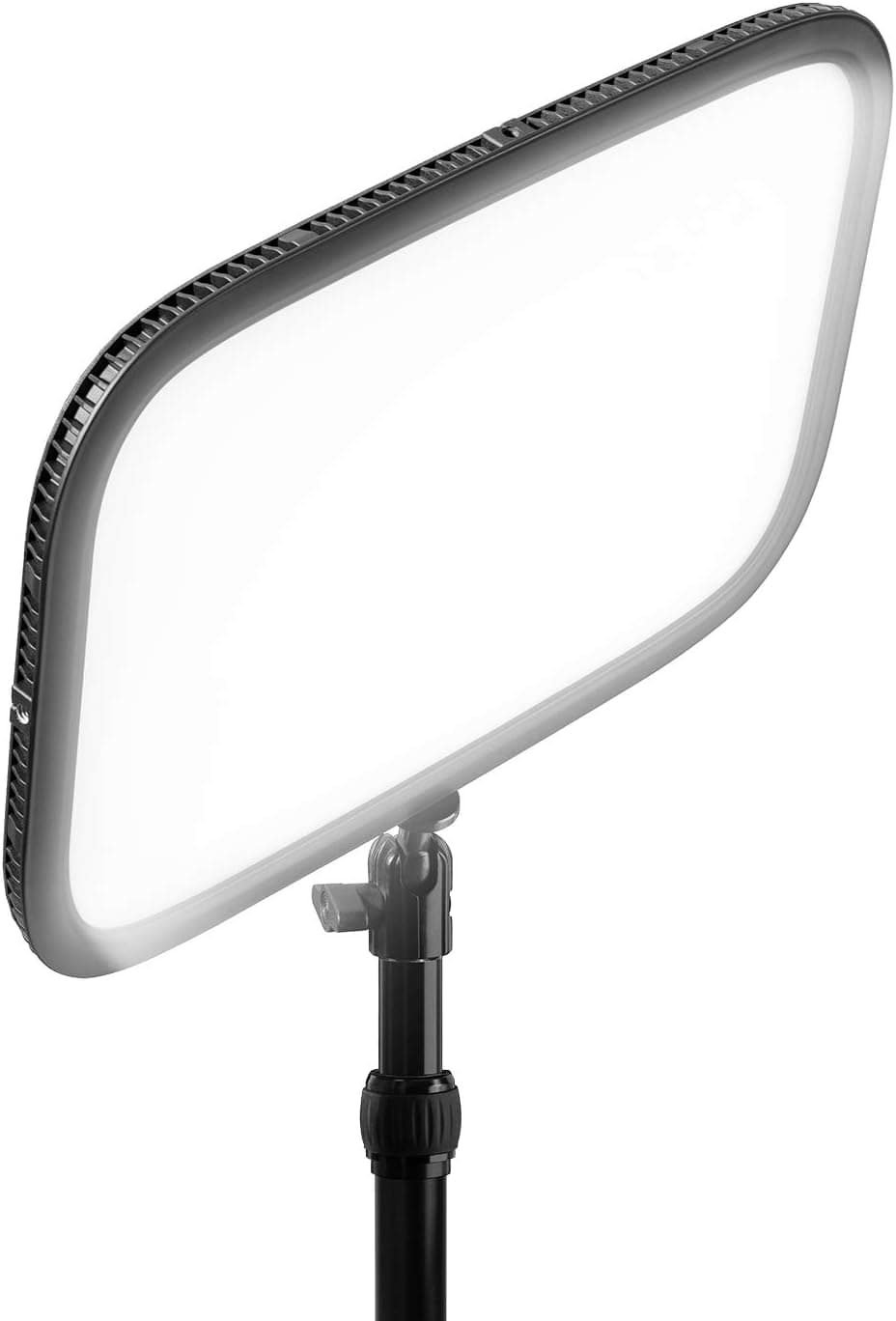
Elgato's Key Light is a professional 2800 Lumens studio light with Wi-Fi app control and 2900-7000K color, built for streamers.
Price range: See on Amazon
What we liked
- + 2800 Lumens output lights a host brightly even in darker rooms
- + Wi-Fi app control adjusts brightness and color from the computer
- + 2900-7000K range tunes the look from warm to cool daylight
Trade-offs
- - Wi-Fi setup can be fiddly on busy or congested home networks
- - Premium price compared with remote-controlled budget key lights
Brightness and light quality
The Key Light uses 160 OSRAM LEDs behind an opal glass diffuser to produce up to 2800 lumens, bright enough to properly light a host even in a dim room, with enough headroom left over to dial back for smaller or more controlled setups. Color temperature adjusts across a 2900 to 7000K range, letting it match anything from warm incandescent-style lighting to cooler daylight-balanced footage, which matters for matching a webcam or camera's white balance or blending with other lights already in a video podcast setup. The opal glass diffusion is meant to soften the output so it does not look like a harsh direct LED panel on camera during recording.
Wi-Fi and app control
Brightness and color temperature are adjusted through Elgato's Control Center app over a Wi-Fi connection supporting 802.11 b, g, n with WPA and WPA2 encryption, rather than physical knobs on the light fixture itself. That means the light can be turned on, dimmed, or recolored from a computer without touching the fixture, which is convenient mid-recording when reaching the light itself is awkward. The tradeoff is that setup depends on connecting the light to a home Wi-Fi network, and like most Wi-Fi smart-home devices, this step can be finicky on networks with weak signal, guest network restrictions, or heavy congestion from other connected devices.
Physical size and mounting
The panel itself measures about 1.18 by 13.77 by 9.84 inches and weighs 2.86 pounds, mounted on a telescopic pole that extends from a minimum of 22 inches to a maximum of 49 inches, giving some flexibility in how high the light sits above a desk or camera. It includes a padded, expandable desk clamp that opens up to 2.35 inches, meant to grip a desk edge without needing a separate light stand taking up floor space. Power draw tops out around 45 watts at full brightness, which is modest for a panel producing this much output.
How it compares to other key lights
Against remote-controlled budget key lights that use a physical 2.4G remote instead of Wi-Fi, the Key Light trades a simpler pairing process for deeper app integration, including scene presets and grouping multiple lights together for a larger multi-camera or multi-light streaming setup. Compared with Elgato's own smaller Key Light Air, this full-size model puts out roughly twice the lumens, which matters in rooms with less ambient light or when a brighter, more even key light is needed on camera. The main cost of that extra output and app control is a noticeably higher price than either the Air model or third-party remote-controlled alternatives.
Who should buy it
This light suits video podcasters, streamers, and anyone regularly on camera who wants consistent, adjustable studio lighting controlled remotely from their computer rather than fiddling with a physical dial mid-recording. It works especially well for people already using other Elgato gear, since everything lives in the same Control Center app alongside a Stream Deck or Wave Link mixer. Buyers on a tight budget, or those who prefer a physical remote over an app and home Wi-Fi dependency, may be better served by a cheaper remote-controlled panel light instead, accepting a smaller, more limited feature set in exchange for real savings.
Frequently asked questions
Can the Key Light be controlled without Wi-Fi?
The brightness and color temperature adjustments are designed to work through Elgato's app over Wi-Fi, so a network connection is needed for full control rather than physical buttons on the unit.
What color temperature range does it cover?
It adjusts across a 2900 to 7000K range, from warmer tones to cooler daylight-balanced light.
How is it mounted to a desk?
It comes with a padded, expandable desk clamp that opens up to 2.35 inches, attached to a telescopic pole that extends from 22 to 49 inches.
How much power does it use?
Power consumption is rated up to 45 watts at full brightness.
Prices change often, so check the current price and availability on Amazon.
Check price on AmazonPodcast Gear Hub may earn a commission from the link above.