Editing Your First Episode
As an Amazon Associate I earn from qualifying purchases.
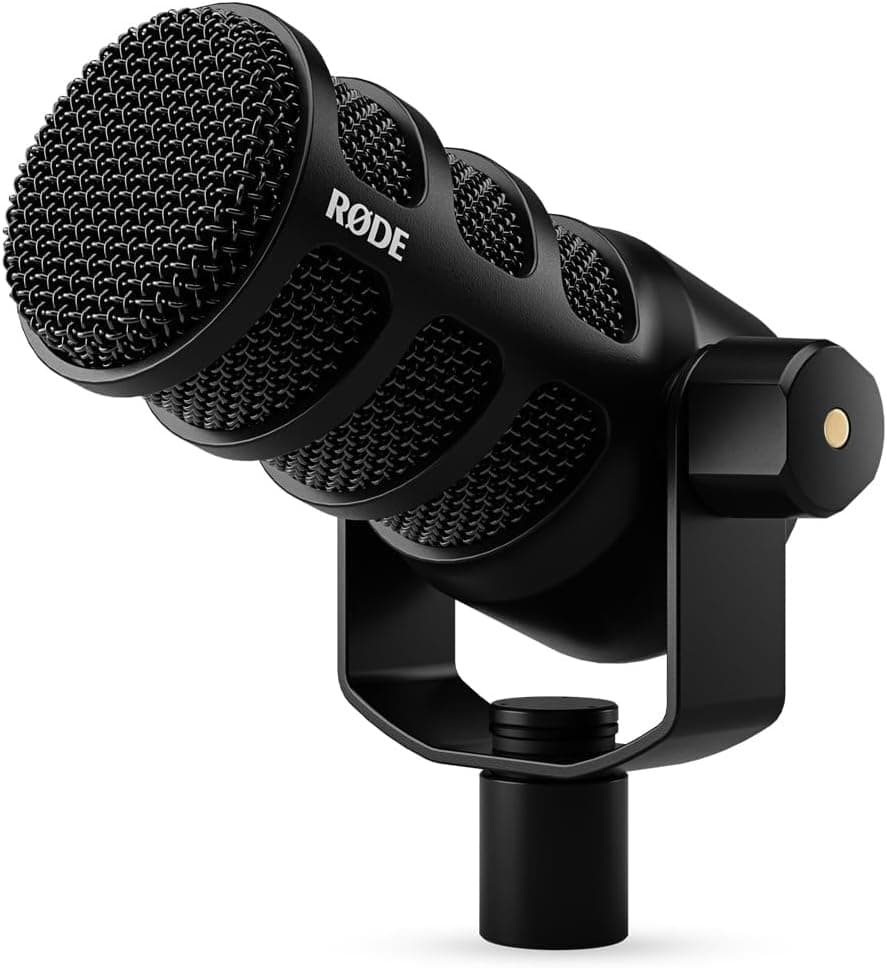
Editing your first podcast episode can feel intimidating, but it is far more forgiving than it looks. You do not need to be an audio engineer or master complex software to produce a clean, listenable episode. What you need is a calm, repeatable process: organize your files, make the obvious cuts, balance the sound, and export correctly. Approaching it as a sequence of small, clear steps rather than one overwhelming task is the key to finishing your first edit without frustration.
Before touching a single cut, get organized. Create a folder for the episode and gather every audio file, your track, any guest tracks, and any music or intro clips, into it. If you recorded multi-track, keep each voice on its own track in your editor so you can adjust them independently. Save a copy of your raw recordings and never edit the originals directly, so that if something goes wrong you always have an untouched version to fall back on. Ten minutes of setup here prevents hours of confusion later.
Start your edit with a single pass for the big, obvious problems. Listen through and cut out the false starts, the long silences, the moment the doorbell rang, and the section where you lost your train of thought and restarted. Resist the urge to perfect anything on this pass. You are simply removing the clearly broken parts to get from a raw recording to a rough but complete episode. This first pass is the most satisfying because it delivers the biggest improvement for the least effort, and it gives you a real shape to refine.
Once the structure is right, make a second, lighter pass for polish, but know when to stop. You can trim excessive ums, tighten long pauses, and remove distracting mouth noises, but do not chase a sterile, over-edited sound. Some pauses and natural speech make a conversation feel human and comfortable. Beginners often over-edit and end up with a rushed, unnatural rhythm. Cut what genuinely distracts, leave what makes it feel like a real person talking, and trust that listeners value warmth over robotic perfection.
With the content locked, turn to the sound itself. The two most valuable tools for a beginner are simple: leveling and light cleanup. Balance the volume so every voice sits at a similar, consistent loudness, since nothing marks an amateur edit like a host who is twice as loud as the guest. Many editors offer a one-click loudness normalization to a podcast standard, which handles the heavy lifting. A gentle noise reduction to tame background hiss and a light touch of equalization to reduce boominess or harshness can help, but apply these sparingly, because over-processing sounds worse than leaving audio alone.
Finally, add your intro and outro, then export with the right settings. Place your music and any standard segments, checking that transitions are smooth and the music does not drown out speech. When you export, choose the MP3 format that podcast platforms expect, at a bitrate that balances quality and file size, and fill in the episode's title and metadata so it appears correctly in apps. Listen to the finished file all the way through one last time on headphones before you publish. Your first edit will not be flawless, and that is completely fine. Finishing and shipping an episode teaches you more than endless tweaking ever will.