Choosing Headphones for Recording vs Monitoring
Published Updated How we research
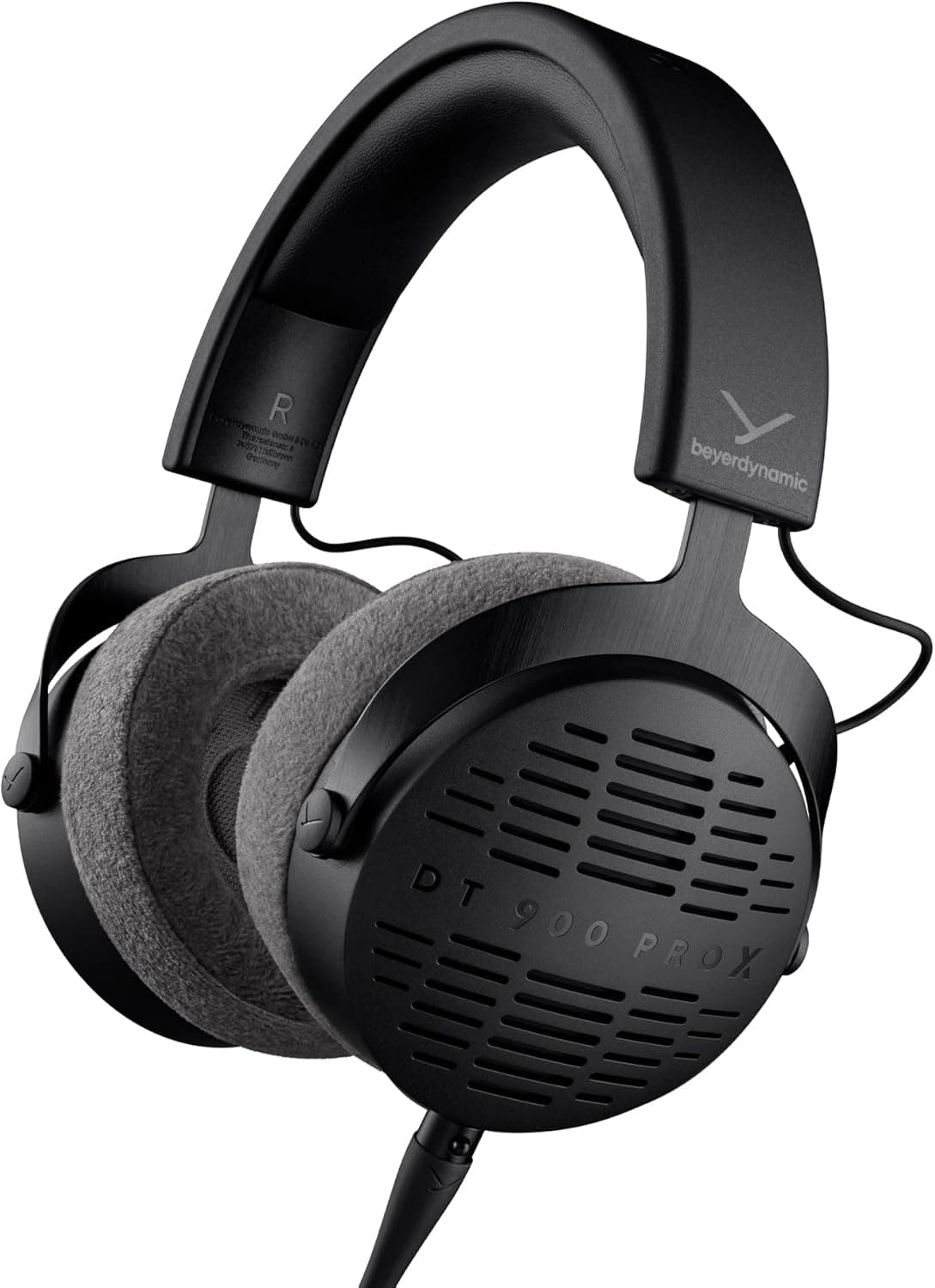
Closed-back headphones have sealed cups that isolate you and stop sound leaking into a live microphone, which is exactly what recording needs. Open-back headphones have perforated cups for a more natural, less fatiguing sound stage that is better for editing and mixing, but they leak in both directions and cause mic bleed near a live mic. Favour a flat, honest response over a flashy one. If you can own only one pair, buy closed-back, because recording without isolation causes bleed you cannot fix later. Headphones seem like a simple purchase until you realize that the best headphones for recording are often the worst for editing, and vice versa. The reason is a fundamental design split between closed-back and open-back headphones, each built for a different job. Buying the wrong type for your task leads to problems that are easy to avoid once you understand what each design is actually optimized to do.
Products from this article
The highest-scoring picks from the buying guides this article links to. Scores are our editorial assessment, not customer ratings.
+ Open-back design gives a natural, spacious sound for mixing decisions
From our guide: Best Open Back Headphones
+ 32 Ohm version gets loud from phones, laptops and small recorders
From our guide: Best Closed Back Headphones
+ Professional open-back tuning helps make reliable mixing decisions
From our guide: Best Open Back Headphones
+ Stellar.45 driver delivers detailed, low-distortion sound
From our guide: Best Closed Back Headphones
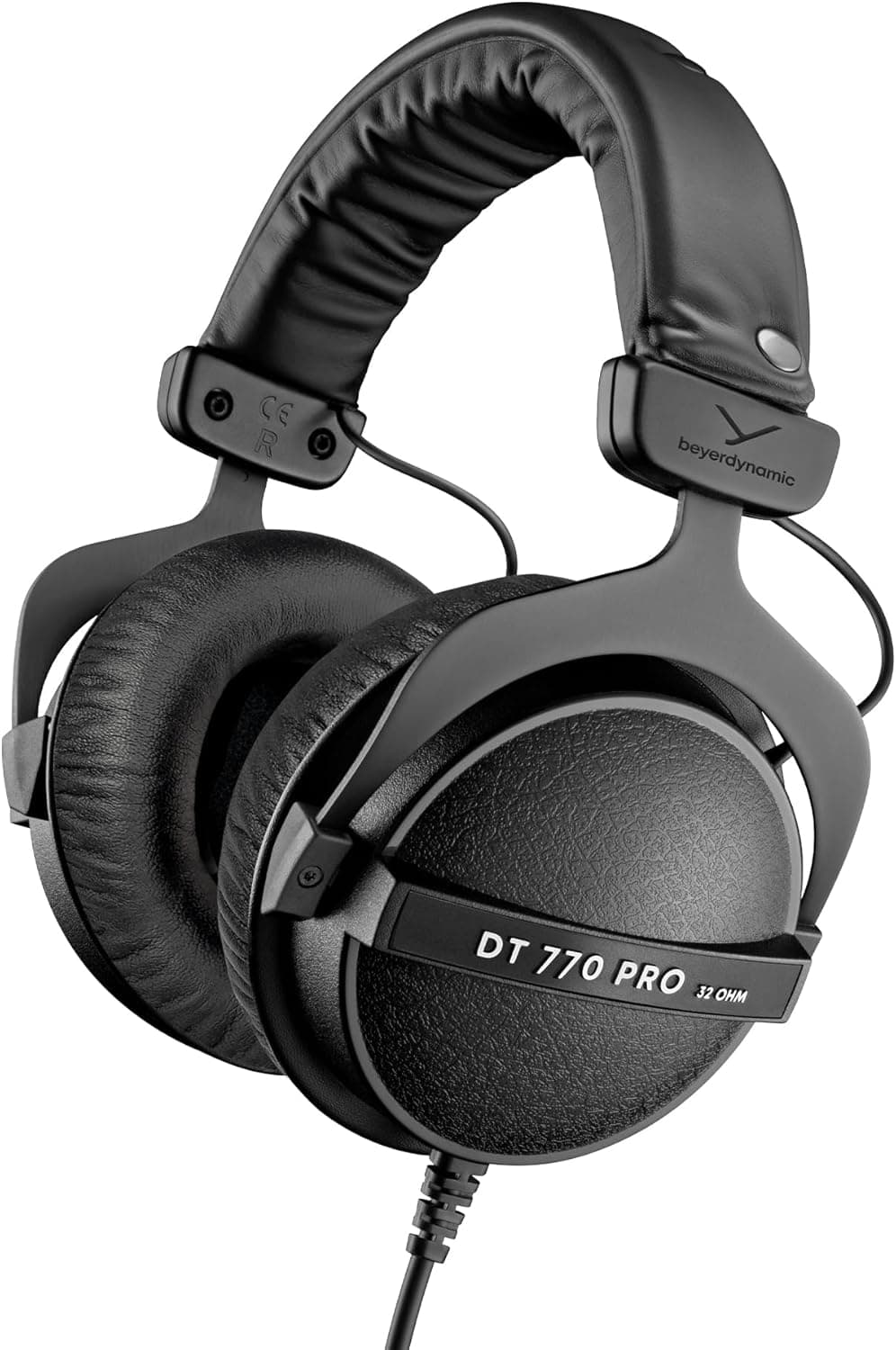
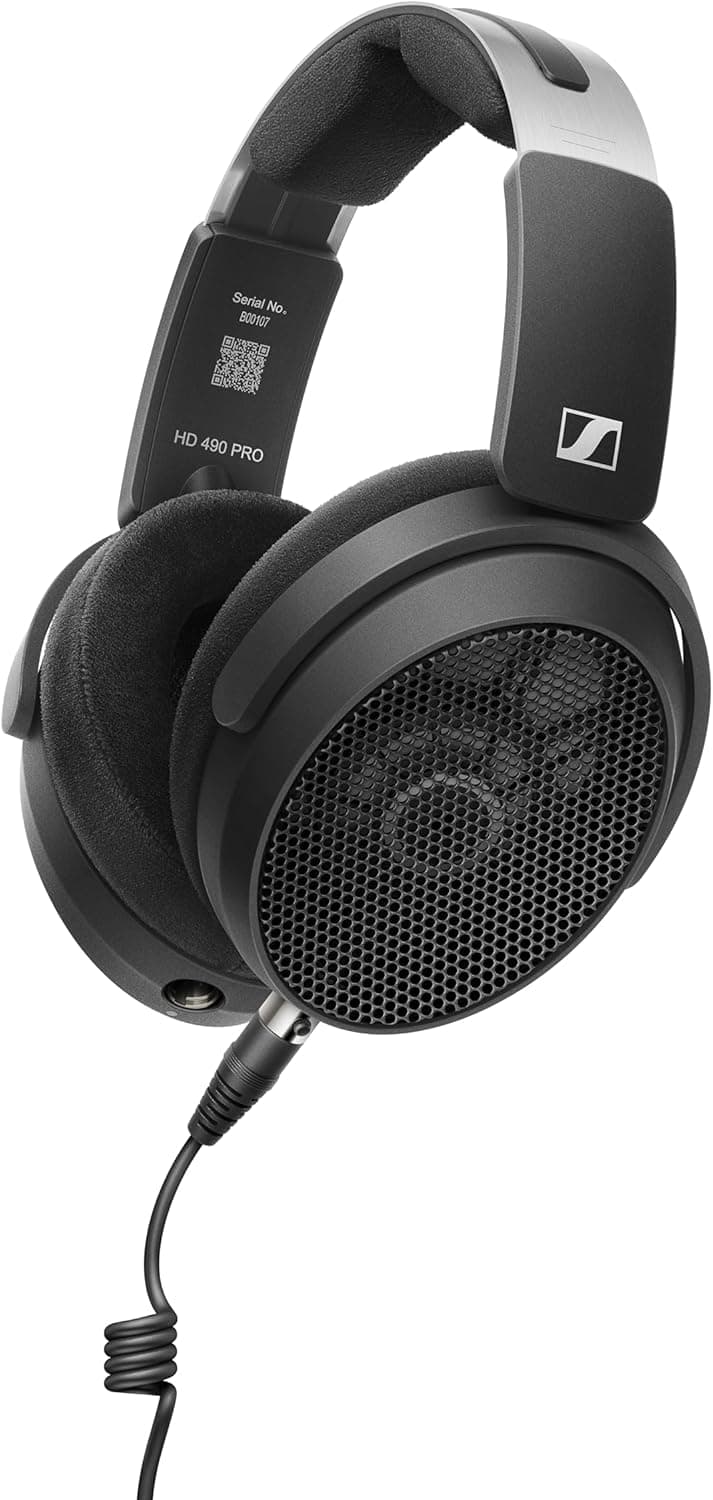
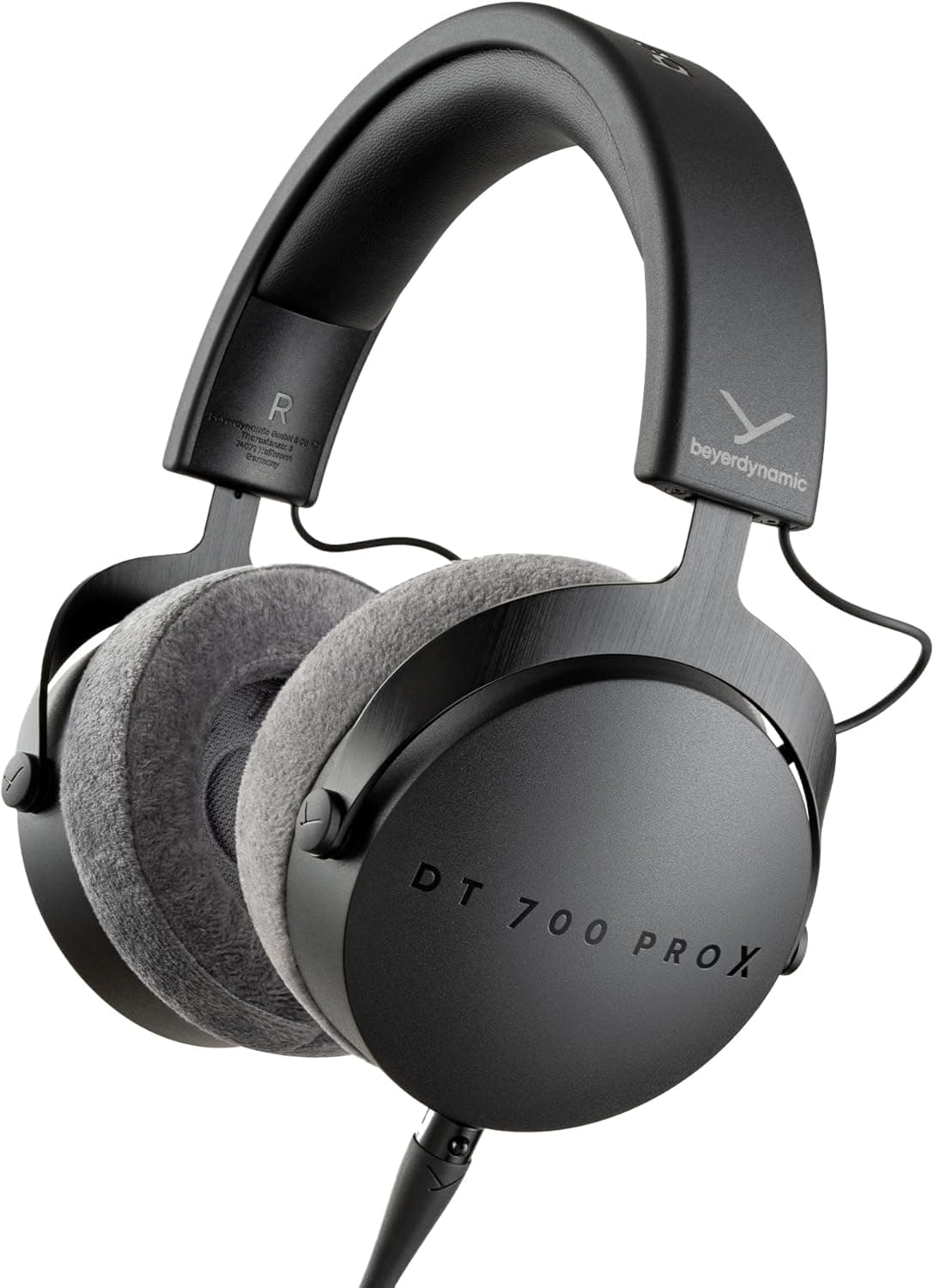
Closed-back: isolation for recording
Closed-back headphones have sealed ear cups that isolate you from the outside world and, crucially, stop sound from leaking out. This isolation is exactly what you need while recording. When your microphone is live and you are monitoring yourself or a guest, any sound escaping from your headphones can bleed back into the mic and create echo or feedback. Closed-back designs contain the audio so your recording stays clean, and they also block room noise so you can hear subtle problems in your voice while you talk.
Open-back: a natural sound stage for editing
Open-back headphones, by contrast, have perforated or grilled ear cups that let air and sound pass through freely. This openness produces a more natural, spacious, and accurate sound stage that many people find less fatiguing over long sessions, which makes open-back models excellent for editing and mixing. The catch is that they leak sound in both directions. They let room noise in and let your monitoring audio out, so wearing them near a live microphone is asking for bleed. They are editing tools, not recording tools.
Sound signature: flat and honest beats exciting
Beyond the back design, consider sound signature. For monitoring and editing you generally want a flat, honest response that reveals problems rather than flattering the audio. Consumer headphones often boost bass and treble to sound exciting, which hides issues like harsh sibilance or a muddy low end that you need to catch and fix. A flatter studio-oriented pair shows you the recording as it really is, so decisions you make translate well when your listeners play the episode on their own devices.
Comfort and practicality for long sessions
Comfort and practicality matter more than spec sheets suggest, because podcast sessions run long. Look for headphones that stay comfortable over an hour or more, with clamping force that holds without pinching and ear pads that do not turn your ears into a sauna. A detachable or replaceable cable extends the life of the pair, since cables fail long before drivers do. If a guest will wear them, over-ear closed-back models that are easy to sanitize and adjust make the experience better for everyone.
If you can only own one pair, choose closed-back
If you can only own one pair when starting out, choose closed-back, because recording without proper isolation causes bleed you cannot fix later, while editing on closed-back headphones is merely less pleasant, not broken. As you grow, adding a comfortable open-back pair for editing sessions is a genuine quality-of-life upgrade that also improves your mixing decisions. Match the tool to the task, prioritize an honest sound over a flashy one, and remember that whatever you buy, learning how your specific headphones color the sound is what really lets you trust what you hear.
Frequently asked questions
Should I use closed-back or open-back headphones for podcasting? Closed-back for recording, because they stop headphone sound leaking into a live mic and creating echo. Open-back for editing and mixing, because their more natural sound stage is less fatiguing and reveals problems better.
Why do open-back headphones cause problems while recording? They leak sound in both directions: room noise gets in and your monitoring audio gets out, so wearing them near a live microphone causes bleed you cannot fix later.
What sound signature should podcast headphones have? A flat, honest response that reveals problems like harsh sibilance or a muddy low end, rather than a consumer boost of bass and treble that hides issues and makes your mix translate badly.
If I can only buy one pair of headphones, which should it be? Closed-back. Recording without proper isolation causes bleed you cannot fix, while editing on closed-back headphones is merely less pleasant, not broken.
What headphone monitoring actually means
Monitoring simply means listening to your own microphone signal, and your co-hosts or guests, in headphones while you record. It lets you hear plosives, handling noise, a mic that has drifted off axis, or a guest who is too quiet, while there is still time to fix it. Recording without monitoring is how many podcasters discover problems only after an episode is finished.
The cleanest way to monitor is through the headphone output of your audio interface, mixer, or USB microphone, using its direct or zero-latency monitoring. That signal comes straight from the input, so you hear yourself with no noticeable delay. Monitoring through your recording software adds a round trip through the computer, which can create a slight echo that makes speaking feel awkward.
Keep monitoring volume moderate. Loud headphones leak sound even from closed-back cups, and that bleed ends up in a sensitive microphone. A level where you can clearly hear your voice and your guests without it spilling into the room is the sweet spot, and it is also easier on your ears over long sessions.
Headphones or studio monitors for editing
Studio monitor speakers and headphones do different jobs in podcast editing. Headphones reveal small details like mouth clicks, breaths, and background hum that speakers in an untreated room can hide. Speakers give a more natural sense of overall balance and are less fatiguing for long editing sessions, but only if the room is not adding boomy bass or echoes.
For most home podcasters, headphones are the more dependable reference, since they take the room out of the equation. A good approach is to do detailed cleanup on headphones, then do a final check on speakers, earbuds, and a phone, because that is how many listeners will actually hear the show. If the episode sounds clear and balanced on all of them, it is ready to publish.
Quick answers
What is headphone monitoring when recording a podcast?
It means listening to your microphone signal in headphones while you record, so you can catch plosives, noise, poor mic position, or a quiet guest in real time. Monitoring through your interface or mixer headphone output gives you your voice with no noticeable delay.
Why do I hear a delay or echo in my headphones while recording?
You are probably monitoring through your recording software, which adds latency as audio passes through the computer. Turn off software monitoring and use your interface, mixer, or USB mic's direct monitoring instead. If you must monitor in software, lowering the buffer size in its audio settings reduces the delay.
Should podcast guests wear headphones?
Yes, whenever possible. Headphones let guests hear their own mic position and volume, and they stop the other speakers' audio from playing through the room into the microphones. Closed-back headphones at a moderate volume are the best choice for everyone in the room.
Can I use earbuds for monitoring while recording?
Wired earbuds that seal in the ear can work, since they isolate reasonably and leak little sound. Bluetooth earbuds are a poor choice for monitoring because wireless audio usually adds a noticeable delay. For long sessions and accurate listening, over-ear closed-back headphones remain the more comfortable option.
Popular right now
- Best Microphone Isolation ShieldsBuying guide
- Best Acoustic DiffusersBuying guide
- Best XLR MicrophonesBuying guide
- Gain Staging BasicsArticle
- Best LED Video LightsBuying guide
- Best Digital RecordersBuying guide
Based on the last 28 days of search and visitor data.