How to Fix Delay and Echo in Headphones When Recording
Published How we research
Hearing your own voice a fraction of a second late in your headphones is surprisingly distracting and can make you stumble over words. This delay, called monitoring latency, happens when your voice travels through the computer and software before reaching your ears. The fix is usually to monitor directly from your microphone or interface, or to adjust buffer settings in your recording software.
Products from this article
The highest-scoring picks from the buying guides this article links to. Scores are our editorial assessment, not customer ratings.
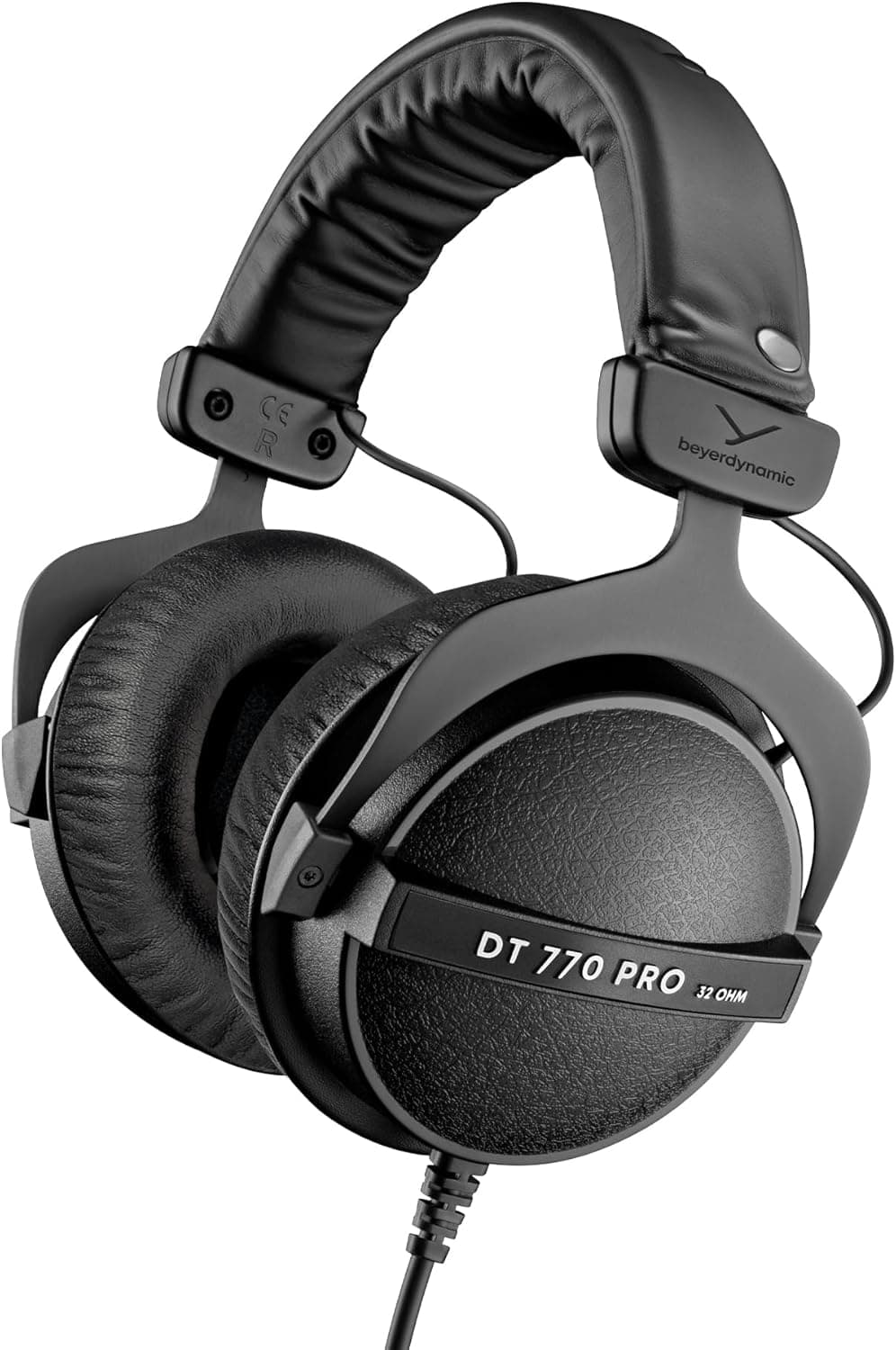
+ 32 Ohm version gets loud from phones, laptops and small recorders
From our guide: Best Closed Back Headphones
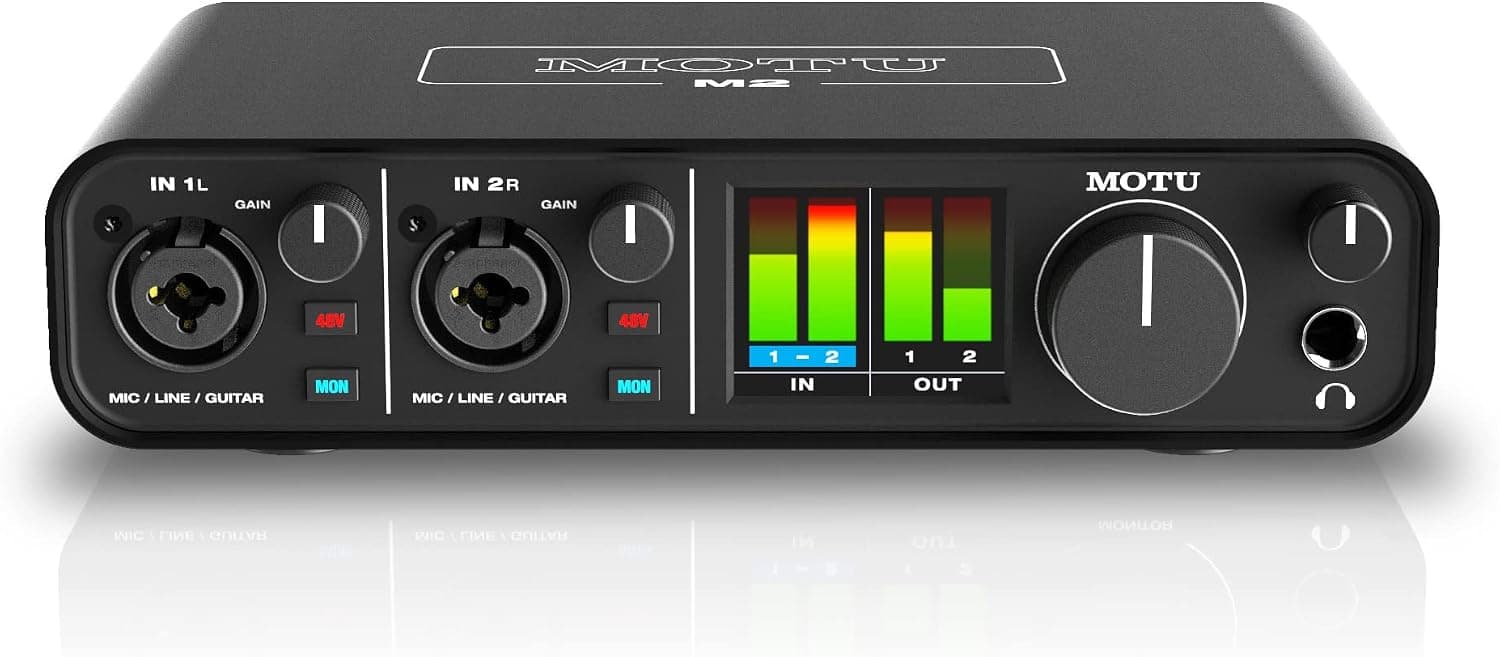
+ Bright level meters show exactly when your voice is getting too loud
From our guide: Best Audio Interfaces
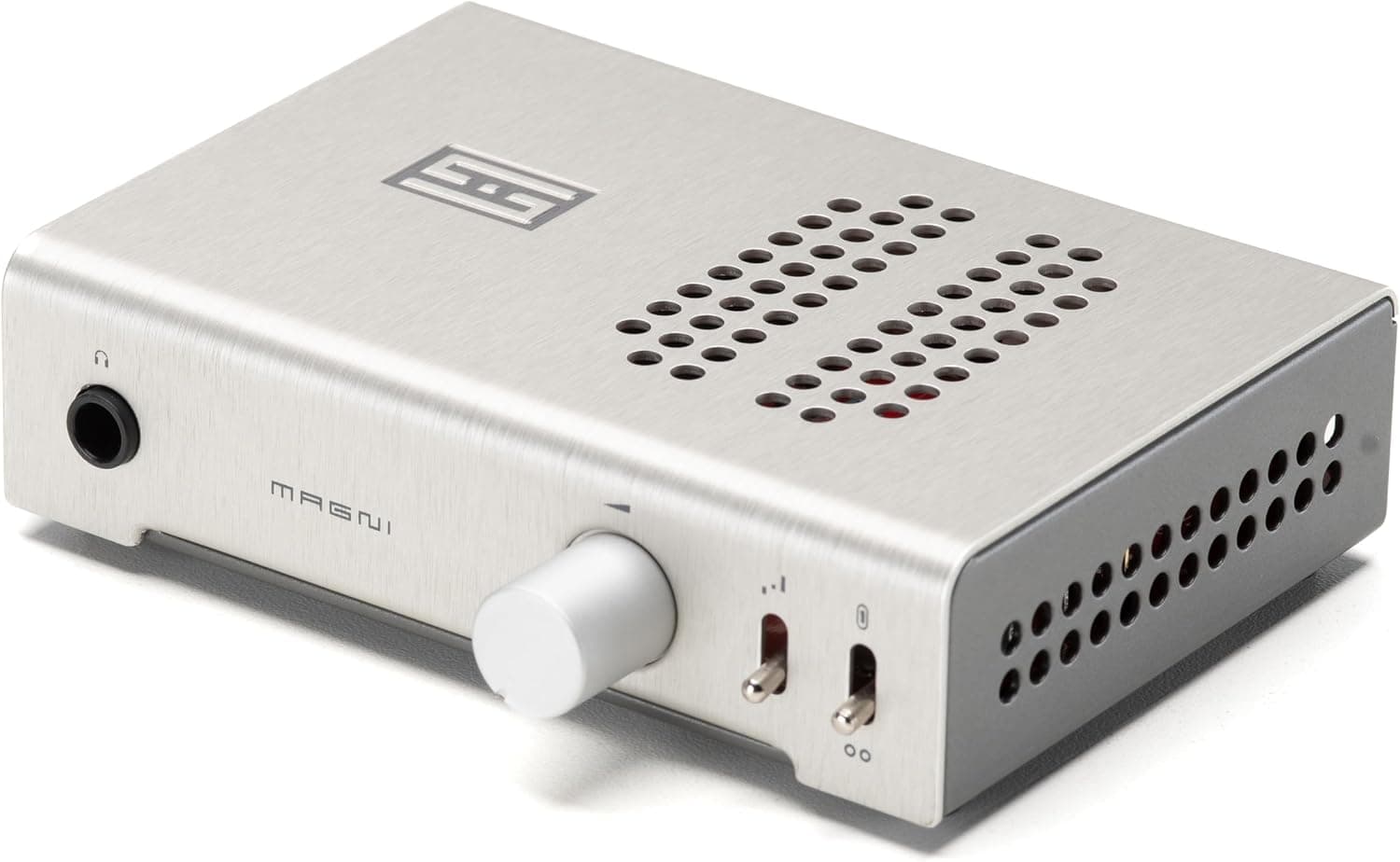
+ Built-in DAC lets it play straight from a computer over USB
From our guide: Best Headphone Amps
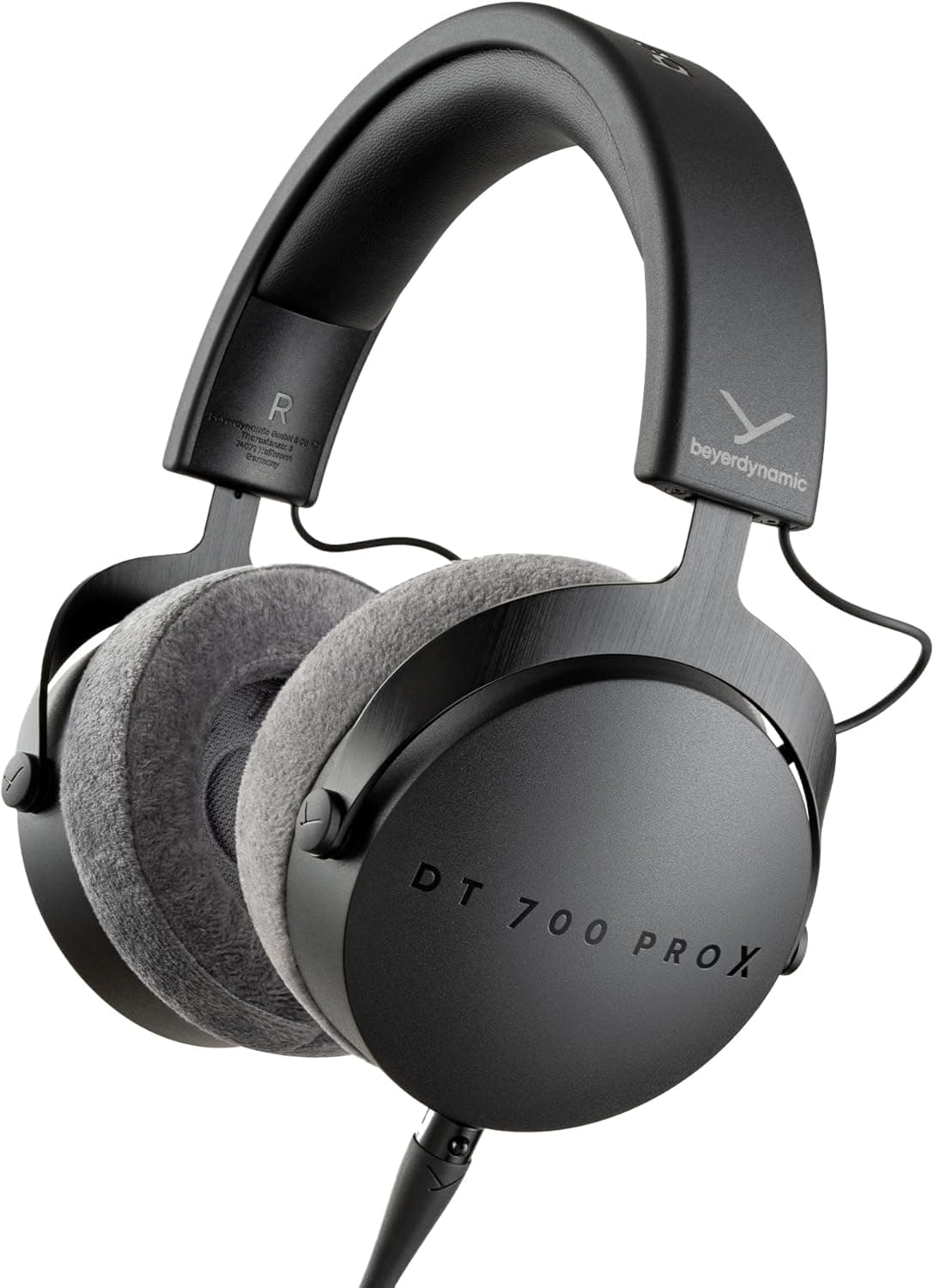
+ Stellar.45 driver delivers detailed, low-distortion sound
From our guide: Best Closed Back Headphones
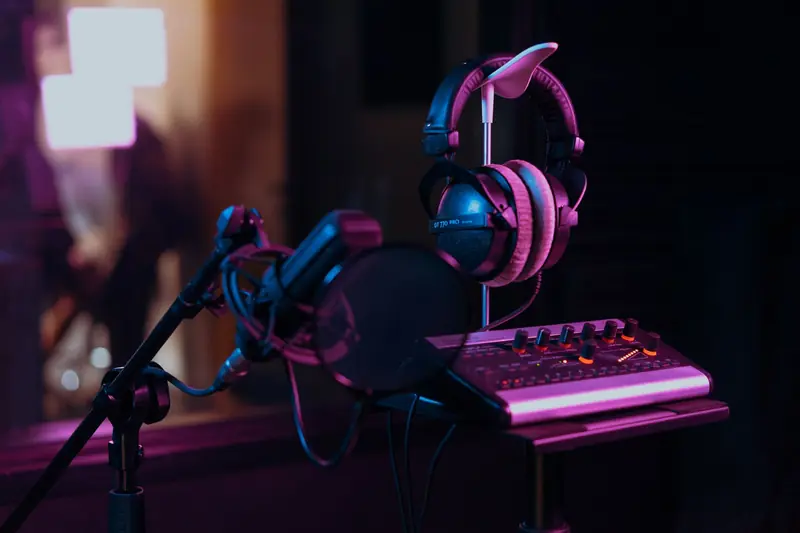
Where the delay comes from
When software monitoring is on, your voice is converted to digital audio, processed by the computer and sent back out to the headphones. Each step adds a few milliseconds, and with effects or large buffers the total becomes noticeable.
Delays above roughly 10-15 milliseconds tend to sound like an echo or doubling. Bluetooth headphones add significant extra latency, which makes them unsuitable for monitoring while recording.
Use direct monitoring
Most audio interfaces, podcast mixers and many USB microphones have a headphone output with zero-latency direct monitoring. The microphone signal goes straight to the headphones before reaching the computer, so there is no delay.
Turn on direct monitoring with the switch, knob or companion app, and then turn off input monitoring in your recording software. Leaving both on is a common cause of hearing yourself twice.
Lower the buffer size
If you need software monitoring, for example to hear effects, reduce the buffer size in your audio software's settings. Smaller buffers reduce latency but increase load on the computer, so try 128 or 256 samples and listen for clicks and dropouts.
Close other applications and browser tabs to free processing power. Use the manufacturer's dedicated driver on Windows where available, since generic drivers often add more latency.
Fix echo on calls and remote recordings
On remote recordings, hearing an echo of yourself usually means a guest's microphone is picking up your voice from their speakers. Ask every participant to wear headphones.
Also check that apps are not sending your own audio back to you through a loopback or mix-minus setting. Podcast mixers with mix-minus let remote callers hear everyone except themselves.
Choose wired monitoring gear
Use wired closed-back headphones for recording, because they provide low-latency monitoring and prevent sound leaking into the microphone. Many podcasters prefer comfortable closed-back models for long sessions.
If several hosts record together, a headphone amplifier or splitter gives everyone their own volume control from a single interface output.
Popular right now
- Best Microphone Isolation ShieldsBuying guide
- Best Acoustic DiffusersBuying guide
- Best XLR MicrophonesBuying guide
- Gain Staging BasicsArticle
- Best LED Video LightsBuying guide
- Best Digital RecordersBuying guide
Based on the last 28 days of search and visitor data.