How to Reduce Background Noise in Recordings
Published How we research
Stop noise at the source before recording: turn off fans and AC, unplug buzzing electronics, close windows, and record when your space is naturally quiet. Use a dynamic microphone (less sensitive to room noise than a condenser), speak close and steady so you can record at lower gain, and set levels so your voice is strong without clipping. Fix hum with clean cabling and shared outlets, and use noise reduction and a noise gate sparingly in editing, since heavy processing makes voices sound watery. Background noise is one of the fastest ways to make an otherwise good recording sound amateurish. A steady hum, distant traffic, a buzzing fridge, or the hiss of a poorly set microphone can quietly pull listeners out of your content. The most effective approach is to stop noise at the source before you ever hit record, because no amount of editing fully repairs audio that was noisy to begin with. Prevention first, cleanup second is the golden rule of clean recordings.
Products from this article
The highest-scoring picks from the buying guides this article links to. Scores are our editorial assessment, not customer ratings.
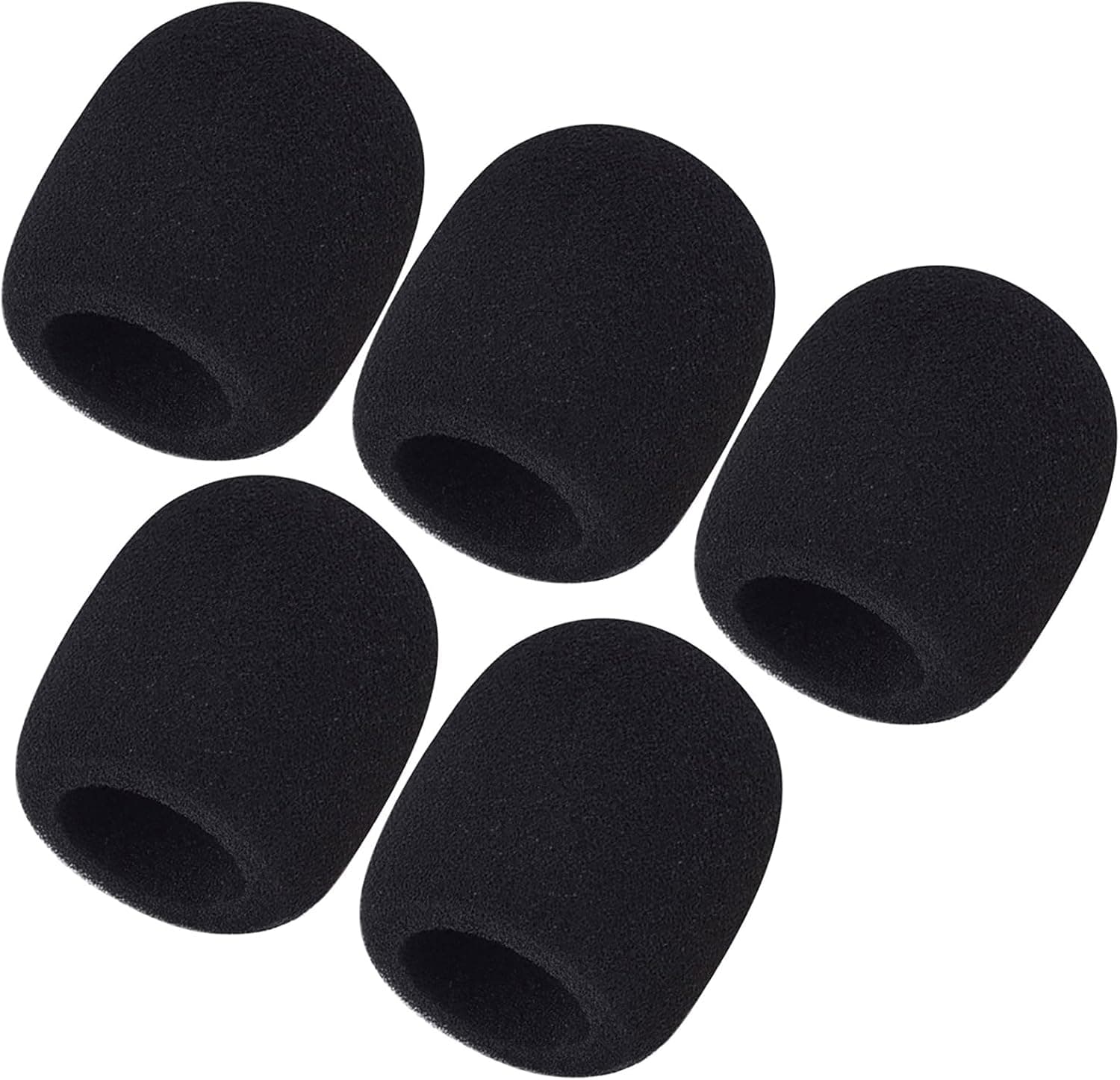
+ Thick foam provides stronger wind and plosive protection
From our guide: Best Microphone Windscreens
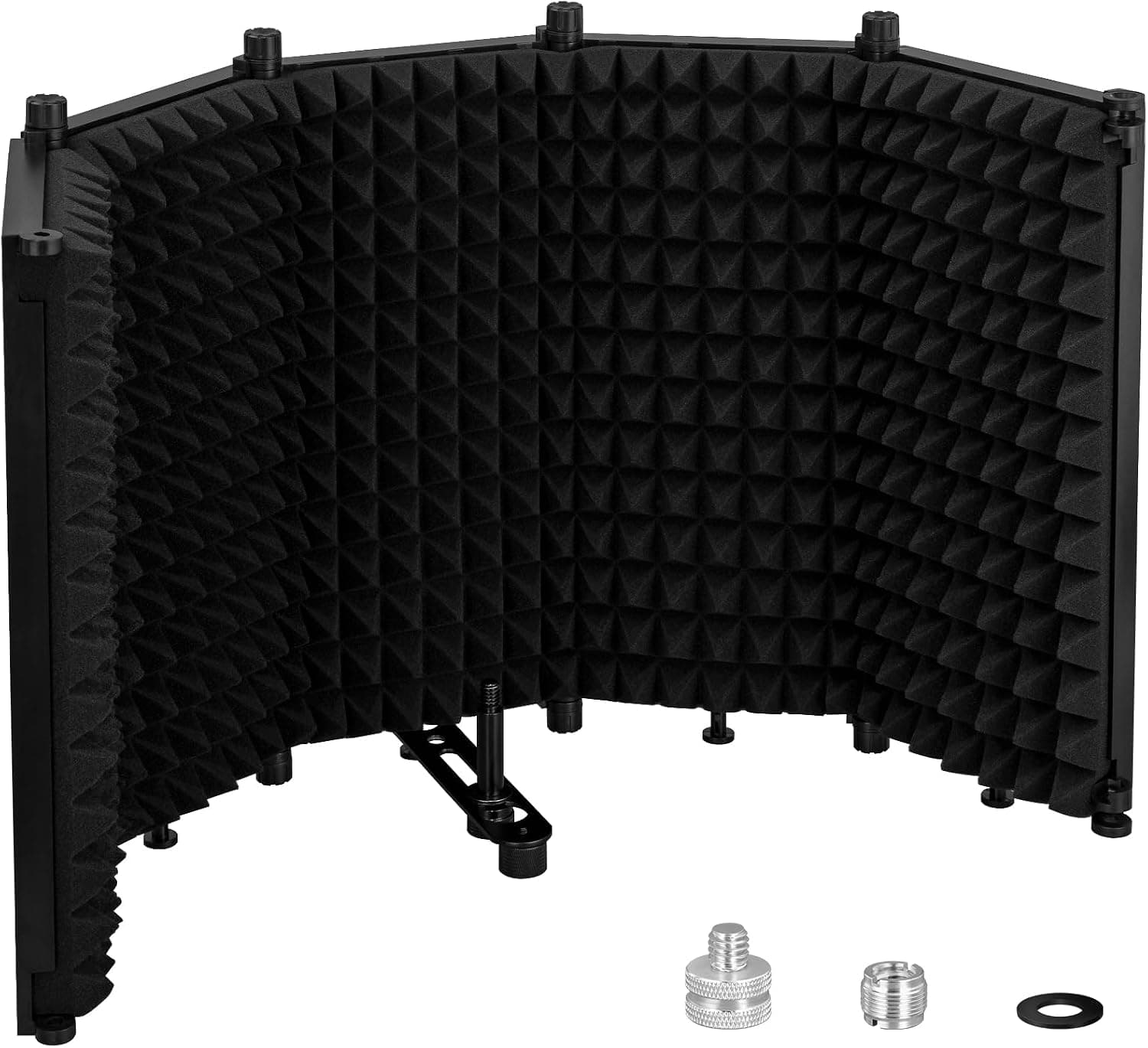
+ XL 30x12.9 size wraps further around the mic for better isolation
From our guide: Best Microphone Isolation Shields
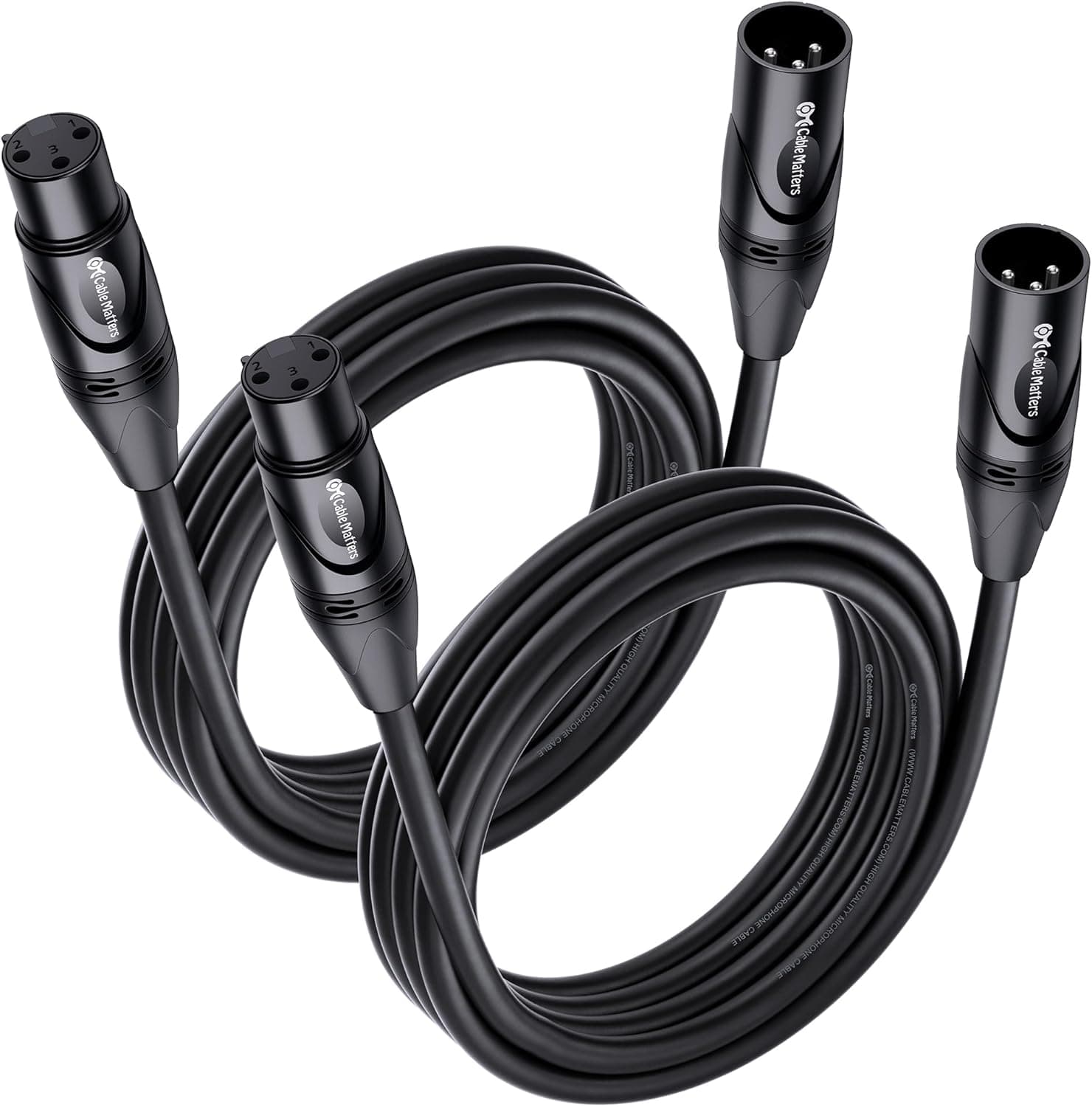
+ 2-Pack covers both host microphones in a single purchase
From our guide: Best Xlr Cables
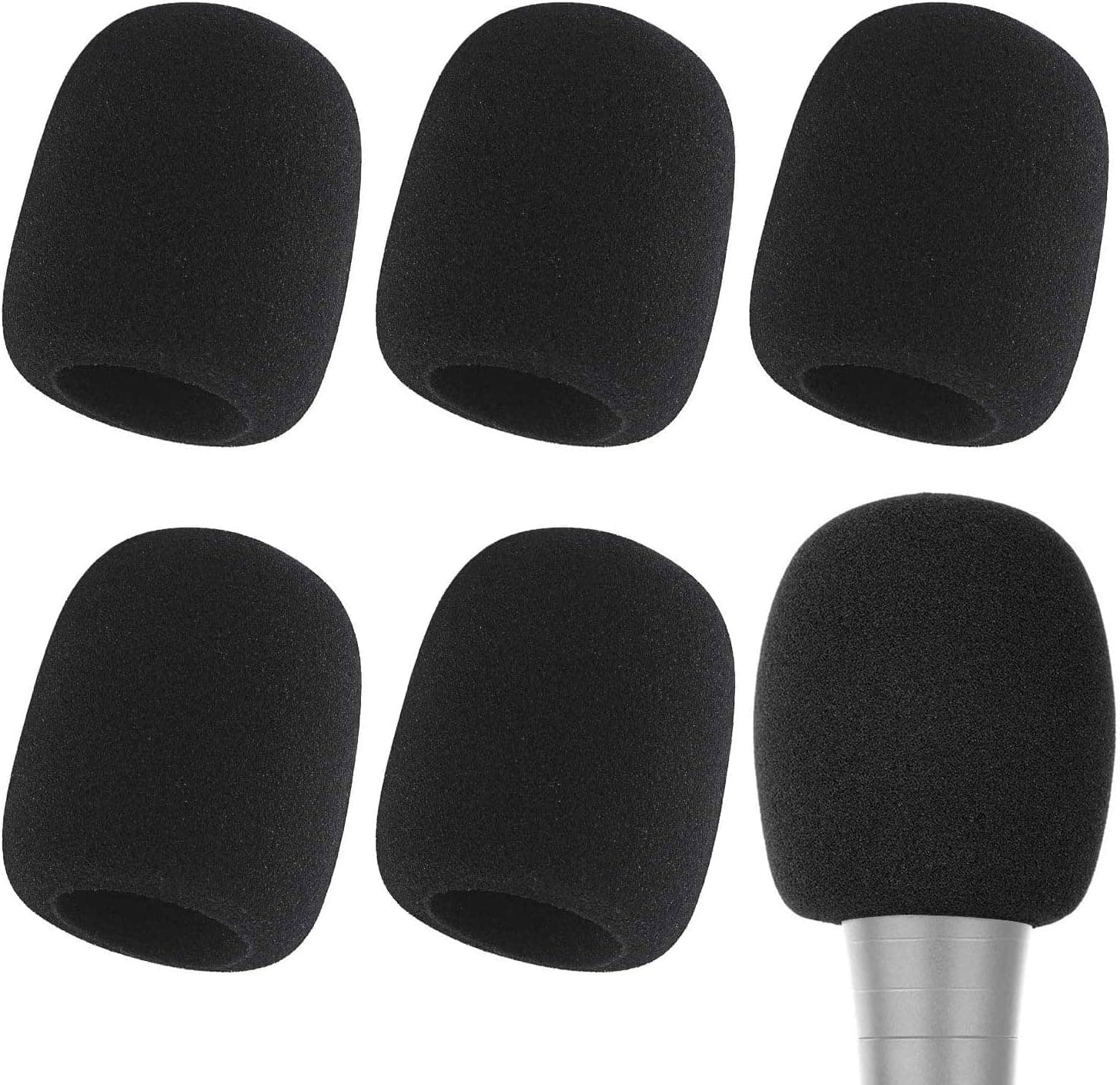
+ 5 Pack gives each guest a fresh cover for hygiene between recordings
From our guide: Best Microphone Windscreens

Hunt down and silence noise sources first
Start by hunting down and silencing noise sources in your space. Turn off fans, air conditioners, and space heaters during recording, even if it means a slightly warm or cool room for a while. Unplug or move away from buzzing electronics and chargers. Close windows to block street sound, and choose a recording time when your home and neighborhood are naturally quieter. Many creators are amazed at how much cleaner their audio becomes simply by recording late in the evening or early in the morning.
Microphone choice and technique
Your microphone choice and technique make an enormous difference too. A dynamic microphone is far better than a condenser at rejecting room noise because it is less sensitive and picks up mostly what is directly in front of it. Whatever mic you use, get close to it and speak with a strong, steady voice. The closer your mouth is to the mic, the louder your voice sits relative to the background, which means you can record at a lower gain and capture far less ambient hiss.
Setting your levels correctly
Setting your levels correctly is a subtle but crucial step. If you set the gain too high to compensate for a quiet voice, you amplify all the room noise along with it. Instead, position yourself close to the mic, speak up, and set the gain so your voice is strong without clipping. This keeps the noise floor, meaning the constant low-level background sound, as far beneath your voice as possible, giving you clean audio that needs little rescuing later.
Electrical hum and hiss have their own fixes
Electrical hum and hiss have their own fixes. A persistent low hum often comes from ground loops or interference, which you can reduce by plugging your gear into the same outlet, using quality cables, and keeping audio cables away from power cables. Hiss usually comes from cranking gain too high or from a low-quality signal chain, so improving your levels and using a decent interface often clears it up. Address these electrical issues at the hardware stage rather than hoping software will save you.
Editing tools help, but use them with restraint
When noise still sneaks through, editing tools can help, but use them with restraint. Most editing software includes noise reduction that samples a quiet section of your recording and removes similar sound throughout, which is exactly why you should record a few seconds of silence at the start of every session. Apply just enough to clean things up, since heavy noise reduction leaves your voice sounding watery and robotic. A gentle noise gate that mutes very quiet passages can also help. Combine light cleanup with good recording habits, and your audio will sound clear and professional.
Frequently asked questions
How do I stop background noise in my podcast recordings? Prevent it at the source: turn off fans and AC, close windows, use a dynamic microphone close to your mouth, and set gain so your voice is strong without needing to amplify the room along with it.
Does a dynamic or condenser microphone pick up less background noise? A dynamic microphone, because it is less sensitive and mostly picks up what is directly in front of it, unlike a condenser which captures the whole room in detail.
Why does turning up my recording also turn up the hiss? Setting gain too high to compensate for a quiet voice amplifies the room noise along with it. Get close to the mic and speak up instead, so you can record at a lower, cleaner gain.
Can editing software remove background noise? Partially. Noise reduction samples a quiet section (record a few seconds of silence at the start) and removes similar sound throughout, but heavy settings make voices sound robotic, so use it sparingly.
Quick answers
How do I reduce background noise in recordings?
Fix it at the source first: a quieter room, a dynamic mic close to your mouth and lower gain. Then apply gentle noise reduction in editing, since heavy processing makes voices sound robotic.
Popular right now
- Best Microphone Isolation ShieldsBuying guide
- Best Acoustic DiffusersBuying guide
- Best XLR MicrophonesBuying guide
- Gain Staging BasicsArticle
- Best LED Video LightsBuying guide
- Best Digital RecordersBuying guide
Based on the last 28 days of search and visitor data.