How to Start a Podcast
Published How we research
Start with a tight concept: who the show is for, what they get from each episode, and your format (solo, interview, co-hosted). Record with a single USB microphone in a small, soft-furnished room, speaking close to the mic. Use free software like Audacity or GarageBand, watch levels without clipping, and capture a few seconds of room silence for noise cleanup. Edit lightly (cut pauses and stumbles, add an intro/outro) and publish through a hosting service that generates the RSS feed for Apple Podcasts and Spotify. Starting a podcast can feel overwhelming when you are staring at a blank page, but the truth is that the barrier to entry has never been lower. What matters most is not owning the fanciest gear or having a huge audience on day one. It is having a clear idea, a consistent voice, and the willingness to hit record. If you can hold a conversation or talk about something you love, you already have the raw material for a show worth listening to.
Products from this article
The highest-scoring picks from the buying guides this article links to. Scores are our editorial assessment, not customer ratings.
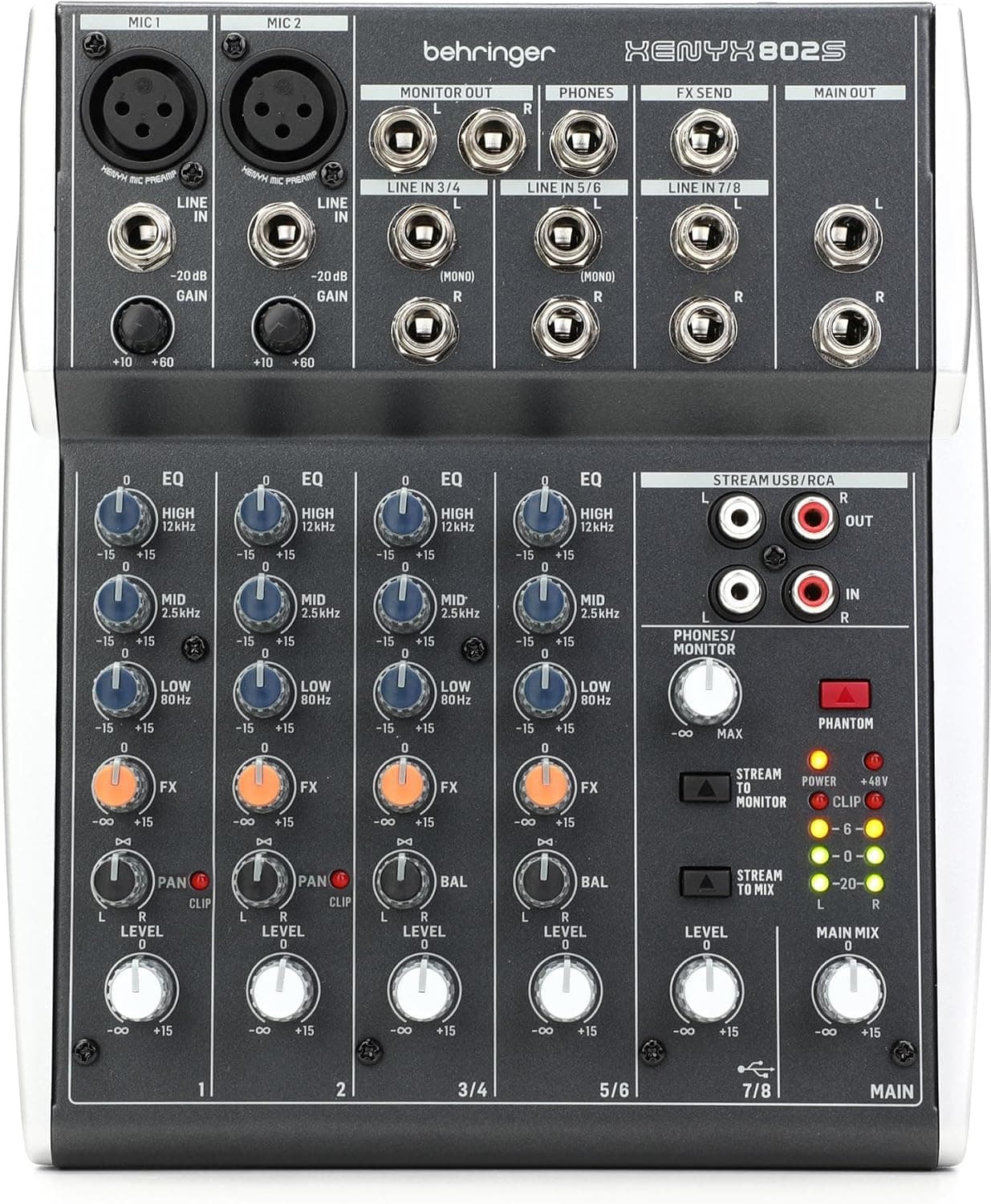
+ 8-channel design handles mics, instruments and computer audio together
From our guide: Best USB Mixers
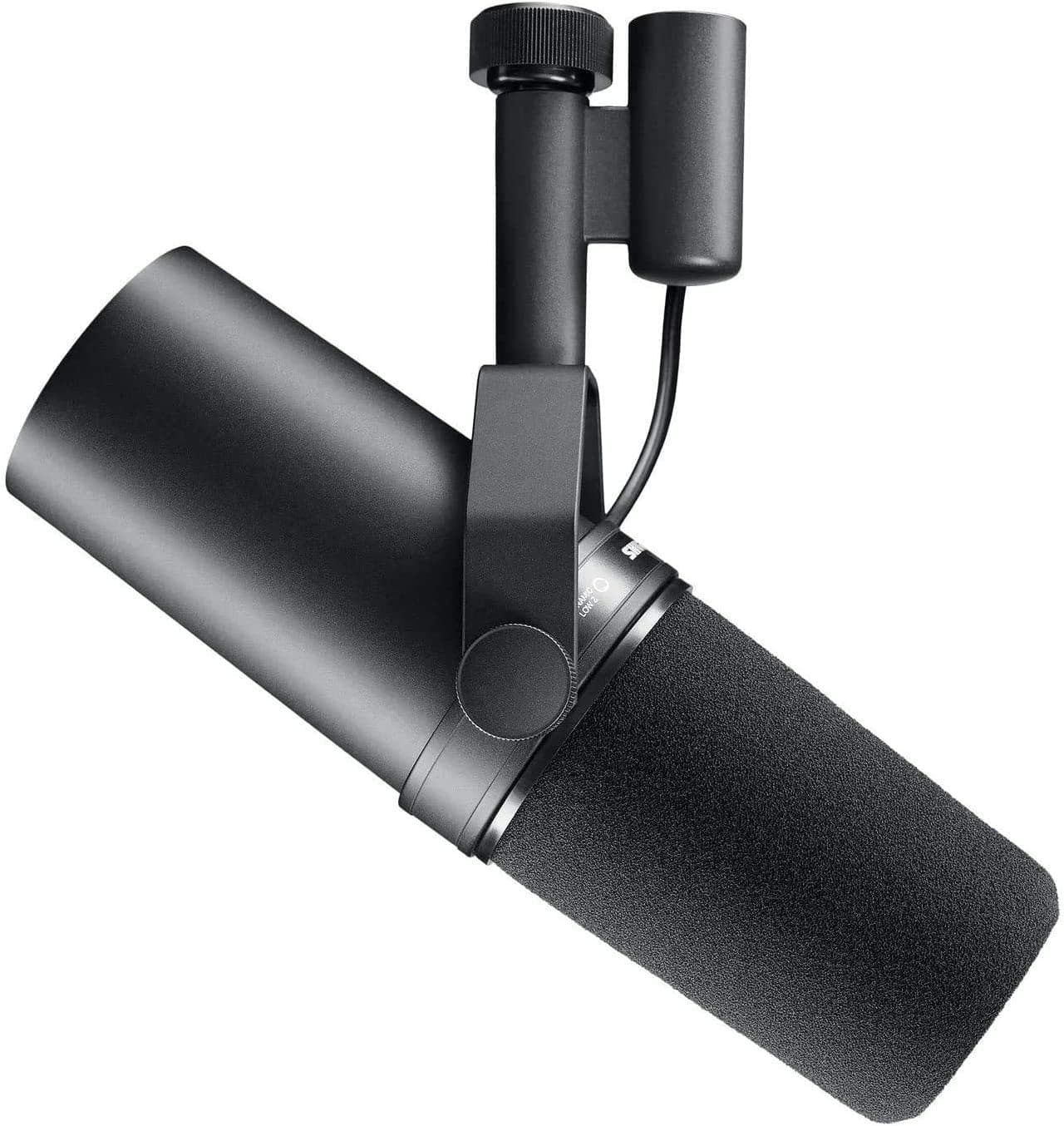
+ Smooth, full voice sound is the benchmark many famous podcasts and radio shows use
From our guide: Best XLR Microphones
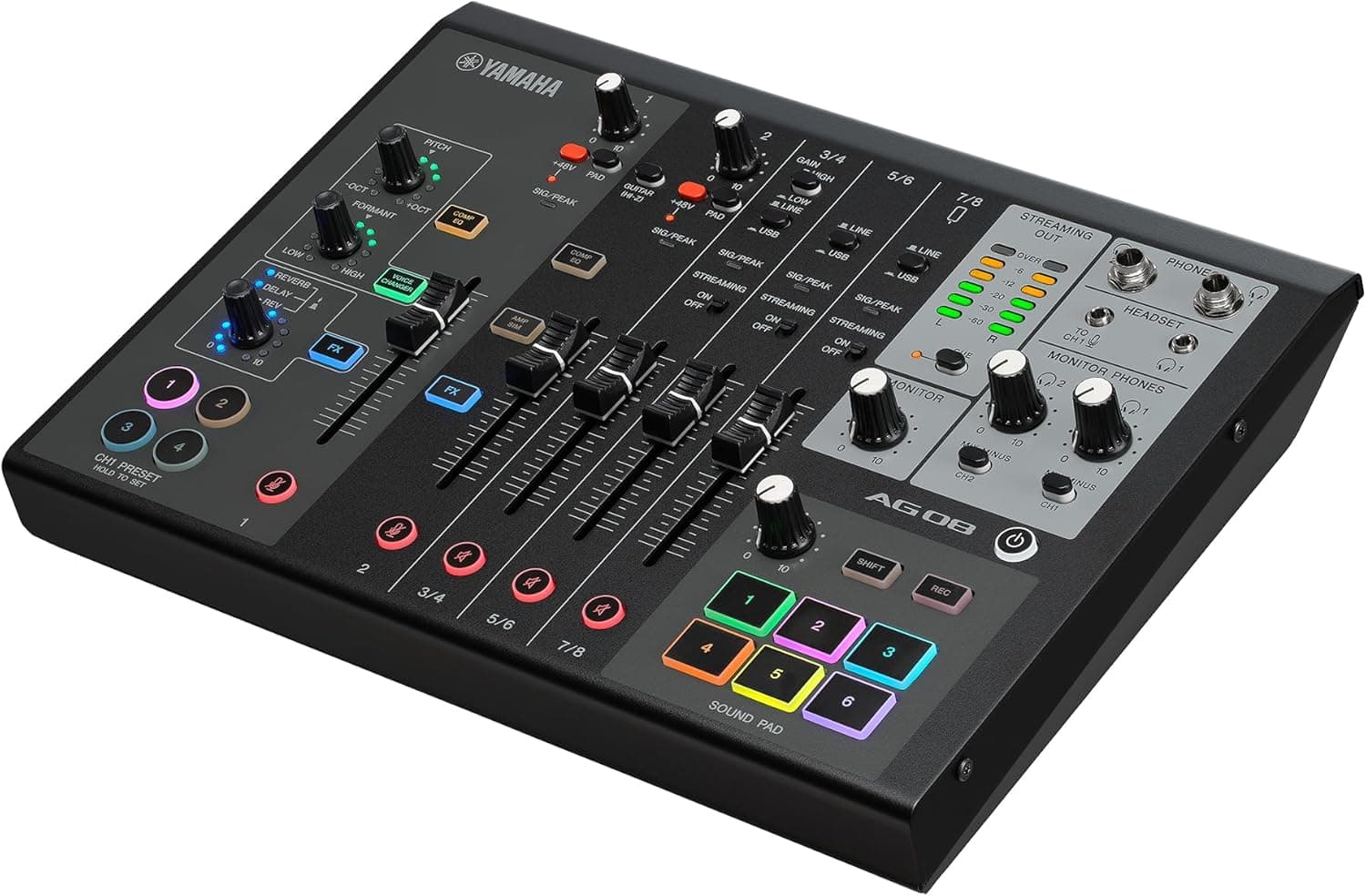
+ Loopback mixing blends mic, game and music for live streams easily
From our guide: Best USB Mixers
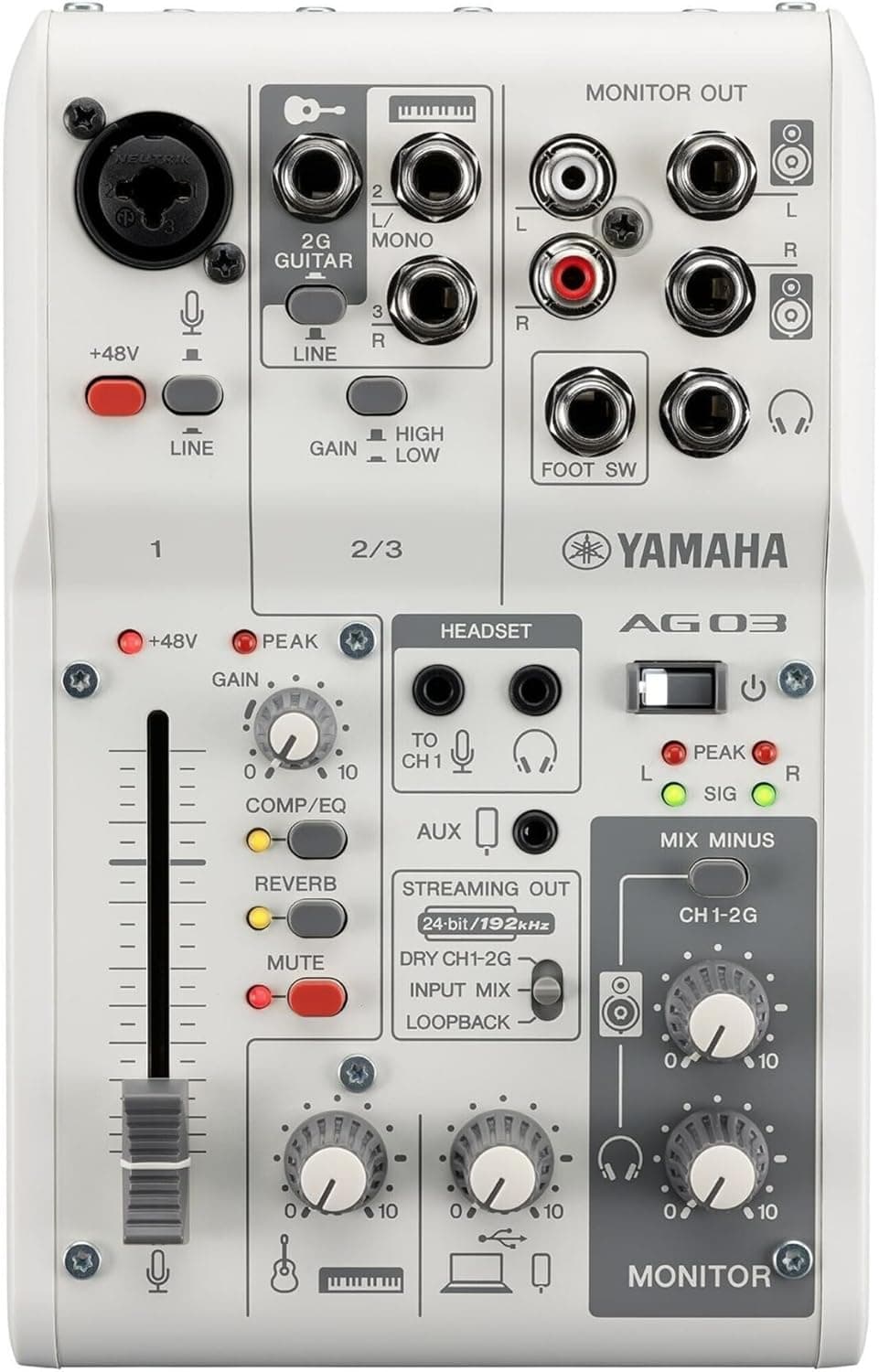
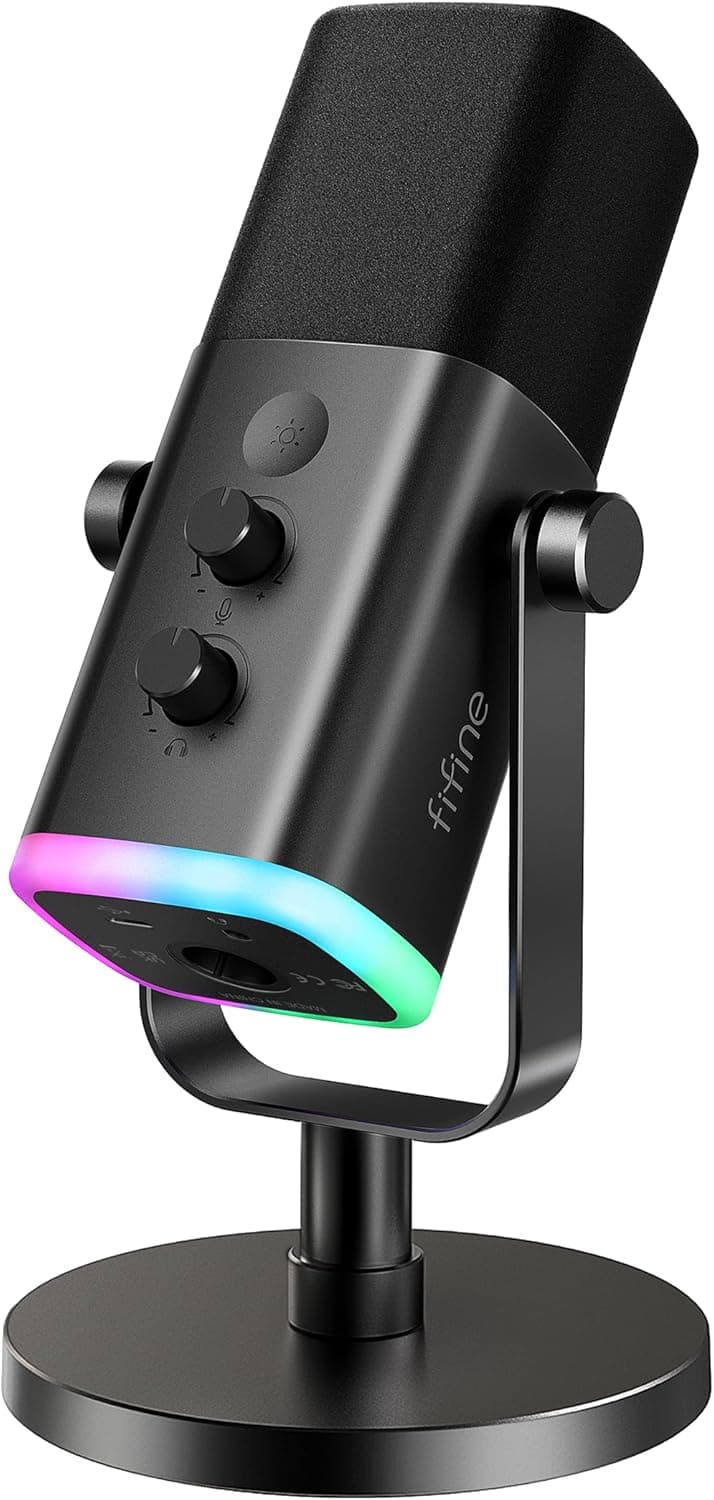
+ USB and XLR outputs let you start plugged into a laptop and move to a mixer later
From our guide: Best XLR Microphones
Start with your concept before buying anything
Begin with your concept before you buy anything. Ask yourself who the show is for, what they will get out of each episode, and why you are the right person to make it. A tight focus helps you stand out in a crowded space and makes it far easier to keep coming up with episode ideas. Sketch out a rough format too, whether that is solo commentary, interviews, or a co-hosted conversation, and decide roughly how long each episode should run. Ten well-planned episodes beat a vague promise of hundreds.
Your recording setup: mic and room
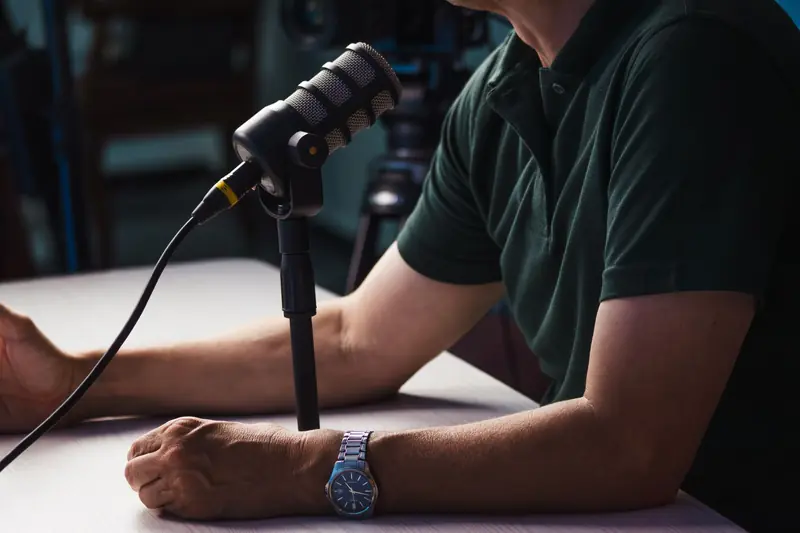
Next, think about your recording setup. You do not need a treated studio to sound professional, but you do need a decent microphone and a quiet space. A single USB microphone plugged into your computer is more than enough for your first season, and many beginners are surprised by how good a simple setup can sound once the room noise is under control. Record in a small carpeted room, tuck yourself among soft furnishings, and speak close to the mic for a warm, present tone.
Recording software and watching your levels
Recording software is the next piece, and free options are genuinely capable here. Programs like Audacity or GarageBand let you capture, trim, and export your audio without spending a cent. When you record, watch your levels so the audio is strong but never clipping, and always lay down a few seconds of silence at the start so you can capture the natural sound of your room for noise cleanup later.
Editing: turning a rough take into an episode
Editing is where a rough take becomes a real episode. Cut long pauses, remove stumbles, and add a short intro and outro so listeners always know where they are. Resist the urge to over-edit, though. A little natural imperfection keeps your show human and relatable, which is often exactly what people connect with.
Getting your show out into the world
Finally, you need to get your show out into the world. Podcasts are distributed through a hosting service that stores your audio and generates an RSS feed, which you then submit to platforms like Apple Podcasts and Spotify. Pick a host, upload your first episode, write a clear title and description, and publish. The hardest part is starting, so give yourself permission to be imperfect. You can always improve your sound, your pacing, and your production as you grow, and every seasoned podcaster you admire once released a shaky first episode too.
Frequently asked questions
What equipment do I need to start a podcast? A single USB microphone and a small, quiet, soft-furnished room are enough for a first season. Free software like Audacity or GarageBand handles recording and editing.
How do I publish a podcast to Apple Podcasts and Spotify? Upload your episode to a podcast hosting service, which stores the audio and generates an RSS feed. Submit that feed to Apple Podcasts, Spotify, and other platforms.
How much should I edit my podcast episodes? Cut long pauses and stumbles and add a short intro and outro, but resist over-editing. A little natural imperfection keeps a show human and relatable.
Do I need a big audience before starting a podcast? No. What matters most is a clear concept, a consistent voice, and the willingness to hit record. Ten well-planned episodes beat a vague promise of hundreds.
Popular right now
- Best Microphone Isolation ShieldsBuying guide
- Best Acoustic DiffusersBuying guide
- Best XLR MicrophonesBuying guide
- Gain Staging BasicsArticle
- Best LED Video LightsBuying guide
- Best Digital RecordersBuying guide
Based on the last 28 days of search and visitor data.