Recording Remote Guests Without Losing Audio Quality
Published How we research
Remote guests opened podcasting to the whole world, but they also introduced a stack of new ways for audio to go wrong. When your guest is across the country or across an ocean, you no longer control their microphone, their room, or their internet connection. The good news is that with the right approach you can get remote recordings that sound nearly as good as in-person ones, and the techniques are more about process than expensive gear.
Products from this article
The highest-scoring picks from the buying guides this article links to. Scores are our editorial assessment, not customer ratings.
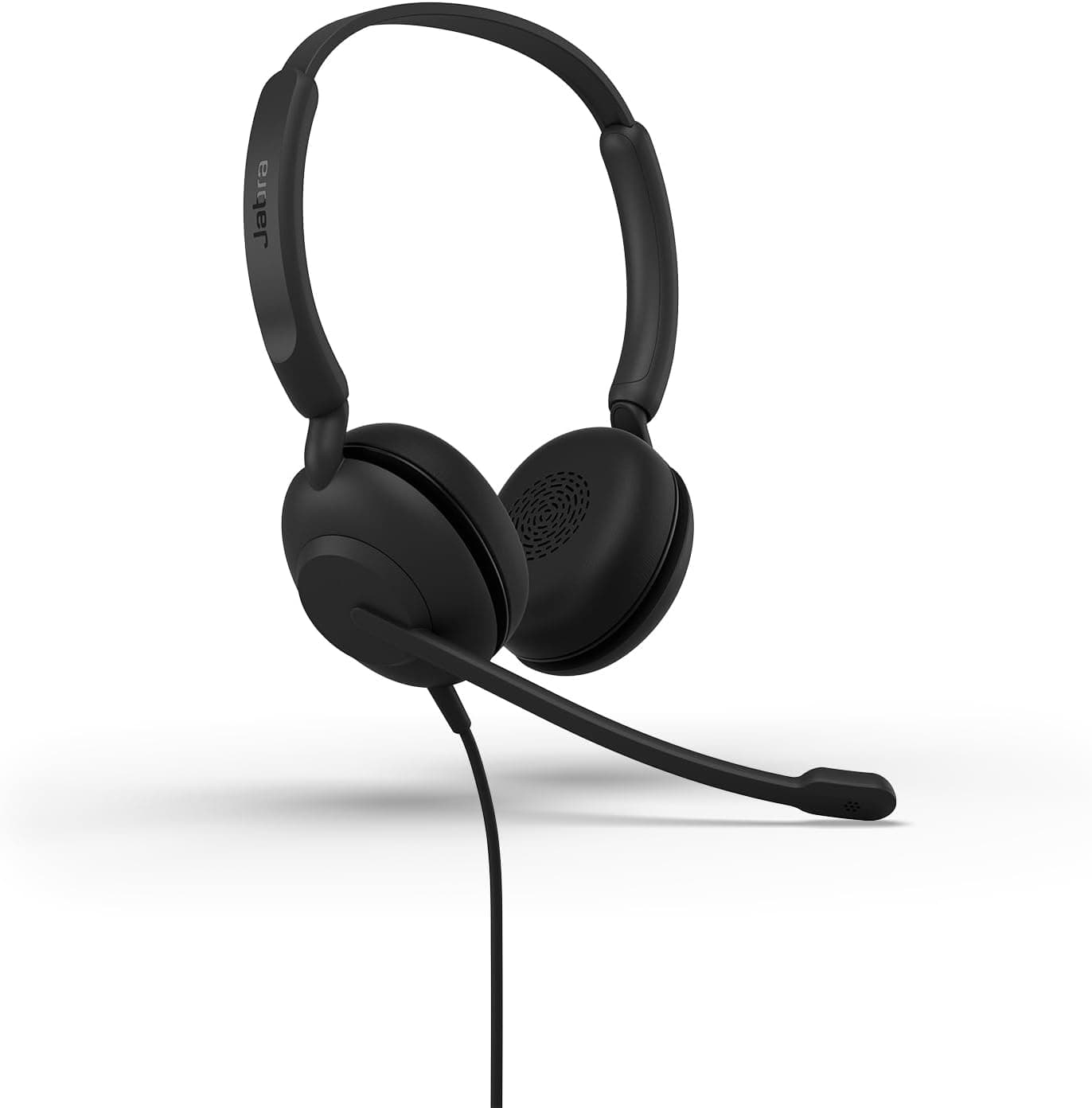
+ Link 370 USB adapter gives reliable wireless connection to computers
From our guide: Best Podcast Headsets
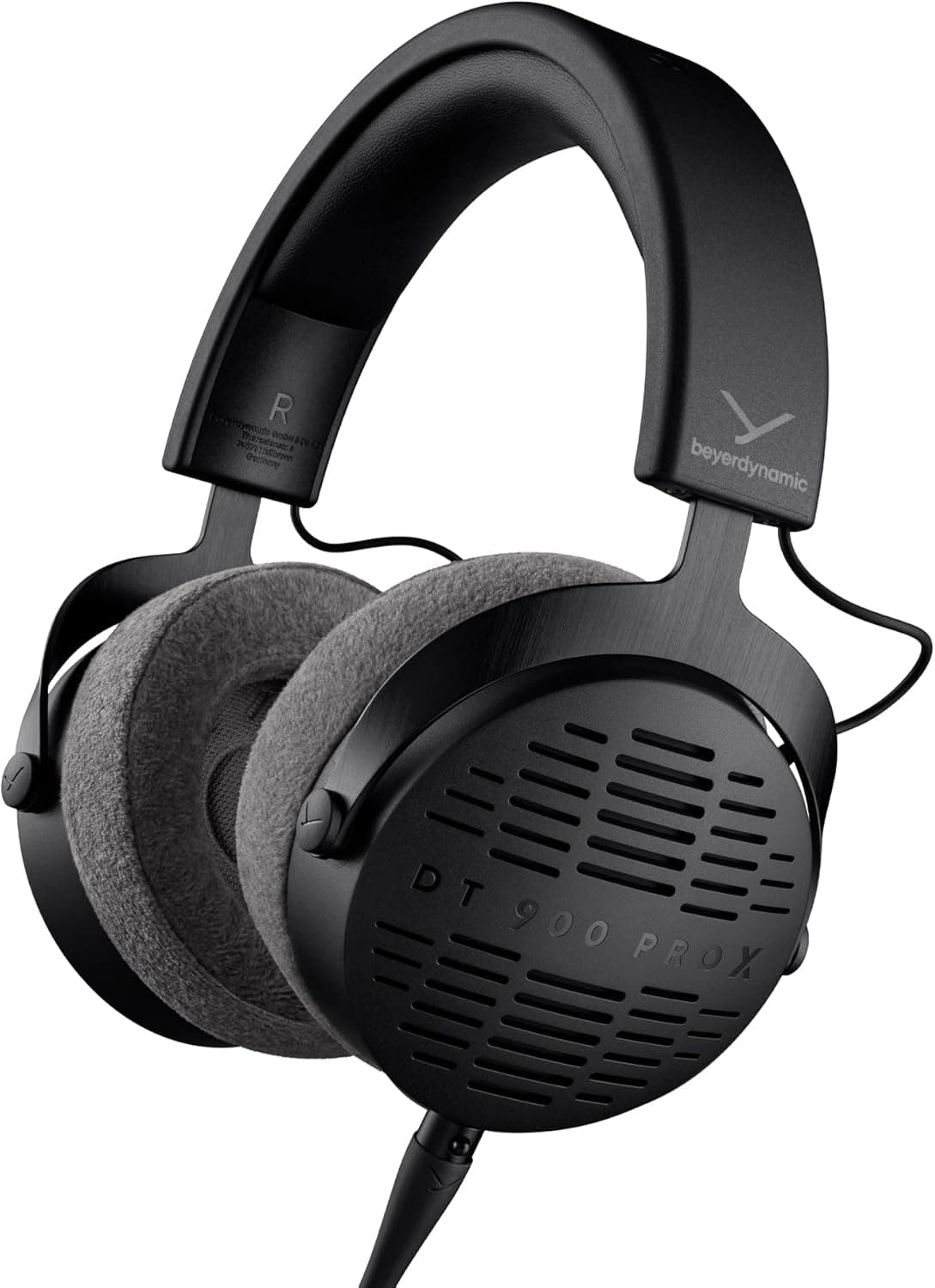
+ Open-back design gives a natural, spacious sound for mixing decisions
From our guide: Best Studio Headphones
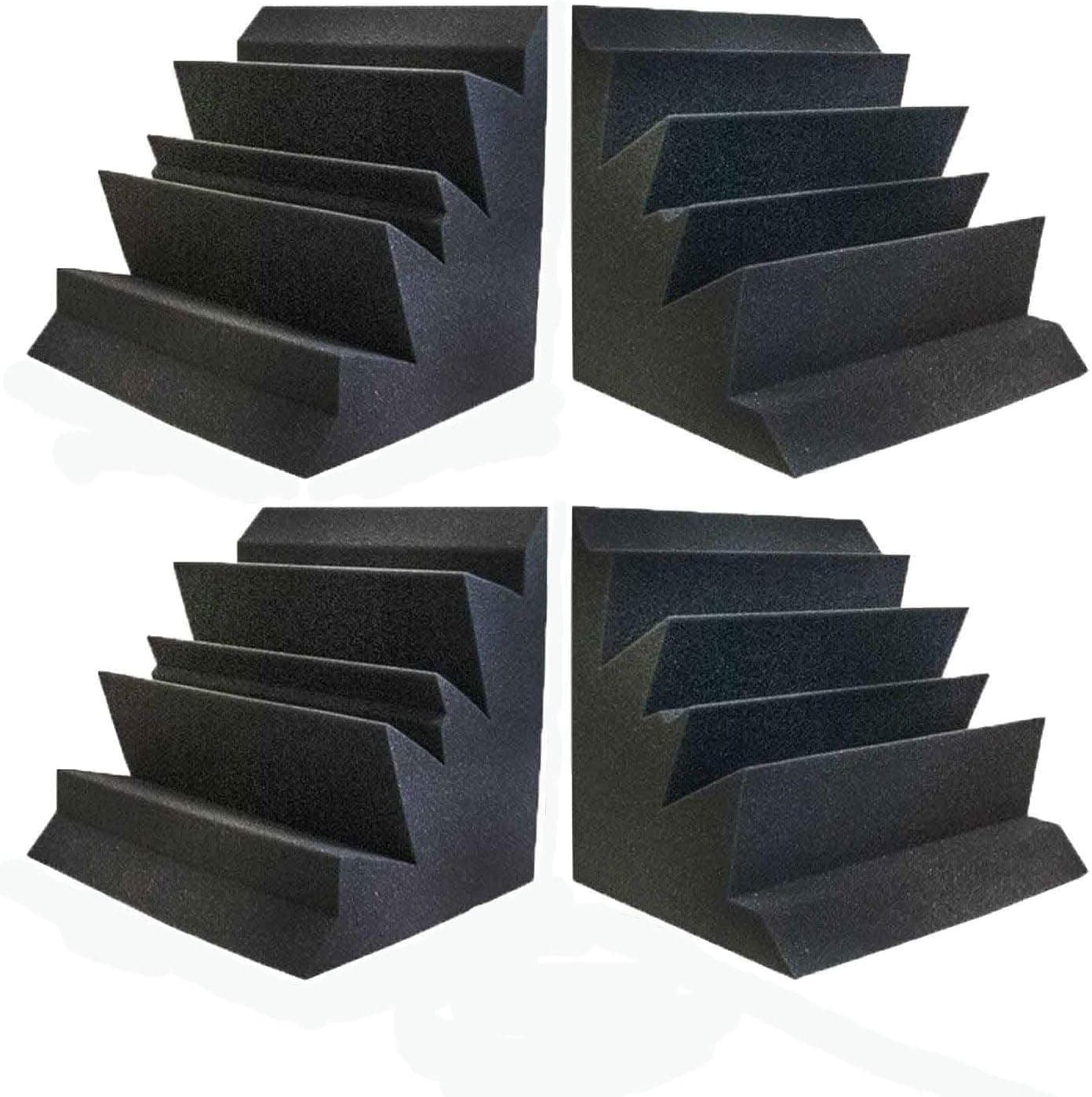
+ XL 12" x 12" x 12" blocks absorb far more bass than slim strips
From our guide: Best Bass Traps
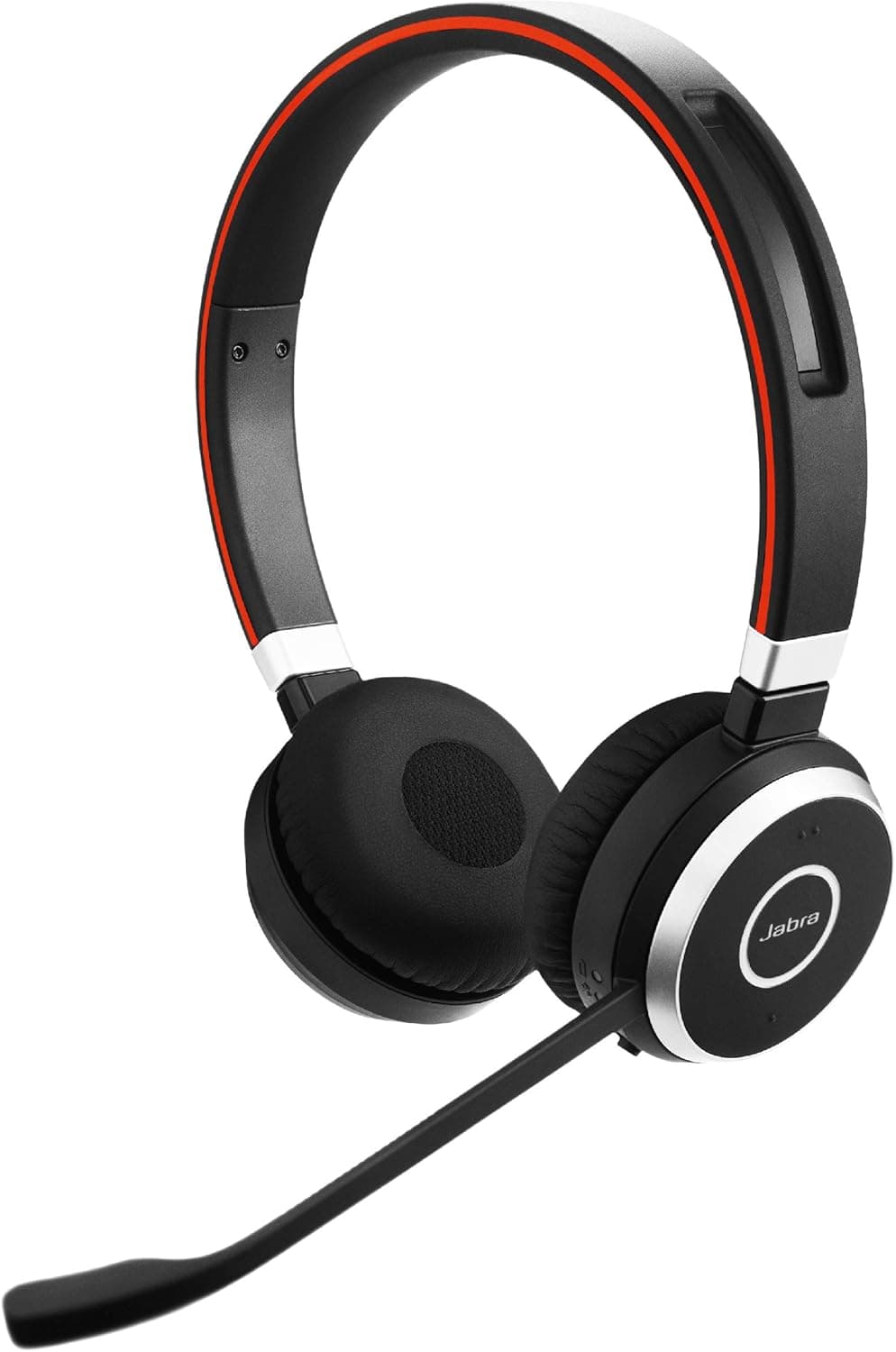
+ Noise-cancelling mic keeps voice clear for remote podcast guests
From our guide: Best Podcast Headsets
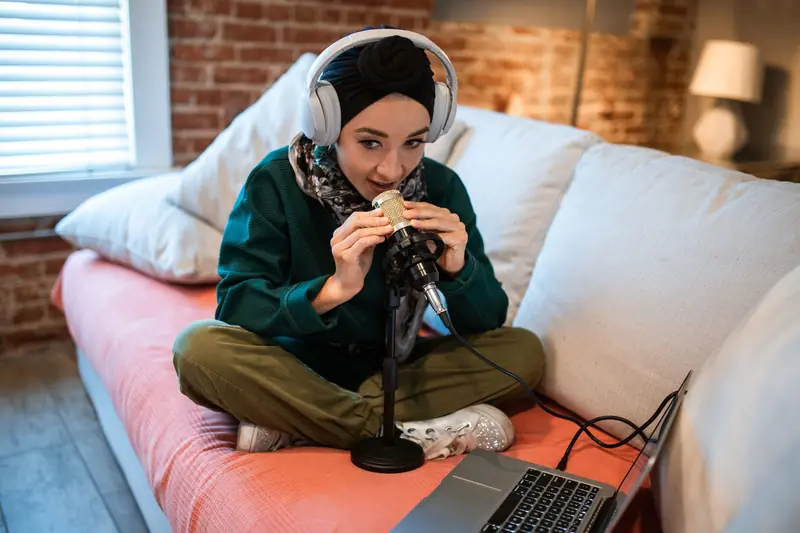
The single most important concept is the double-ender, which means recording each person locally rather than capturing the compressed audio that travels over the call. When you talk over a standard video call, the audio is squashed to survive the internet and any dropout or glitch is baked into the recording forever. A double-ender instead records each participant's microphone directly on their own device at full quality, then combines those clean local tracks afterward. Modern remote recording platforms automate this, recording locally on each end and uploading the pristine files after the session.
Because you cannot control a guest's setup, guest preparation becomes your most powerful tool. A short, friendly message before the session works wonders. Ask them to use wired headphones to prevent echo, to find the quietest room they have, to close windows and turn off fans, and to use a wired internet connection or sit close to their router if possible. If they own any external microphone, even a basic one, ask them to use it instead of laptop speakers and the built-in mic. Small requests, politely made, dramatically raise the floor of what you receive.
Echo and feedback are the most common remote problems, and they almost always come from a guest listening through speakers instead of headphones. When your voice plays out of their speakers, their microphone catches it and sends it back to you as an echo of yourself. Insisting on headphones for every participant, yourself included, eliminates this at the source. If a guest absolutely cannot use headphones, some platforms offer echo cancellation, but it degrades quality, so treat it as a last resort rather than a plan.
Always record a backup, because remote sessions fail in creative ways. Even with a reliable platform, an upload can corrupt, a browser can crash, or a guest can close the tab before their local file finishes syncing. Run a local recording of the call on your own end as a safety net, and ask the guest to keep their recording until you confirm you have the good files. A slightly worse backup track saved from a call is infinitely better than a lost interview you can never recreate.
Finally, run a real sound check before you dive into the conversation. Have the guest speak normally for thirty seconds while you listen for room echo, background hum, plosives, and levels, then coach them gently if something is off. Ask them to nudge the mic closer, angle it slightly, or move away from a noisy fridge. Two minutes of setup saves hours of editing and a recording you can never fully fix. Treat the guest experience as part of your craft, and remote interviews stop being a compromise and become a genuine strength of your show.
Quick answers
How do you record remote podcast guests in good quality?
Use a platform that records each person locally in high quality, have guests wear headphones and use a decent mic, and ask them to record a local backup on their own device.
Popular right now
- Best Microphone Isolation ShieldsBuying guide
- Best Acoustic DiffusersBuying guide
- Best XLR MicrophonesBuying guide
- Gain Staging BasicsArticle
- Best LED Video LightsBuying guide
- Best Digital RecordersBuying guide
Based on the last 28 days of search and visitor data.