How to Choose an Audio Interface for Podcasting and Recording
Published How we research
An audio interface is the quiet hero of an XLR recording setup. It takes the analog signal from your microphone, amplifies it cleanly, converts it to digital, and sends it to your computer, all while giving you hands-on control over your sound. If you have decided to move beyond a USB microphone, choosing the right interface matters, because it becomes the backbone of your studio. The encouraging part is that even affordable interfaces today offer excellent quality, so you are unlikely to make a truly bad choice if you match the unit to your needs.
Products from this article
The highest-scoring picks from the buying guides this article links to. Scores are our editorial assessment, not customer ratings.
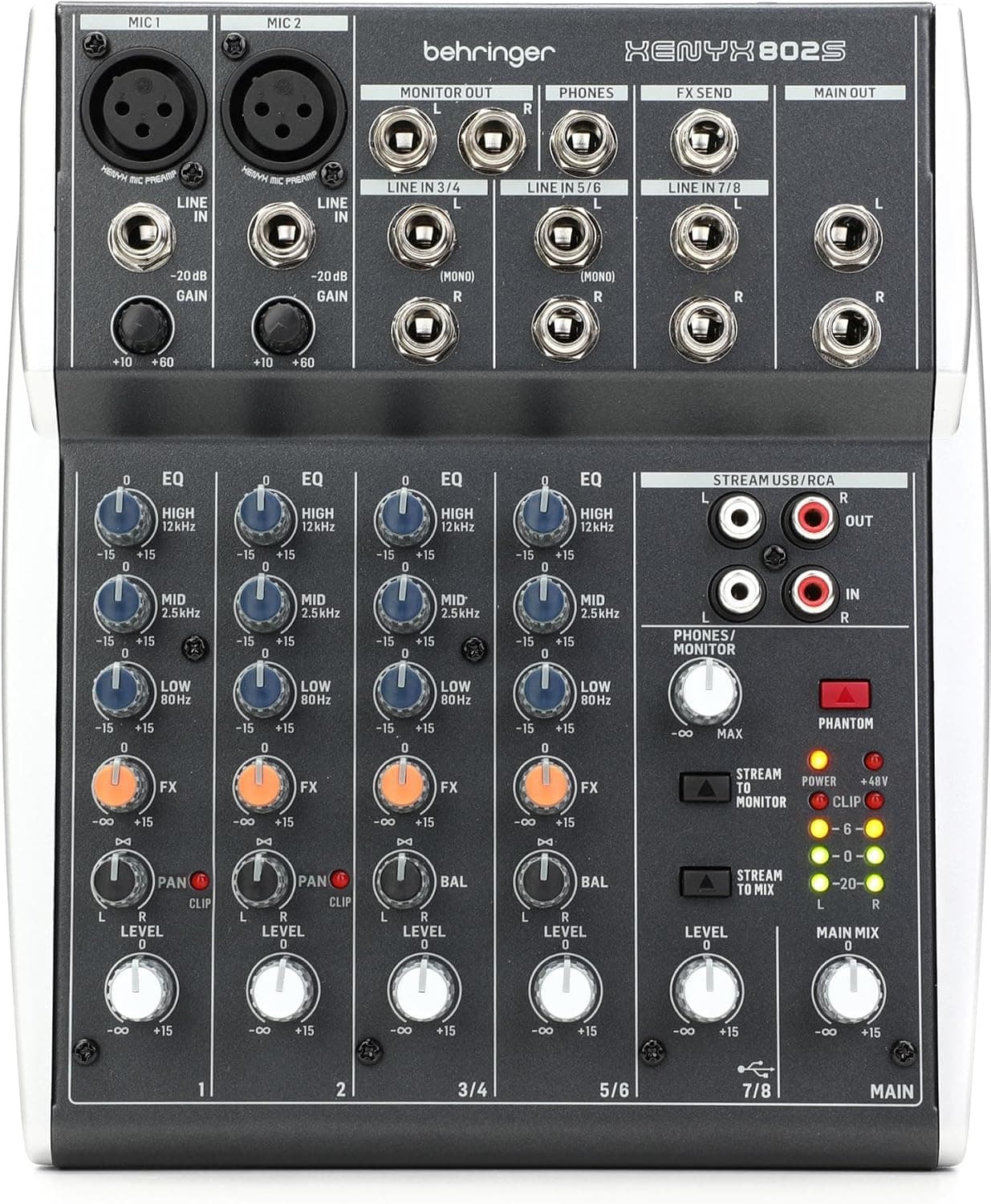
+ 8-channel design handles mics, instruments and computer audio together
From our guide: Best USB Mixers
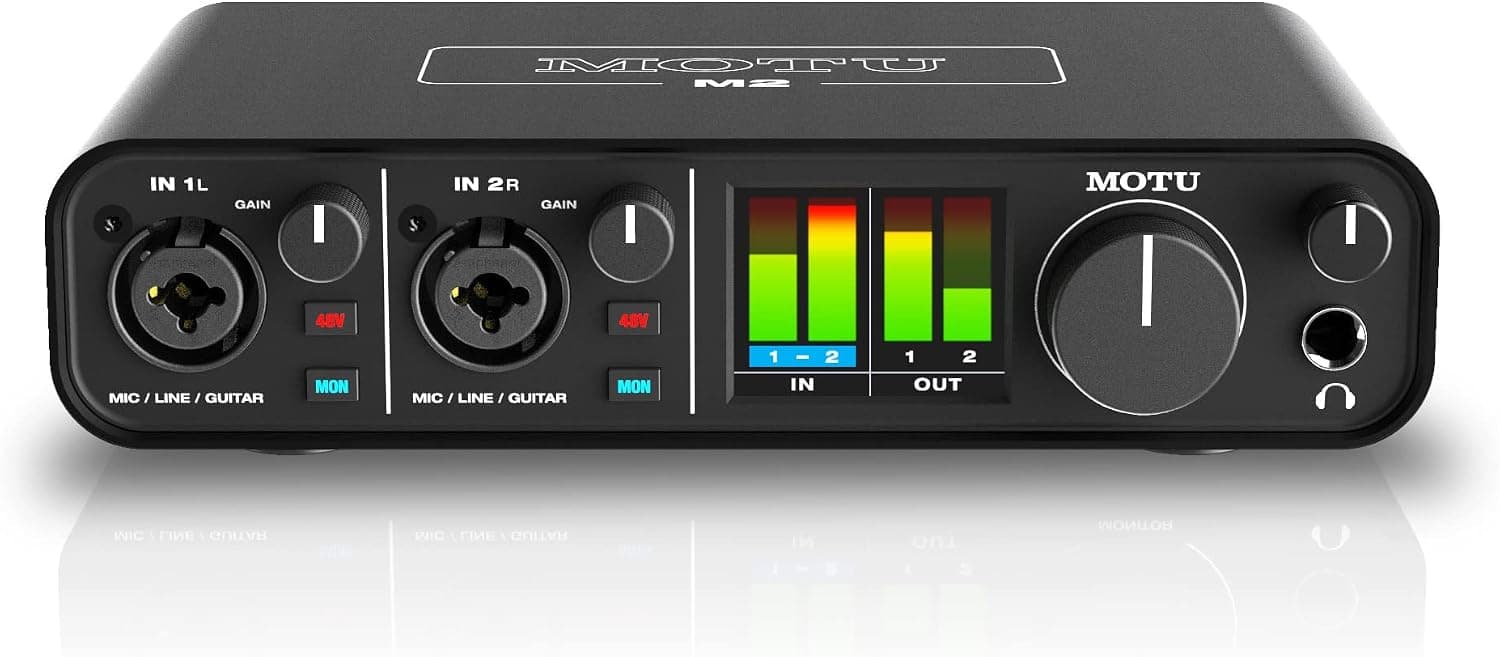
+ Bright level meters show exactly when your voice is getting too loud
From our guide: Best Audio Interfaces
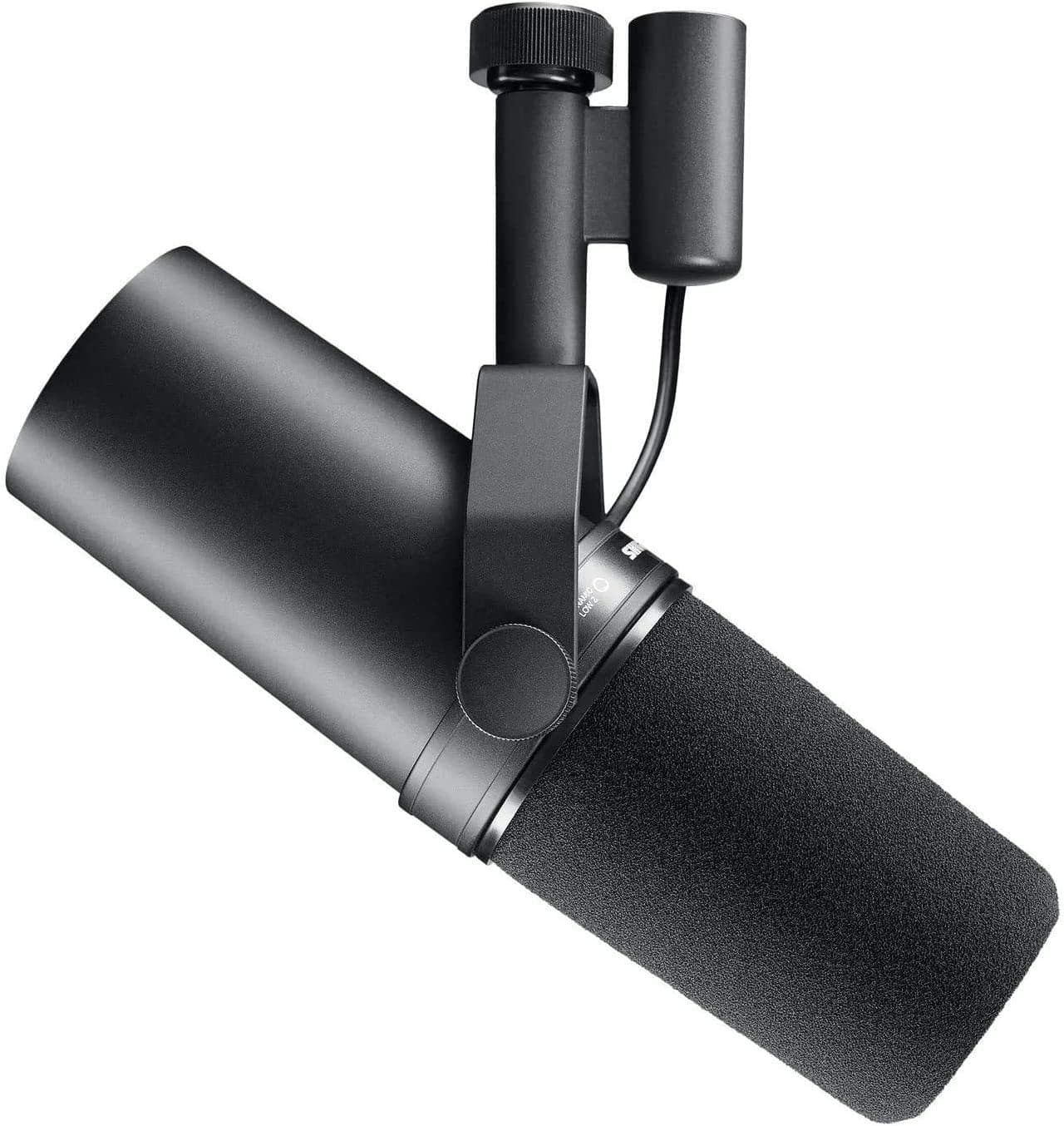
+ Smooth, full voice sound is the benchmark many famous podcasts and radio shows use
From our guide: Best XLR Microphones
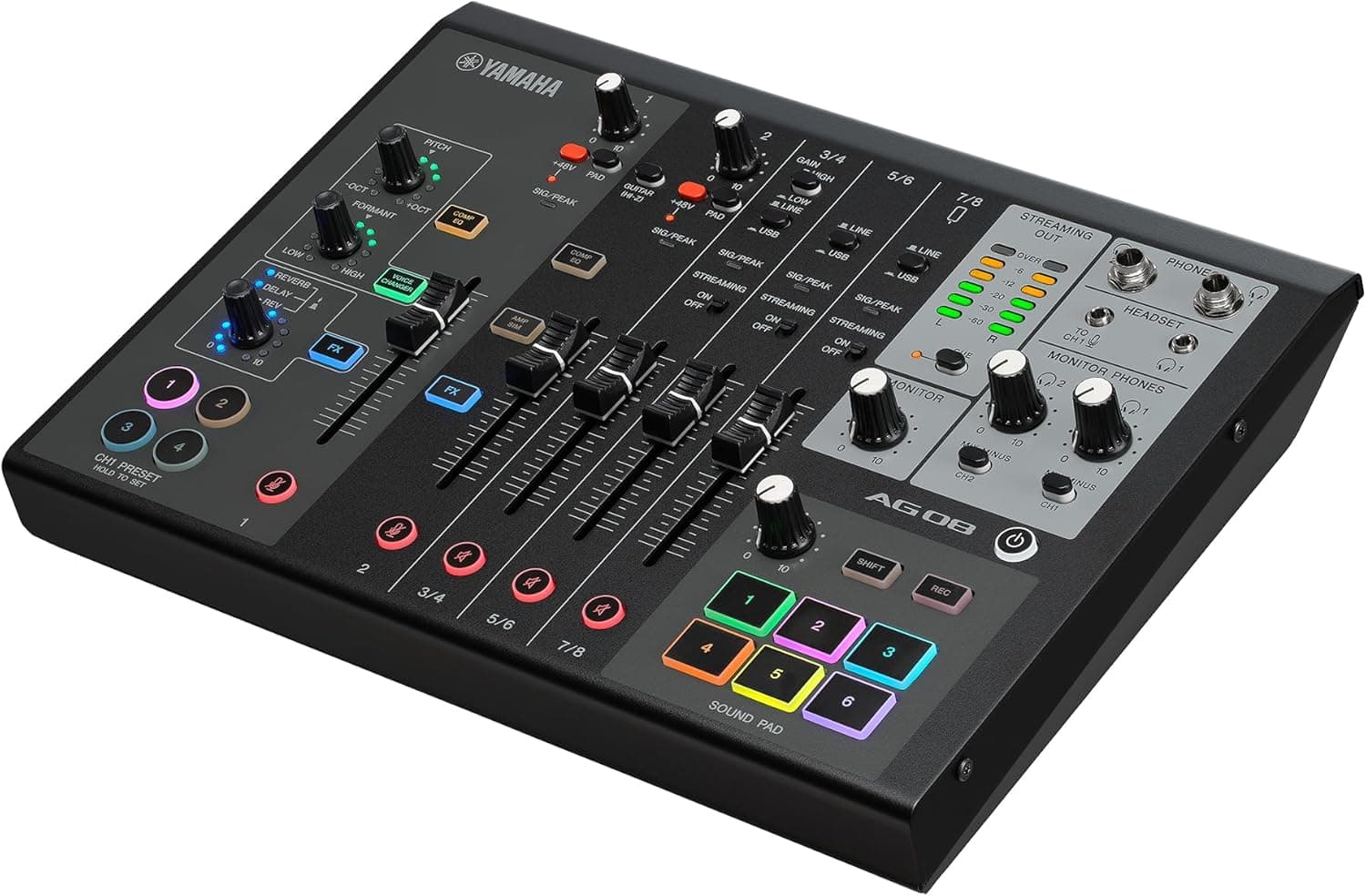
+ Loopback mixing blends mic, game and music for live streams easily
From our guide: Best USB Mixers
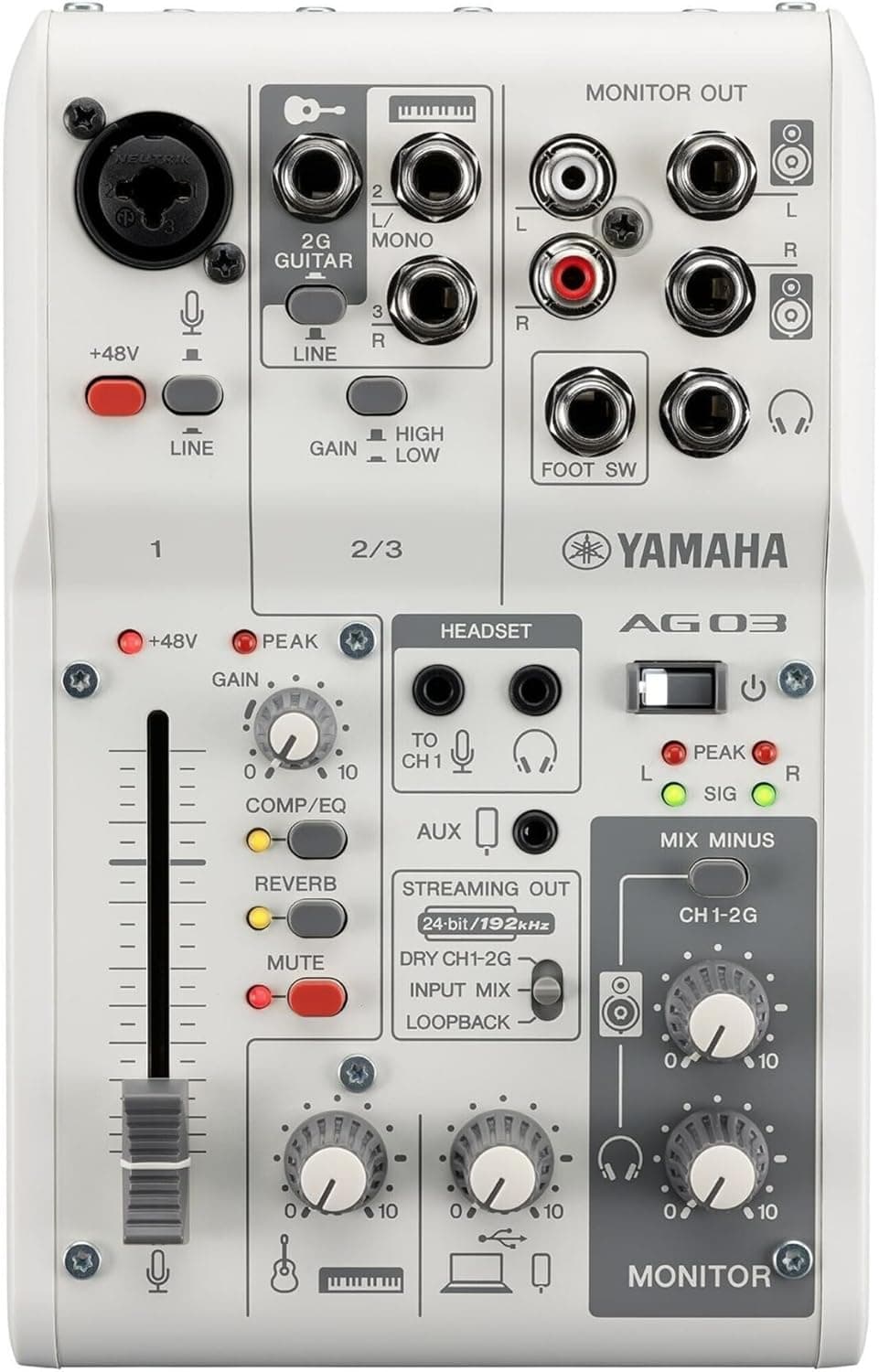
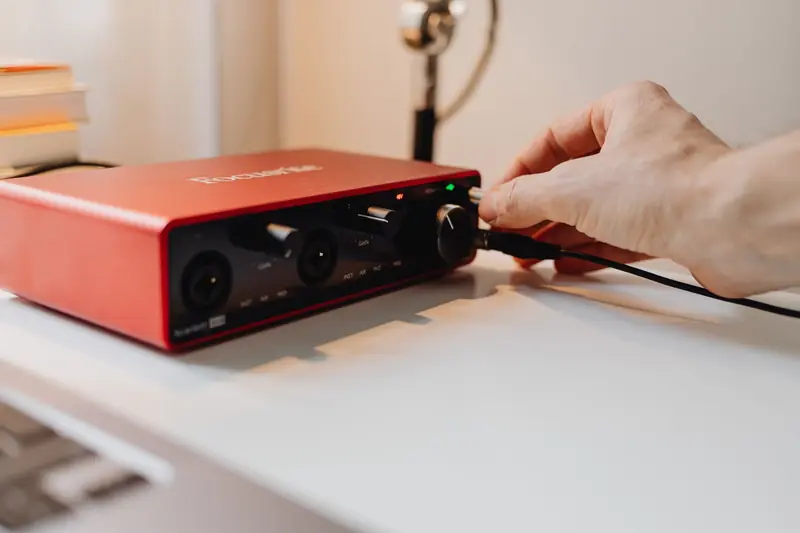
Start by thinking about how many inputs you actually need, since this is the single most important factor. If you record solo, a single-input interface is all you require and keeps things simple and affordable. If you plan to interview guests in the same room or host a co-host, look for two or more inputs so each microphone gets its own channel and its own track. Buying an interface with room to grow is wise, but do not overspend on eight inputs when you will only ever use one or two.
Preamp quality is where interfaces earn their keep, because the preamp is what amplifies your microphone's signal. A clean, powerful preamp gives you plenty of gain without introducing hiss, which is especially important if you use a dynamic microphone that needs a strong boost. Reputable interfaces from established brands generally have good preamps even at entry-level prices, so you do not need to chase boutique units, but it is worth reading about the gain range if you know your mic is a quiet one.
Connectivity and compatibility are practical details that are easy to overlook. Check how the interface connects to your computer, whether by USB-C or another standard, and make sure it works with your operating system and recording software. Bus-powered interfaces that draw power over the same cable that carries audio are wonderfully convenient, since they need no separate power supply and travel easily. Confirm the cables and adapters you need are included or readily available so you are not caught out on recording day.
Do not forget the features that make daily recording pleasant. Direct or zero-latency monitoring lets you hear yourself through headphones without a distracting delay, which is essential for comfortable recording. Clear, easy-to-read gain knobs and level indicators help you set your levels correctly at a glance. A sturdy build quality means the unit survives being knocked around your desk. These small quality-of-life touches add up to a smoother workflow every single session.
Finally, resist the temptation to overbuy. For most podcasters and home recordists, a solid one or two input interface from a trusted brand is more than enough to produce professional results, and the money you save is better spent on a good microphone, treatment for your room, or improving your skills. Choose an interface that comfortably covers your current needs with a little headroom for growth, and it will serve you reliably for years without ever becoming the weak link in your chain.
Popular right now
- Best Microphone Isolation ShieldsBuying guide
- Best Acoustic DiffusersBuying guide
- Best XLR MicrophonesBuying guide
- Gain Staging BasicsArticle
- Best LED Video LightsBuying guide
- Best Digital RecordersBuying guide
Based on the last 28 days of search and visitor data.