Podcast Audio Editing Basics for Clean, Polished Episodes
Published How we research
Editing is the stage where a raw, rambling recording becomes a tight, enjoyable episode, and it is far less intimidating than beginners fear. You do not need to be a sound engineer or own expensive software to produce clean, professional-sounding audio. A handful of core skills, applied consistently, will take you most of the way there. The goal of editing is not perfection but clarity, so the listener stays engaged and never gets distracted by avoidable rough edges.
Products from this article
The highest-scoring picks from the buying guides this article links to. Scores are our editorial assessment, not customer ratings.
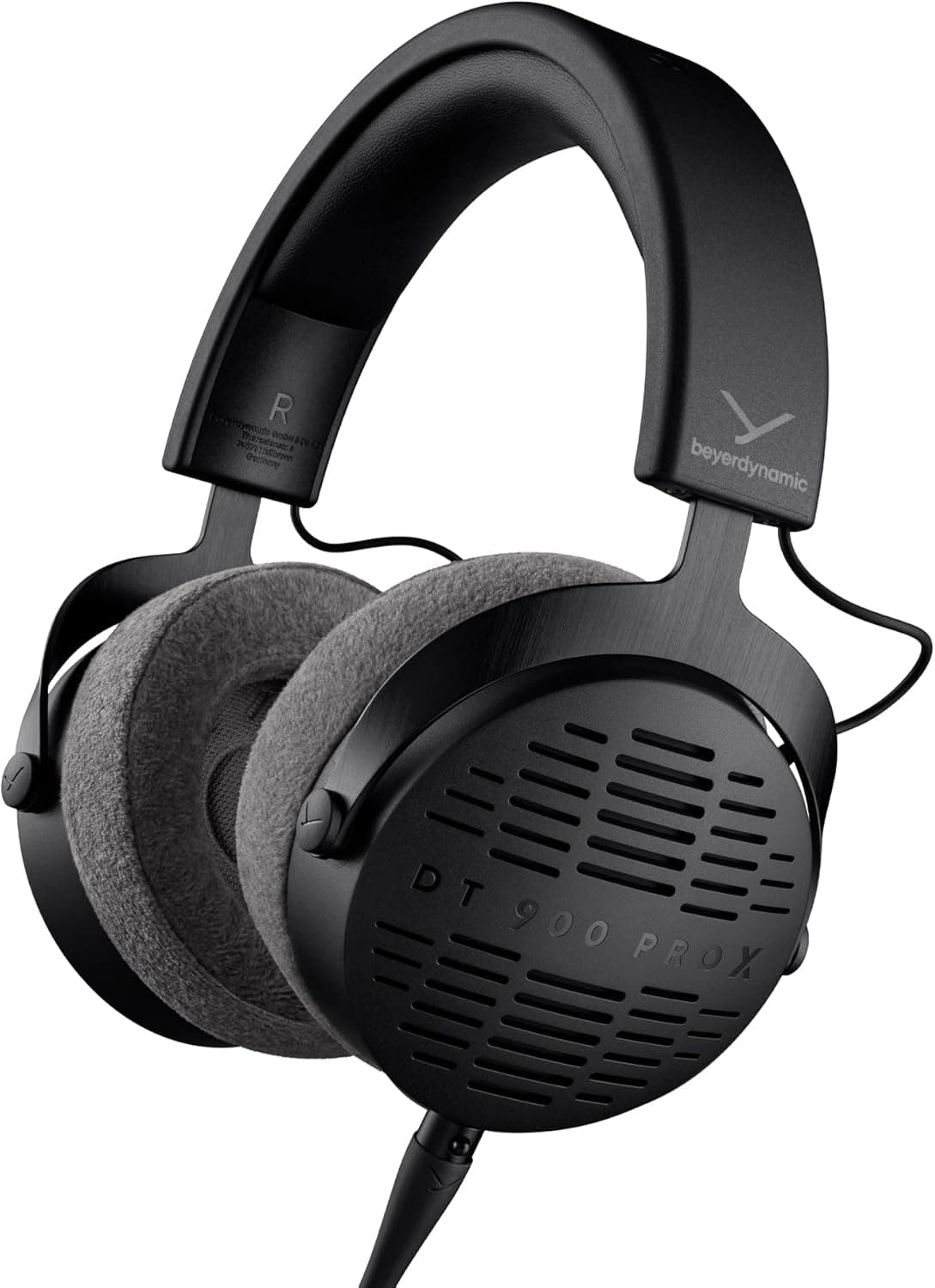
+ Open-back design gives a natural, spacious sound for mixing decisions
From our guide: Best Studio Headphones
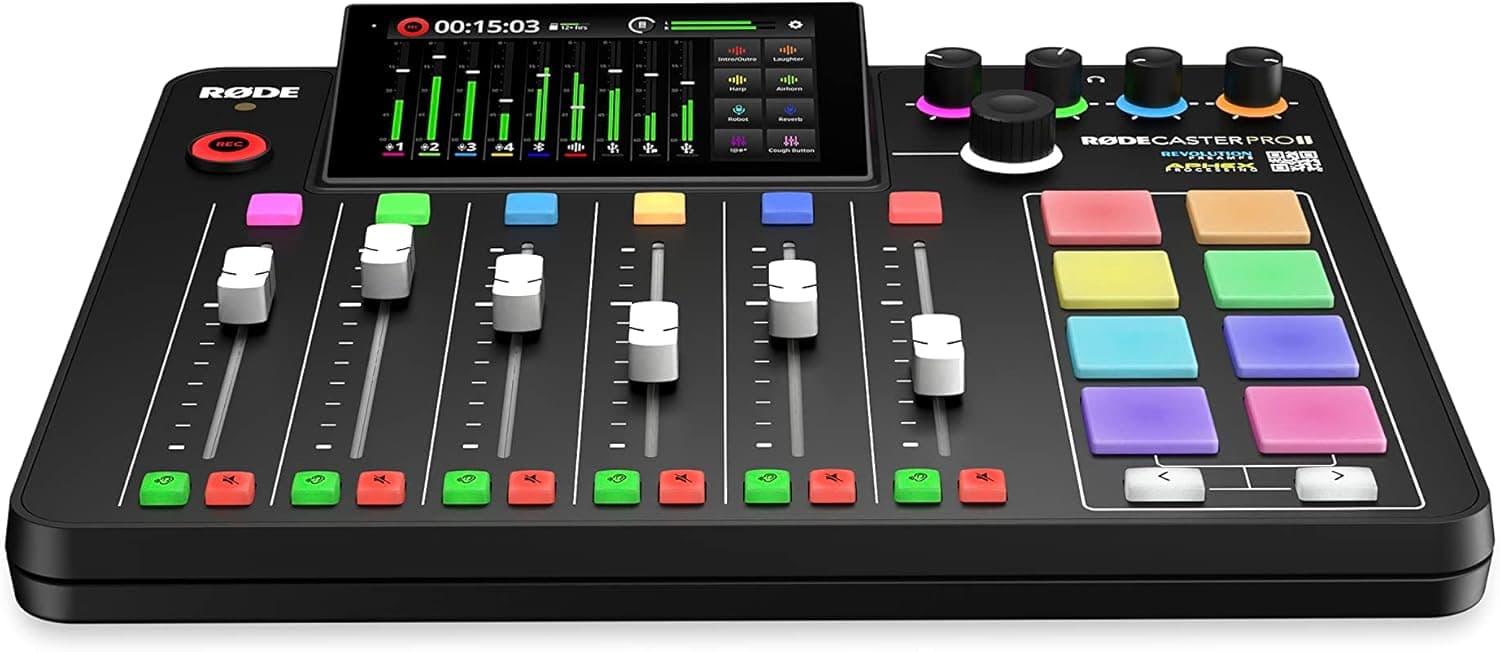
+ Mixes mics, phone guests, music and sound pads without needing a computer
From our guide: Best Podcast Mixers
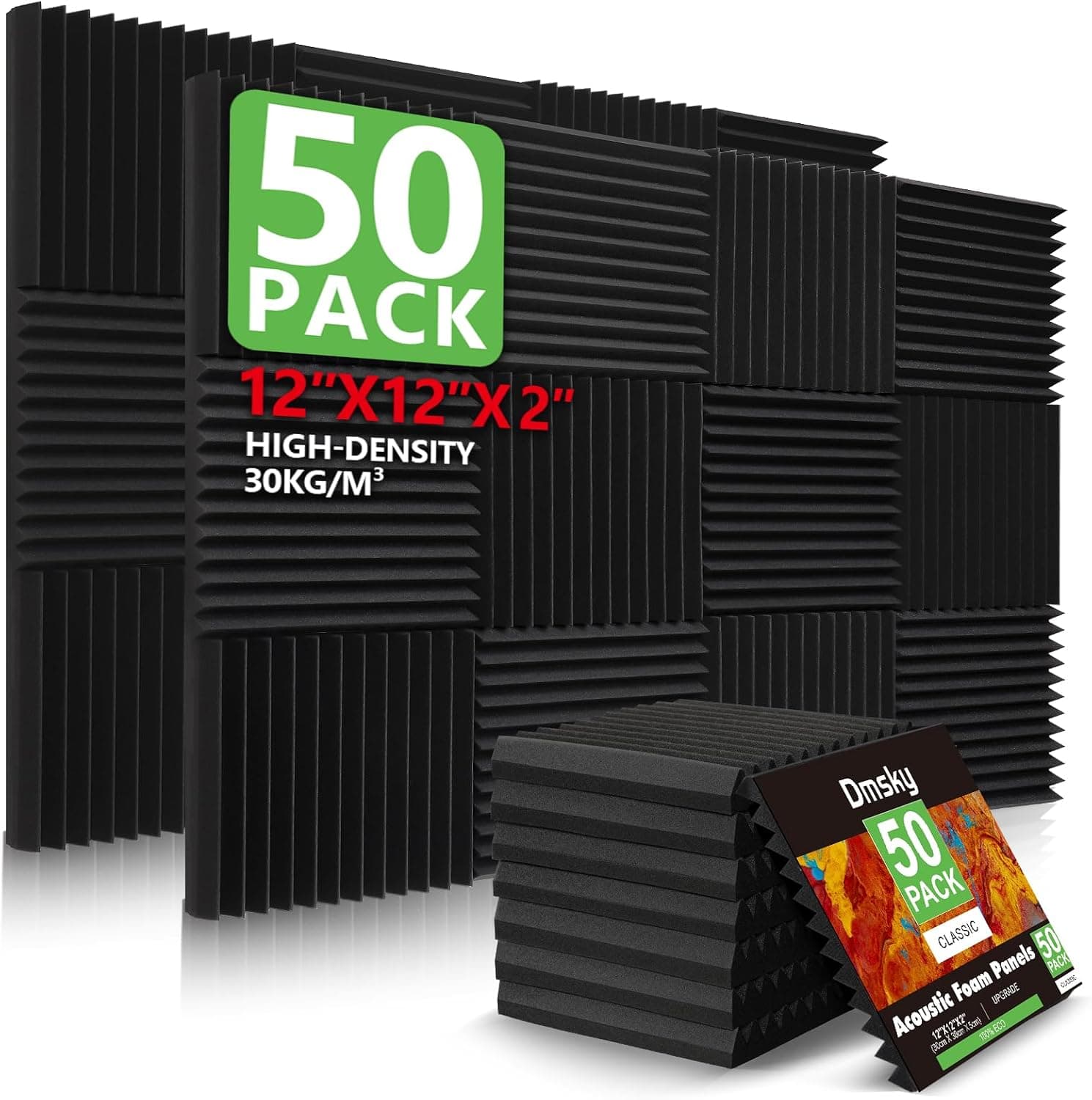
+ 50 Pack covers a good area of wall behind and beside the host
From our guide: Best Acoustic Panels
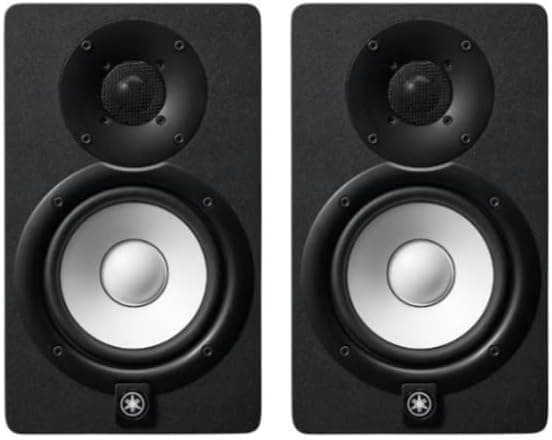
+ Accurate, uncolored sound reveals problems in voice edits
From our guide: Best Studio Headphones
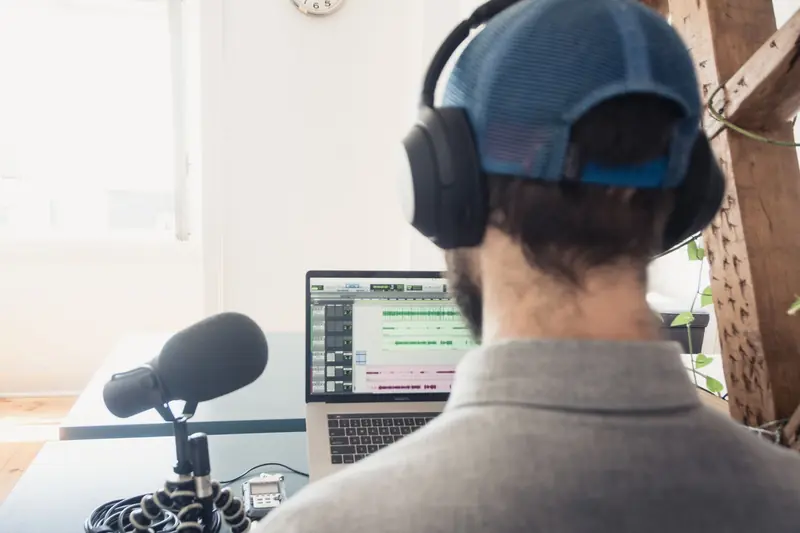
Start with the structural edit, which is simply removing the parts that should not be in the final episode. Cut long silences, false starts, off-topic tangents, and obvious mistakes. Trim the dead air at the very beginning and end so your episode starts and finishes cleanly. Do not obsess over every tiny pause, though. A little breathing room keeps your show sounding natural and human. The aim is to keep the pacing brisk and the content focused while preserving your authentic voice.
Once the content is trimmed, turn your attention to levels, which is often what separates amateur audio from professional audio. Your voice should sit at a consistent, comfortable volume throughout the episode, and if you have multiple speakers, they should all be roughly the same loudness. Use your software to normalize or gently compress the audio so quiet moments are lifted and loud spikes are tamed. Compression evens out the dynamics so listeners never have to reach for the volume knob mid-episode.
Noise cleanup comes next, and a light touch is best. If you recorded a few seconds of silence at the start, you can use your software's noise reduction to sample that room tone and remove steady background hiss or hum throughout. Apply only as much as you need, because heavy noise reduction makes voices sound watery and unnatural. The same goes for removing distracting mouth clicks and breaths, which you can quiet or cut, but not so aggressively that the person sounds robotic.
Adding music and other elements gives your episode a professional frame. A short intro and outro with light background music instantly signals quality and helps listeners orient themselves. Keep music beds low enough that they never fight with the voice, and fade them in and out smoothly rather than cutting them abruptly. Use royalty-free or properly licensed music so you never run into rights problems, and keep your intro concise so you get to the content quickly.
Before you export, always listen back to the whole episode from start to finish, ideally on headphones. This final pass catches leftover glitches, awkward transitions, and levels that drift, and it is the step that most reliably lifts your quality. When you export, use a consistent format and bitrate suited to spoken audio so your files sound good without being needlessly large. Editing gets faster and more intuitive with every episode, so be patient with yourself early on, build a repeatable routine, and let your ear guide you toward cleaner, more confident work.
Popular right now
- Best Microphone Isolation ShieldsBuying guide
- Best Acoustic DiffusersBuying guide
- Best XLR MicrophonesBuying guide
- Gain Staging BasicsArticle
- Best LED Video LightsBuying guide
- Best Digital RecordersBuying guide
Based on the last 28 days of search and visitor data.