Best Capture Cards
Updated How we research
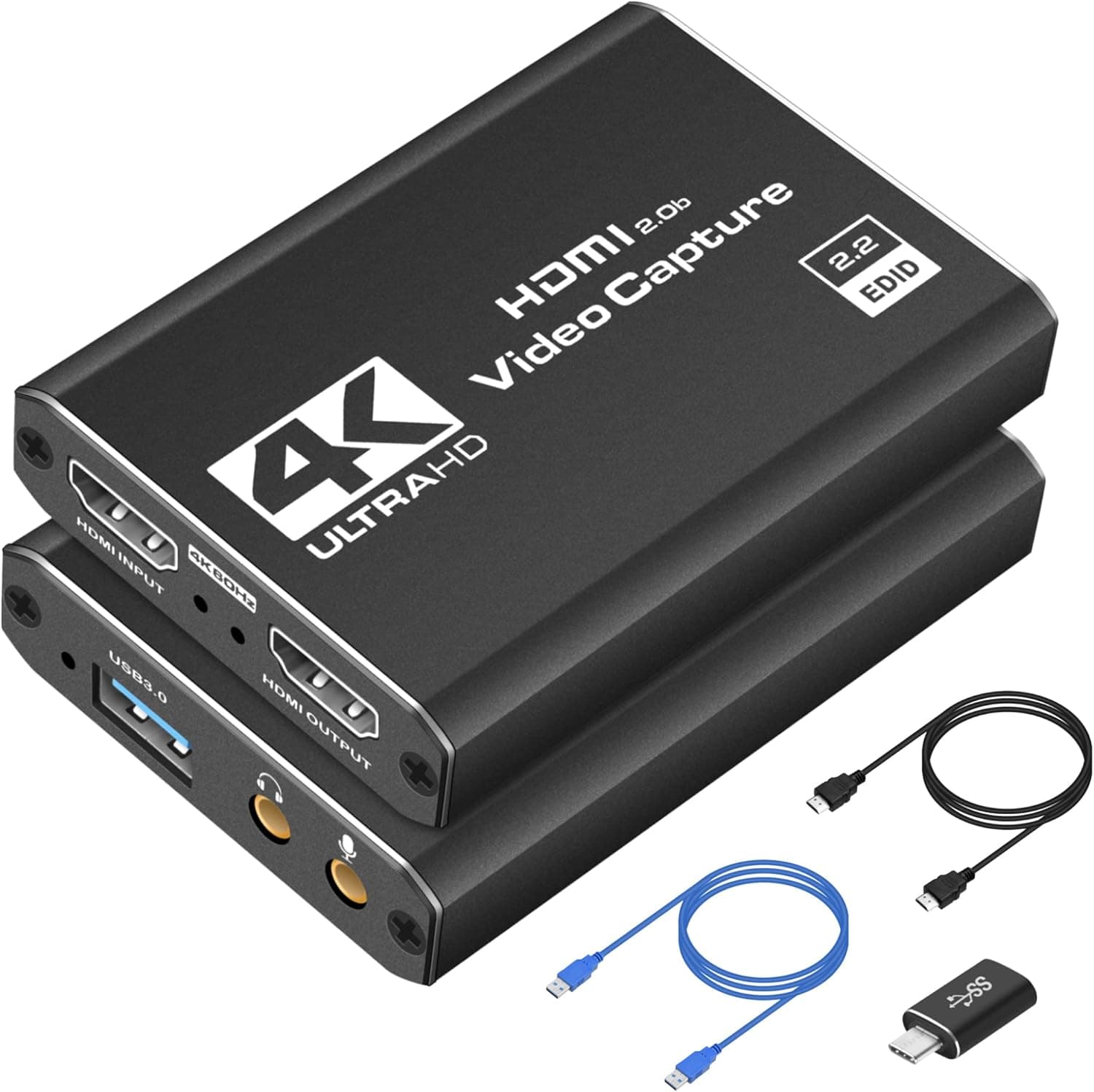
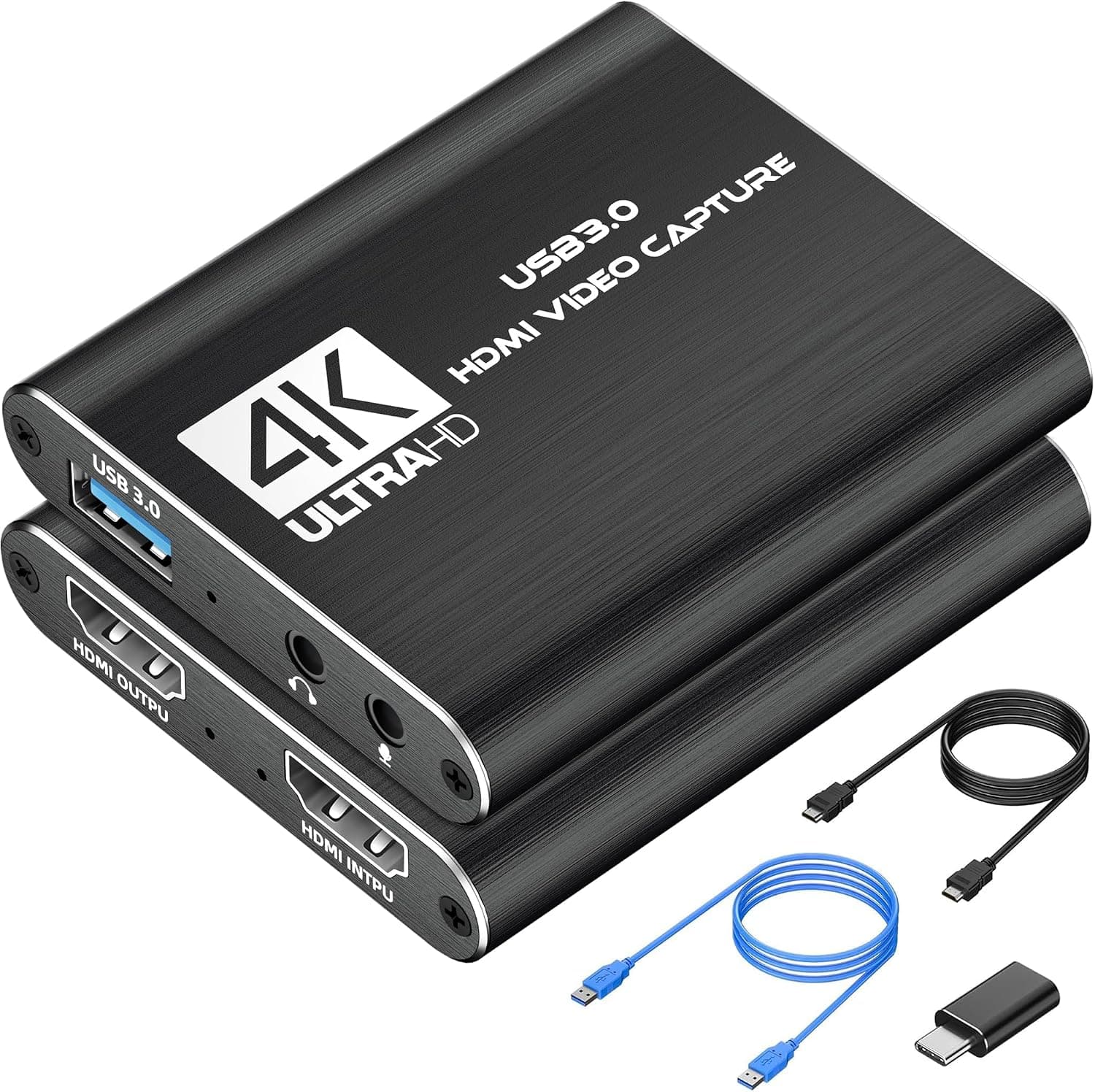
4K HDMI Capture Card USB 3.0 1080P 60FPS with HDMI Loop-Out
A 4K HDMI capture card with USB 3.0, 1080P 60FPS recording and HDMI loop-out for streaming from cameras or consoles.
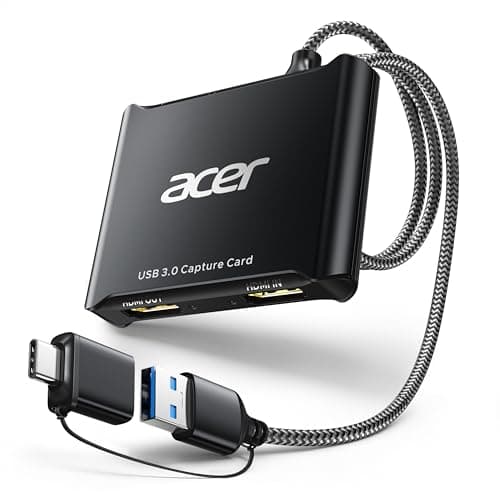
acer USB 3.0 HDMI Capture Card, 4K HDMI Loop-Out, 1080P 60Hz for Streaming
This acer USB 3.0 HDMI capture card takes a 4K input, captures at 1080p 60Hz in YUY2 and adds a 4K HDMI loop-out plus a mic input for live commentary.
A capture card is the bridge that turns a real camera or game console into a source your computer can stream and record. It takes an HDMI feed and hands your software a clean, low-latency video signal, letting you use a mirrorless camera as a high-end webcam or pull console gameplay straight into your show. For video podcasters and streamers building beyond a plug-and-play webcam, it is an essential link in the chain. In this guide we compare internal PCIe and external USB cards, 1080p and 4K passthrough options, and models tuned for low-latency live use. We look at supported resolutions and frame rates, how each plays with popular streaming software, and how much heat and CPU load they add to your system. Whether you are capturing one camera or a full console setup, we help you find a card that keeps your video clean and in sync.
The short version
We compared 8 picks. Our scores range from 7.0 to 8.4 out of 10.
- Best overall:4K HDMI Capture Card USB 3.0 1080P 60FPS with HDMI Loop-Out. Highest overall score in this guide at 8.4/10.
- Also great value:acer USB 3.0 HDMI Capture Card, 4K HDMI Loop-Out, 1080P 60Hz for Streaming. Value score of 9/10, overall 8.4/10.
- Solid build:UGREEN 2K@30Hz 1080P 60FPS Video Capture Card 4K Input HDMI to USB 3.0. Build and materials score of 8/10, overall 8.2/10.
- Feature-rich:Rybozen 4K HDMI Video Capture Card 1080P 60FPS USB 3.0. Features score of 8/10, overall 7.6/10.
Scores are our editorial assessment, not customer ratings. How we score
- 1.4K HDMI Capture Card USB 3.0 1080P 60FPS with HDMI Loop-Out8.4/10See on AmazonCheck price
- 2.acer USB 3.0 HDMI Capture Card, 4K HDMI Loop-Out, 1080P 60Hz for Streaming8.4/10See on AmazonCheck price
- 3.UGREEN 2K@30Hz 1080P 60FPS Video Capture Card 4K Input HDMI to USB 3.08.2/10See on AmazonCheck price
- 4.Rybozen 4K HDMI Video Capture Card 1080P 60FPS USB 3.07.6/10See on AmazonCheck price
- 5.4K HDMI Capture Card Full HD 1080P 60FPS USB 3.0 Cam Link (Black)7.6/10See on AmazonCheck price
- 6.BIFALE 4K HDMI Video Capture Card Full 1080P 60FPS USB 3.07.6/10See on AmazonCheck price
- 7.Video Capture Card, 4K USB3.0 HDMI to USB C, 1080P60FPS HDMI Capture Card for Streaming, Gaming, Video Recording Compatible with Switch, Xbox, PS4/5, OBS,iPad Mac OS Windows,Camera, Zoom(Silver)7.2/10See on AmazonCheck price
- 8.4K Video Capture Card HDMI to USB 2.0 Cam Link Record Device7.0/10See on AmazonCheck price
 #1
#1A 4K HDMI capture card with USB 3.0, 1080P 60FPS recording and HDMI loop-out for streaming from cameras or consoles.
Fit for the job 9/10 · Features and specs 8/10 · Build and materials 7/10 · Value 9/10
- + HDMI loop-out lets you monitor the source while capturing
- + USB 3.0 supports smooth 1080P 60FPS recording
- + Works with cameras and consoles for streaming setups
- - Accepts 4K input but records at 1080P, not full 4K
- - Generic listing offers limited driver or software support
 #2
#2This acer USB 3.0 HDMI capture card takes a 4K input, captures at 1080p 60Hz in YUY2 and adds a 4K HDMI loop-out plus a mic input for live commentary.
Fit for the job 9/10 · Features and specs 8/10 · Build and materials 7/10 · Value 9/10
- + The HDMI loop-out passes the source on to a monitor or TV while the card captures at 1080p 60Hz.
- + A mic-in jack lets you plug in a headset or microphone and record voice with the video, no extra adapter needed.
- + Plug and play with no drivers or external power, and it works with OBS, XSplit, VLC and DSLR cameras.
- - Capture resolution is 1080p: the 4K figure applies to the HDMI input and loop-out, not to the recording.
- - The listing does not name the capture chipset or give latency figures, so low-latency claims stay general.
 #3
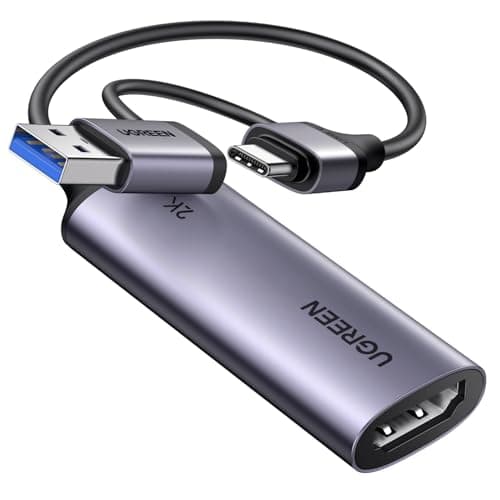
#3UGREEN's HDMI to USB 3.0 capture card accepts a 4K 30Hz input and captures at 1080p 60fps or 2K 30fps, with both USB-A and USB-C connections and an aluminum alloy casing.
Fit for the job 8/10 · Features and specs 8/10 · Build and materials 8/10 · Value 9/10
- + Captures 1080p at 60fps or 2K at 30fps from a 4K 30Hz HDMI input over 5 Gbps USB 3.0 for low delay.
- + USB-A and USB-C connections cover laptops, desktops, tablets and phones without an adapter.
- + Driver-free on Windows, macOS and Linux and works with OBS, so an HDMI source shows up as a video device.
- - No HDMI loop-out is listed, so the signal cannot be passed on to a separate monitor while capturing.
- - 4K applies to the input only: capture tops out at 2K 30fps, and consoles need HDCP disabled.
 #4
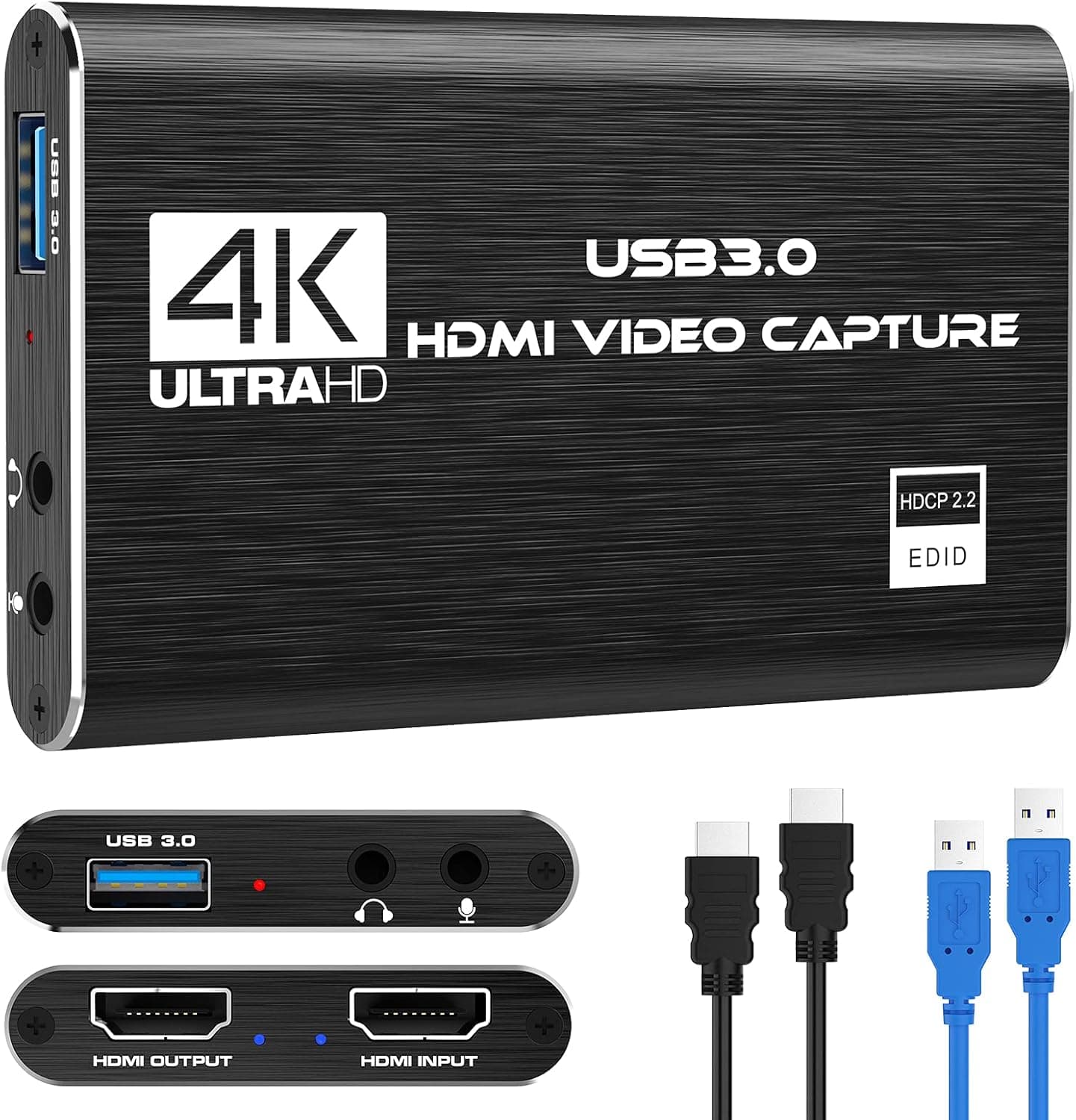
#4Rybozen's 4K HDMI video capture card with 1080P 60FPS over USB 3.0 is a budget capture option for streaming.
Fit for the job 8/10 · Features and specs 8/10 · Build and materials 6/10 · Value 8/10
- + USB 3.0 connection supports 1080P 60FPS capture
- + 4K input compatibility works with newer cameras and consoles
- + Affordable option for adding a camera to a video podcast
- - Lesser-known brand with limited support resources
- - Can get warm during extended streaming sessions
 #5
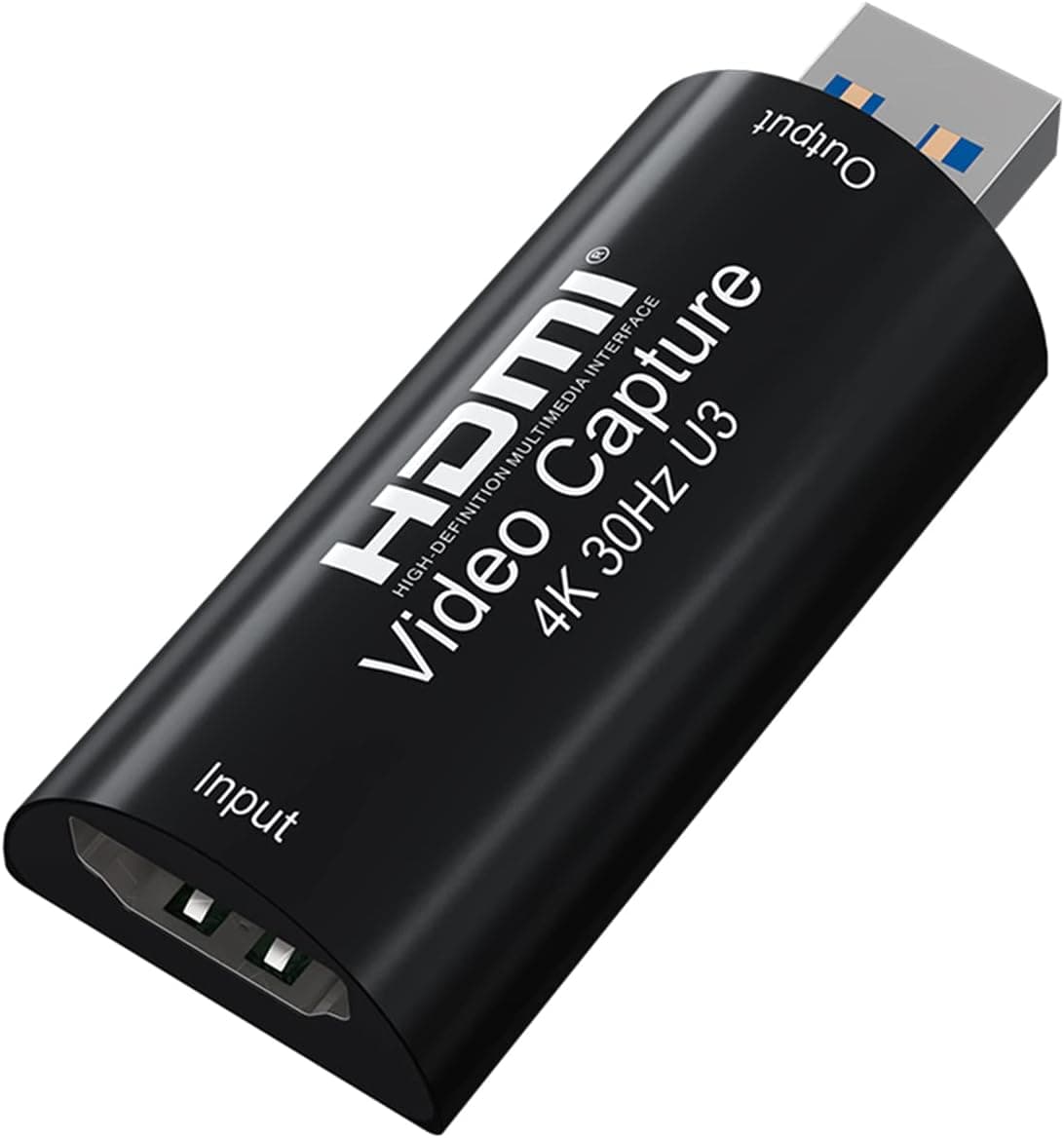
#5A black 4K HDMI capture card with full HD 1080P 60FPS over USB 3.0, a cam link style device for streaming cameras.
Fit for the job 8/10 · Features and specs 8/10 · Build and materials 6/10 · Value 8/10
- + Full HD 1080P 60FPS capture provides smooth, clear video
- + USB 3.0 interface reduces lag compared with slower dongle-style cards
- + Black compact housing blends into streaming setups
- - Recording tops out at 1080P, not native 4K
- - Generic brand with unclear driver or firmware updates
 #6
#6BIFALE's 4K HDMI video capture card with full 1080P 60FPS over USB 3.0 is a compact capture option for streamers.
Fit for the job 8/10 · Features and specs 8/10 · Build and materials 6/10 · Value 8/10
- + Full 1080P 60FPS capture for smooth streams and recordings
- + USB 3.0 connection supports more bandwidth than older, slower capture dongles
- + 4K input works with modern HDMI cameras and consoles
- - Capture is limited to 1080P output, so native high-res recording is not possible
- - Lesser-known brand with limited long-term reliability info
 #7
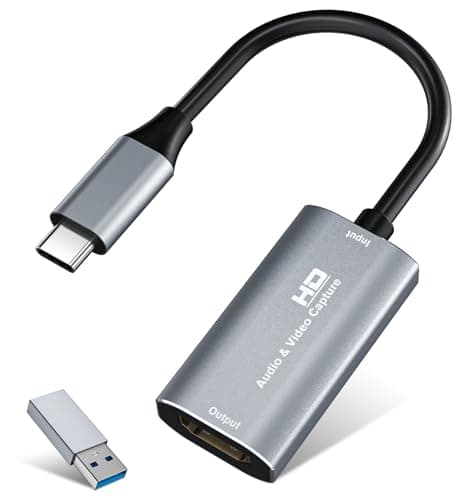
#7VIXLW HDMI capture card with 4K input, USB 3.0 or USB-C connection and aluminum shell, to bring a camera or console into streaming software.
Fit for the job 7/10 · Features and specs 7/10 · Build and materials 7/10 · Value 8/10
- + Accepts 4K at 30Hz HDMI input and records 2K at 30Hz or 1080p at 60Hz.
- + Plug and play with no driver or external power, works with OBS, Zoom and VLC on Windows, macOS and Linux.
- + Comes with a USB 3.0 to USB-C adapter and an aluminum alloy shell for heat dissipation.
- - Little-known brand, so support and long-term driver behavior are unproven.
- - Recording tops out at 2K/30 or 1080p/60, not full 4K capture.
 #8
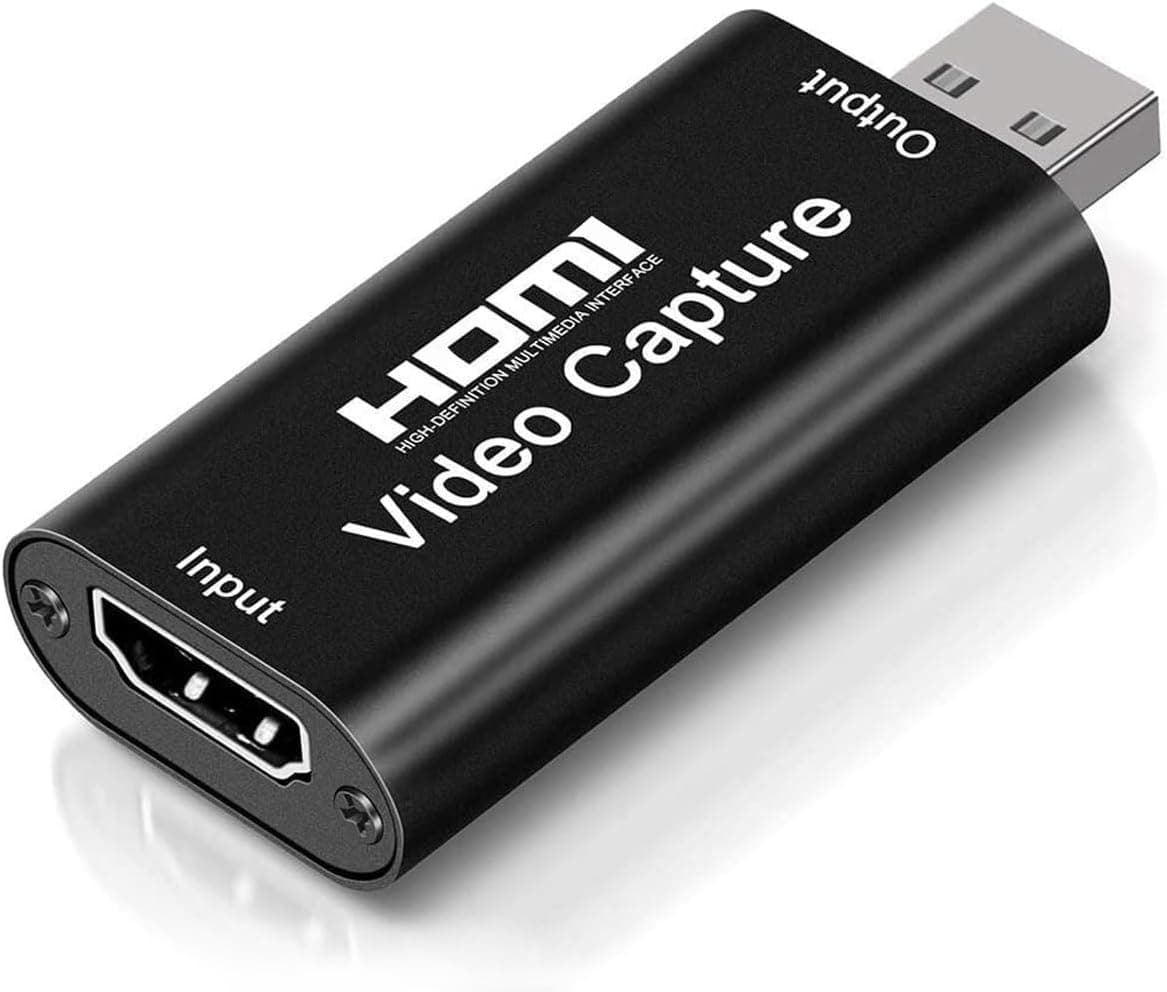
#8A 4K video capture card HDMI to USB 2.0 cam link record device, a tiny, cheap way to use a camera as a webcam.
Fit for the job 7/10 · Features and specs 6/10 · Build and materials 6/10 · Value 9/10
- + Tiny dongle turns HDMI cameras into USB webcams
- + Very low cost for adding camera video to streams
- + Plug-and-play design needs no drivers on most systems
- - USB 2.0 limits frame rate and quality compared with faster capture cards
- - Can run hot during long streaming sessions
Before you buy: trade-offs we flagged
No pick is perfect. These are the main compromises we noted for the top products in this guide, so you can check they will not matter for you.
- Accepts 4K input but records at 1080P, not full 4K (4K HDMI Capture Card USB 3.0 1080P 60FPS with...)
- Capture resolution is 1080p: the 4K figure applies to the HDMI input and loop-out, not to the recording. (acer USB 3.0 HDMI Capture Card, 4K HDMI...)
- No HDMI loop-out is listed, so the signal cannot be passed on to a separate monitor while capturing. (UGREEN 2K@30Hz 1080P 60FPS Video Capture Card...)
- Lesser-known brand with limited support resources (Rybozen 4K HDMI Video Capture Card 1080P...)
- Recording tops out at 1080P, not native 4K (4K HDMI Capture Card Full HD 1080P 60FPS USB...)
- Capture is limited to 1080P output, so native high-res recording is not possible (BIFALE 4K HDMI Video Capture Card Full 1080P...)
Frequently asked questions
›What is the best choice among capture cards?
4K HDMI Capture Card USB 3.0 1080P 60FPS with HDMI Loop-Out is our top overall pick. A 4K HDMI capture card with USB 3.0, 1080P 60FPS recording and HDMI loop-out for streaming from cameras or consoles. It earns our score of 8.4/10, based on fit for the job, features, build and value.
›What is a good budget option?
acer USB 3.0 HDMI Capture Card, 4K HDMI Loop-Out, 1080P 60Hz for Streaming is the strongest low-cost pick in this guide. This acer USB 3.0 HDMI capture card takes a 4K input, captures at 1080p 60Hz in YUY2 and adds a 4K HDMI loop-out plus a mic input for live commentary.
›How much should I expect to spend?
Picks in this guide span See on Amazon price bands (roughly: $ = under $30, $$ = $30 to $100, $$$ = over $100). We never display exact prices because they change constantly, so the buttons above always show Amazon's current price.
›How were these products chosen?
We shortlist products that fit the job this guide solves and compare their published specifications, such as size, capacity, materials and what is included. Each pick gets an editorial score out of 10 for fit, features, build and value, and we write the pros and cons from those details. Our score is not an Amazon customer rating. We earn a commission if you buy through our links, which never affects the ranking.
Podcast Gear Hub independently selects every product; we may earn a commission from links above.
More questions readers ask
What does a capture card do?
It brings HDMI video from a camera or console into your computer so streaming or recording software can use it. Choose one that matches your camera's resolution and frame rate.
Popular right now
- Best Microphone Isolation ShieldsBuying guide
- Best Acoustic DiffusersBuying guide
- Best XLR MicrophonesBuying guide
- Gain Staging BasicsArticle
- Best LED Video LightsBuying guide
- Best Digital RecordersBuying guide
Based on the last 28 days of search and visitor data.