How to Improve Your Podcast Audio Quality Starting Today
Published How we research
Great podcast audio is not a mystery reserved for people with expensive studios. It is the result of a series of small, deliberate choices that stack up into a clean, professional sound. If your episodes sound thin, echoey, noisy, or uneven, the fixes are almost certainly within reach, and many of them cost nothing at all. Improving your audio quality is one of the most worthwhile investments you can make, because clear sound keeps listeners engaged and signals that your show is worth their time.
Products from this article
The highest-scoring picks from the buying guides this article links to. Scores are our editorial assessment, not customer ratings.
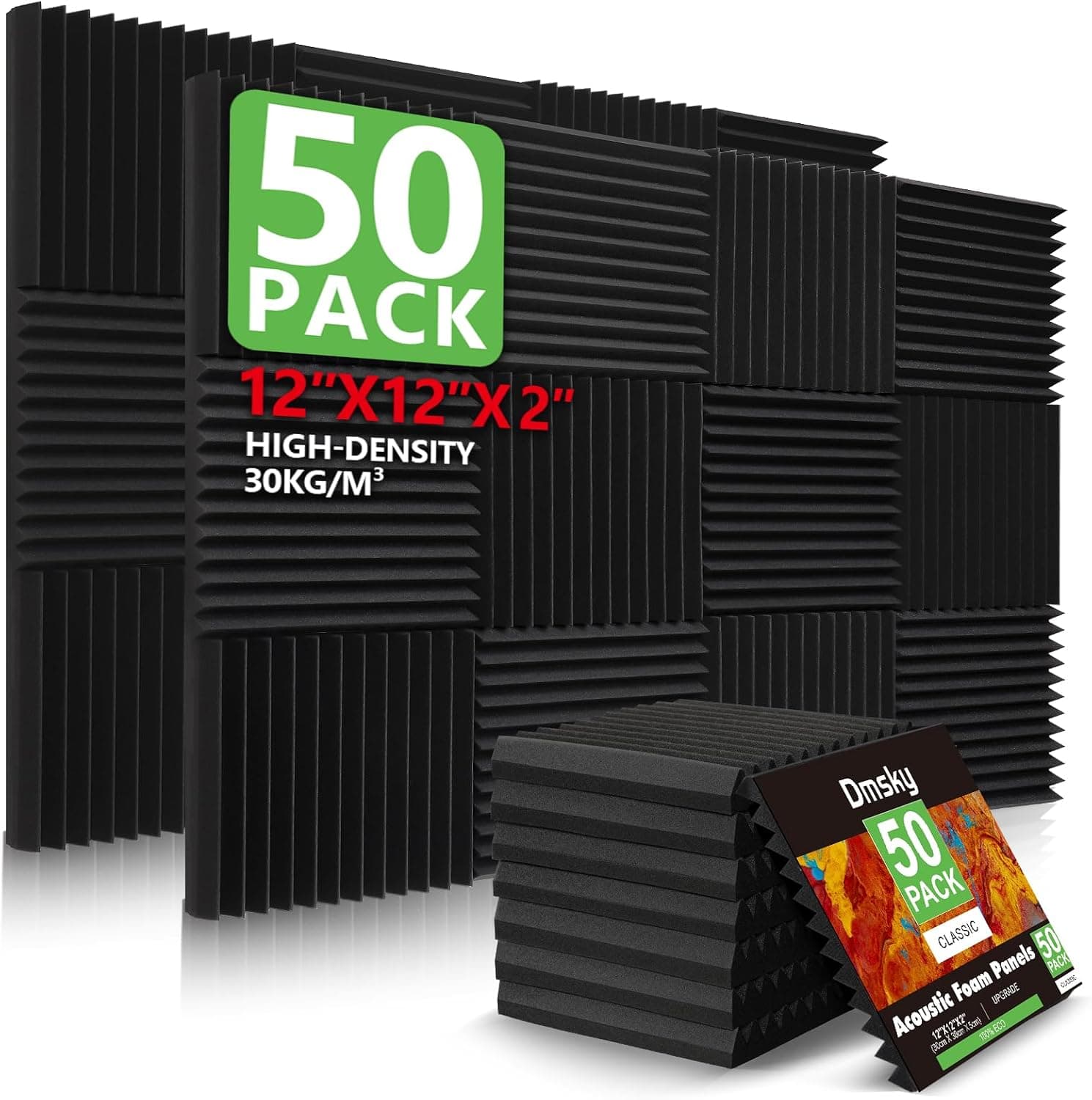
+ 50 Pack covers a good area of wall behind and beside the host
From our guide: Best Acoustic Panels
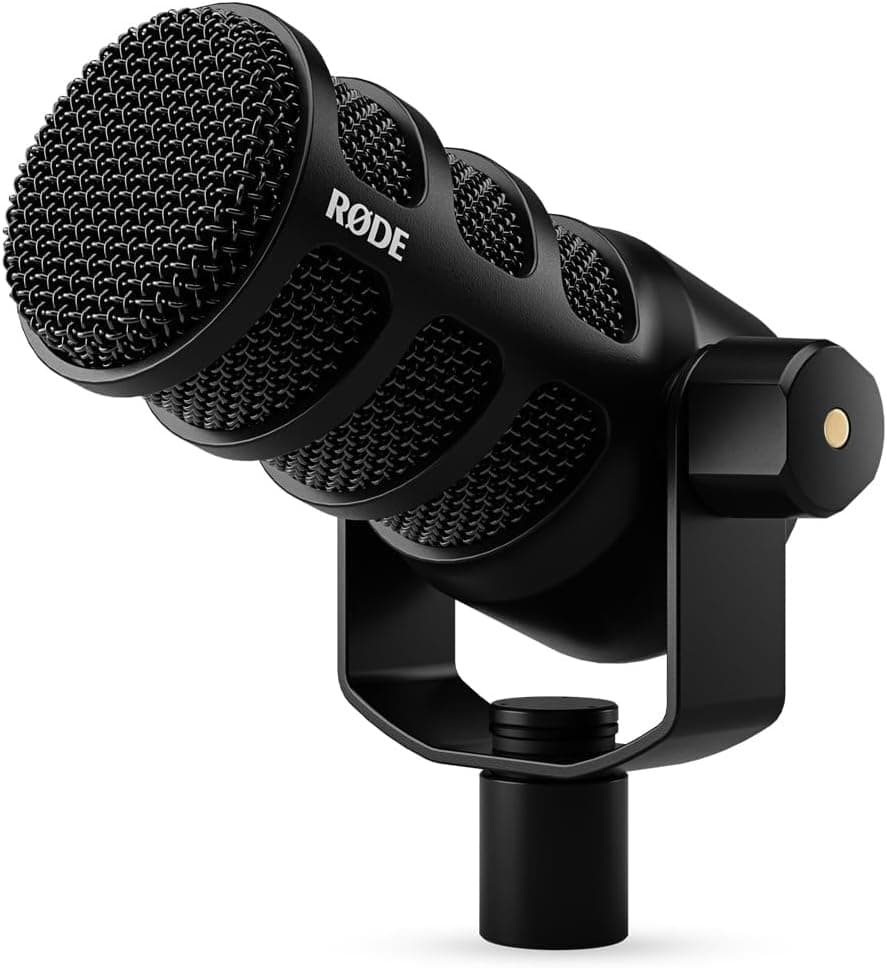
+ USB and XLR outputs cover solo laptop recording and multi-mic interface setups
From our guide: Best Podcast Microphones
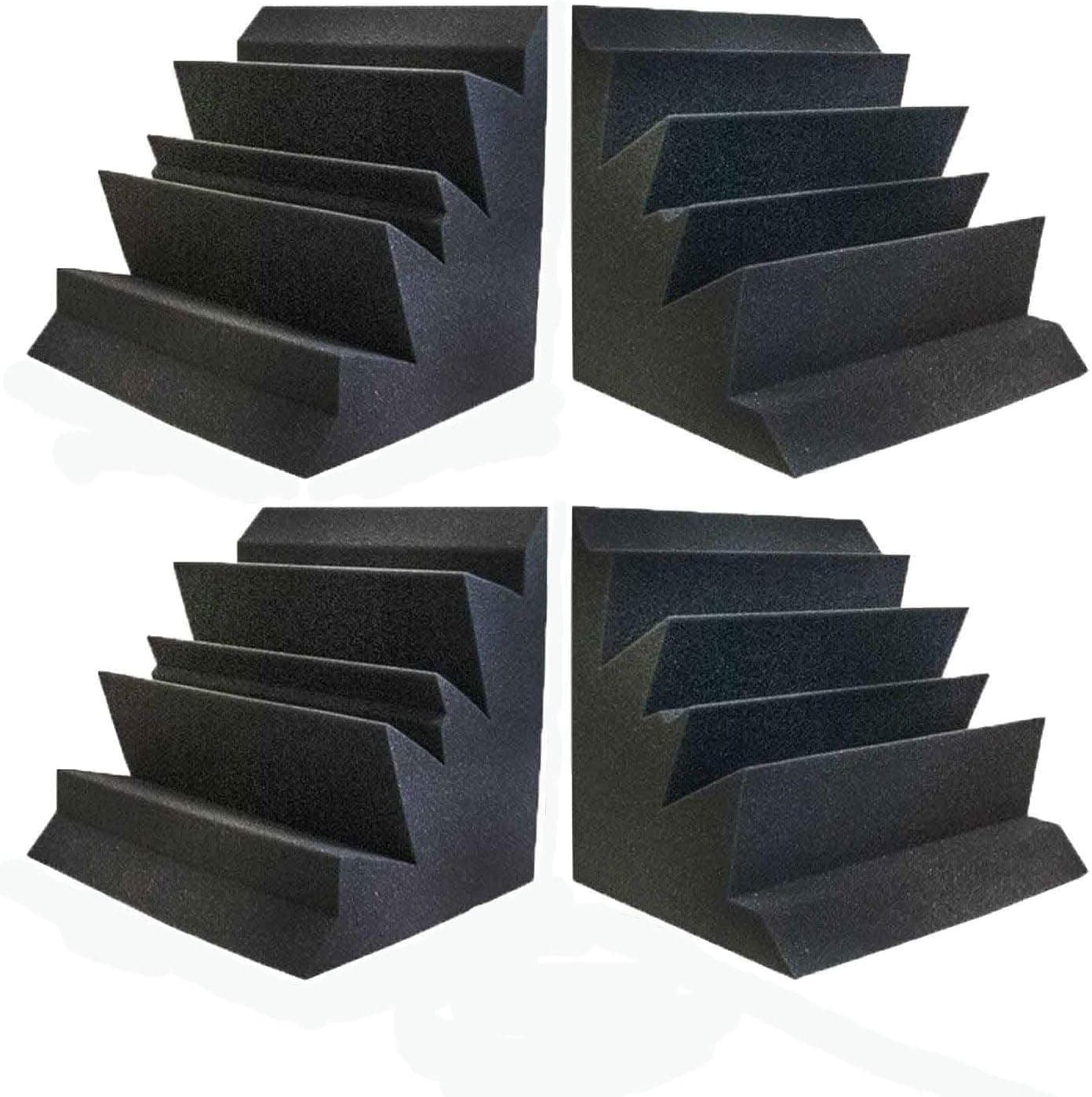
+ XL 12" x 12" x 12" blocks absorb far more bass than slim strips
From our guide: Best Bass Traps
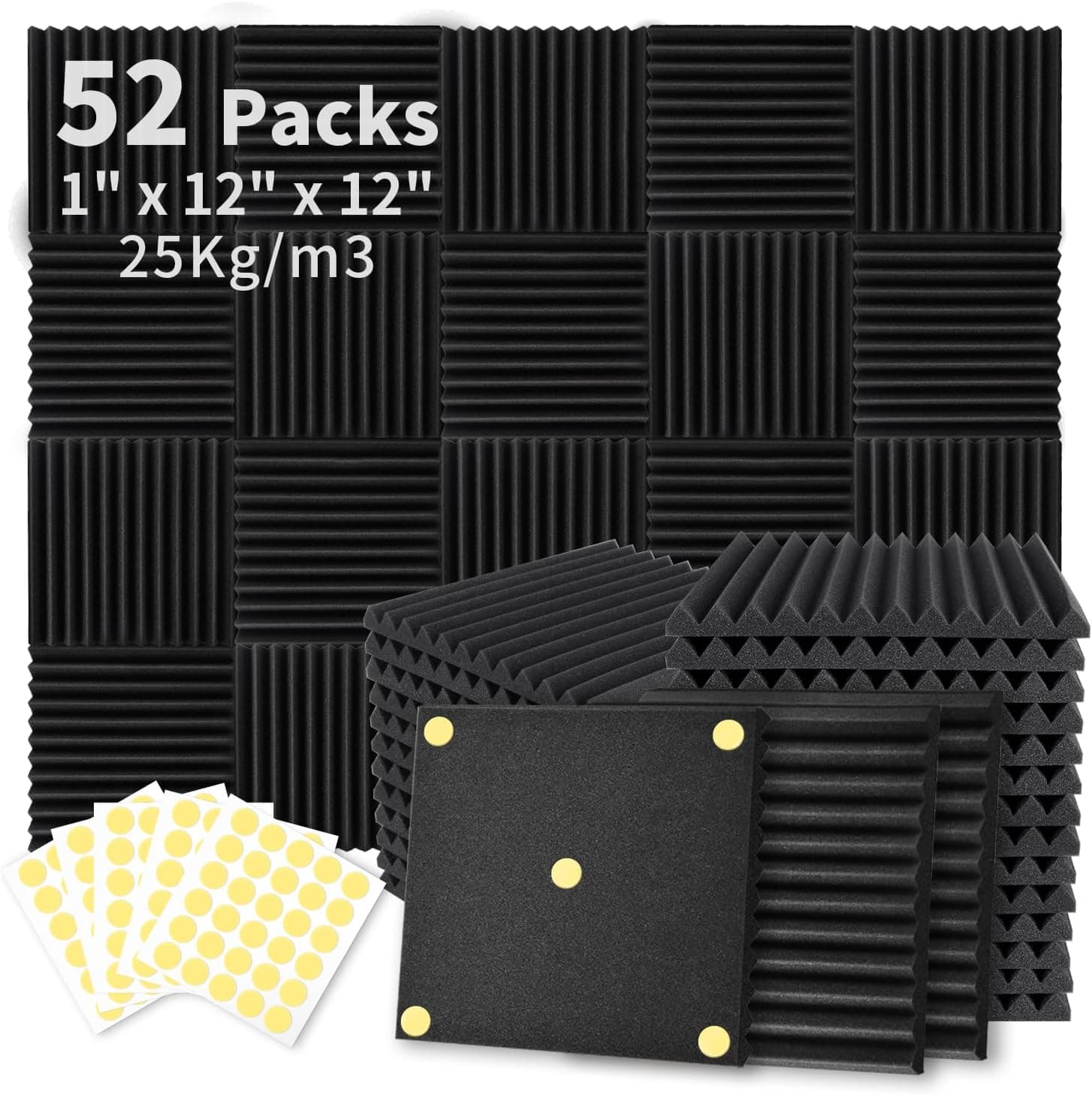
+ 300PCS Double-Side Adhesive is included, so no extra glue is needed
From our guide: Best Acoustic Panels
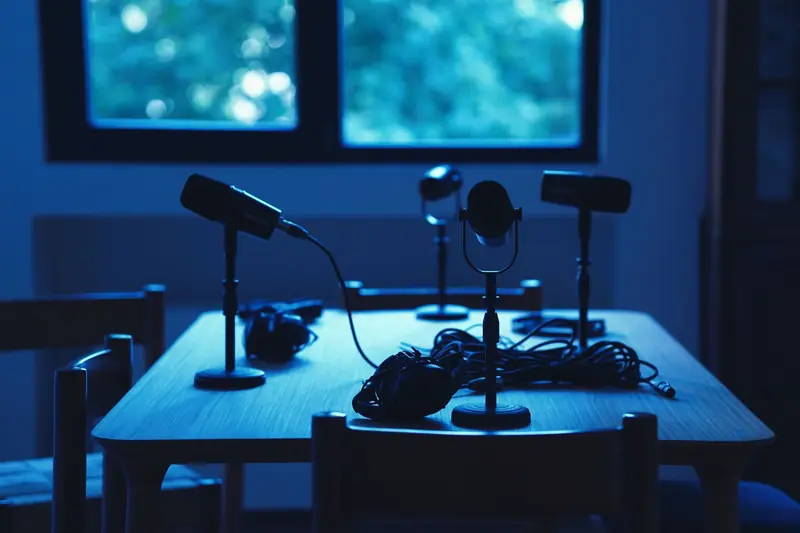
The biggest gains usually come from your room and your mic technique, not new gear. Record in a smaller, softly furnished space with carpet, curtains, and cushions to soak up echo, and avoid large, bare, hard-surfaced rooms. Then get close to your microphone and speak with a strong, steady voice. Recording close keeps your voice loud relative to the room and captures a warm, present tone, which instantly reduces echo and background noise without you spending a cent.
Setting your levels correctly is a quiet game-changer that many creators overlook. Aim to record a signal that is strong and clear but never so loud that it clips and distorts, since clipping is impossible to repair. Speaking close to the mic lets you use a lower gain setting, which means less hiss and background noise creeps in. Watch your level meters as you record and do a short test first, adjusting until your voice sits comfortably strong with a little headroom to spare.
Controlling noise at the source pays off more than any editing trick. Turn off fans, air conditioners, and buzzing appliances before you record. Silence your phone and notifications, close windows against street sound, and choose quieter times of day. Record a few seconds of silence at the start of each session so you can sample your room tone for gentle noise cleanup later. Preventing noise beats removing it every single time, because cleanup always costs a little audio quality.
Consistency and monitoring turn good recordings into reliable ones. Wear closed-back headphones while you record so you catch problems like popping, hiss, or distortion in the moment rather than discovering them afterward. Keep your distance and angle to the mic steady throughout, ideally with the help of a boom arm, so your voice does not drift in and out. A pop filter softens harsh plosive sounds, giving you a smoother, more listenable result with almost no effort.
Finally, polish your work in editing without overdoing it. Trim mistakes and long silences, even out your levels with gentle compression so quiet and loud moments sit closer together, and apply light noise reduction only where needed. Add a clean intro and outro, and always listen back to the full episode on headphones before publishing to catch anything you missed. Layer these habits together, starting with your room, your technique, and your levels, and your podcast audio will improve dramatically, often more than any single piece of new gear could ever deliver.
Popular right now
- Best Microphone Isolation ShieldsBuying guide
- Best Acoustic DiffusersBuying guide
- Best XLR MicrophonesBuying guide
- Gain Staging BasicsArticle
- Best LED Video LightsBuying guide
- Best Digital RecordersBuying guide
Based on the last 28 days of search and visitor data.