How to Fix Muffled Podcast Audio
Published How we research
Muffled audio makes a podcast tiring to listen to, even when the conversation is great. Voices sound dull, boomy or distant, and listeners struggle to understand words. The cause is rarely a broken microphone. More often it comes from speaking into the wrong side of the mic, being too close or too far away, a heavy windscreen or the sound of the room itself.
Products from this article
The highest-scoring picks from the buying guides this article links to. Scores are our editorial assessment, not customer ratings.
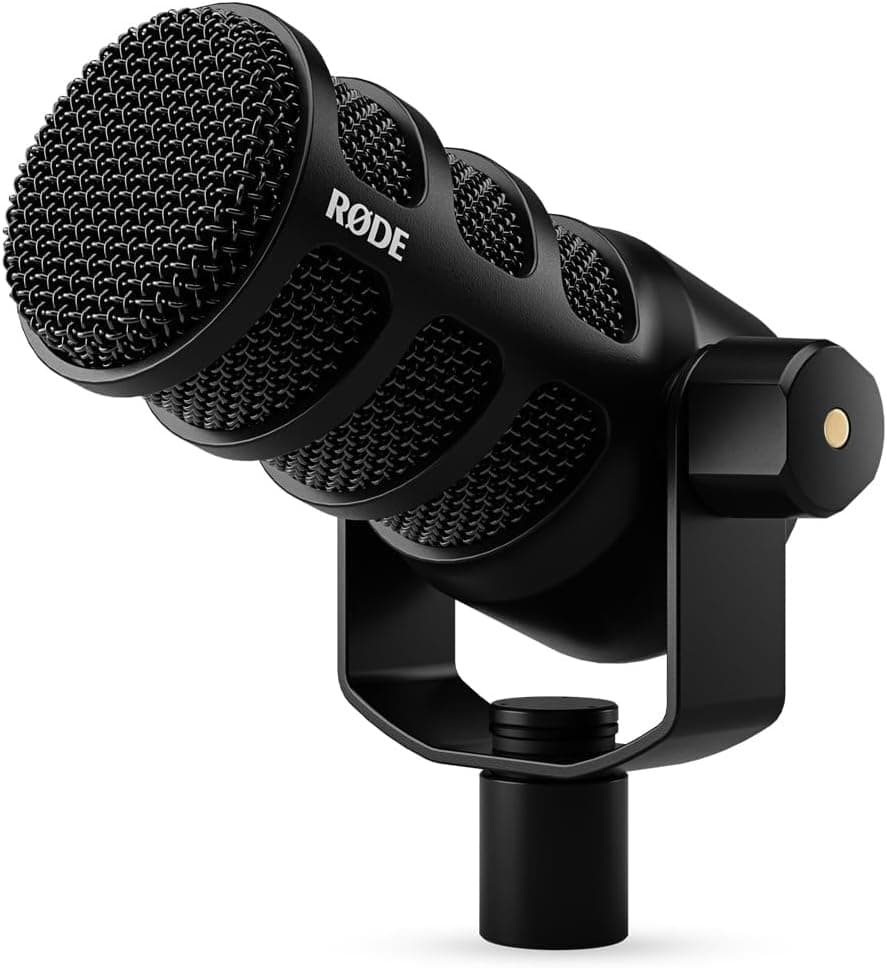
+ USB and XLR outputs cover solo laptop recording and multi-mic interface setups
From our guide: Best Dynamic Microphones
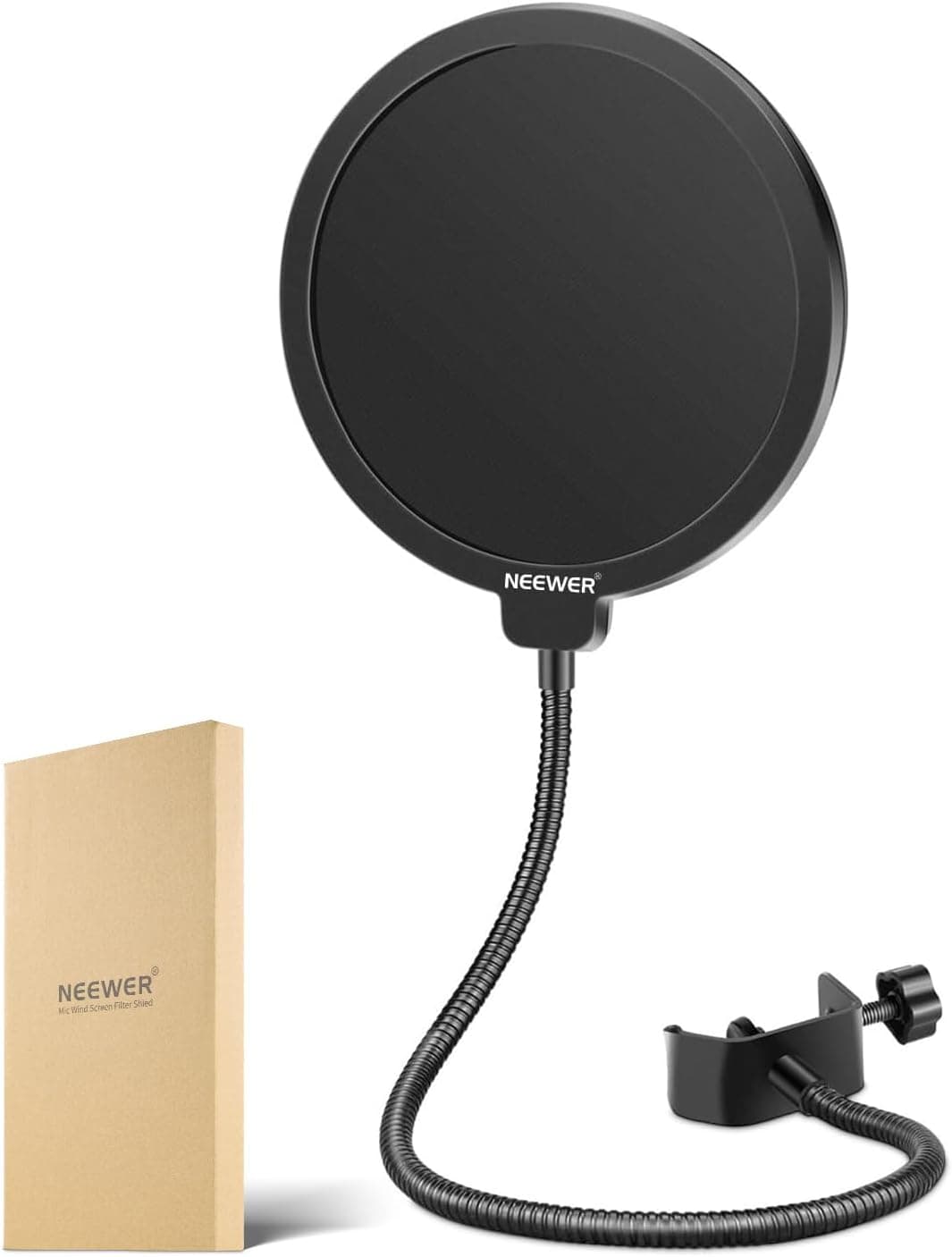
+ Dual layered shield reduces plosives from even forceful speakers
From our guide: Best Pop Filters
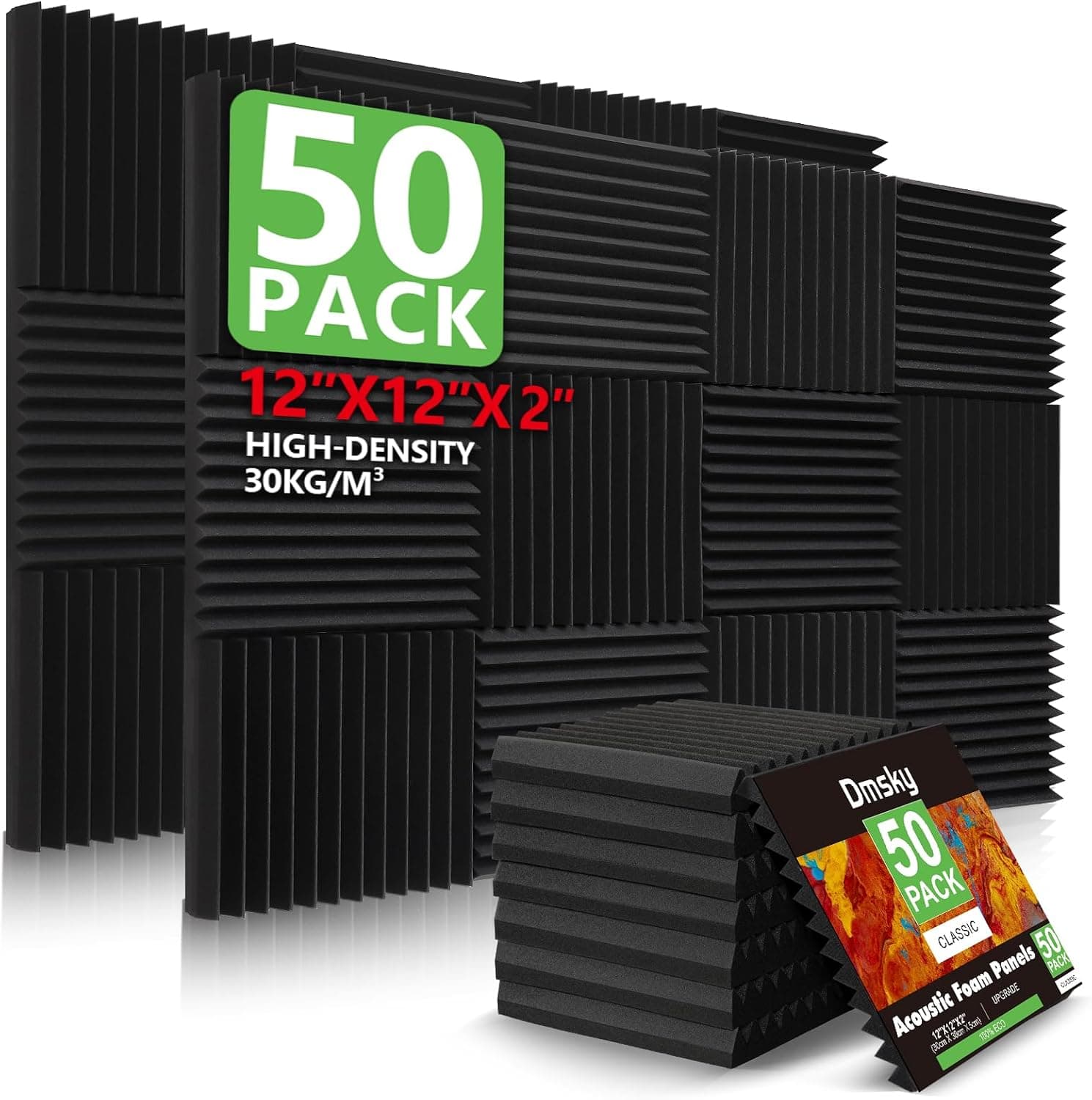
+ 50 Pack covers a good area of wall behind and beside the host
From our guide: Best Acoustic Panels
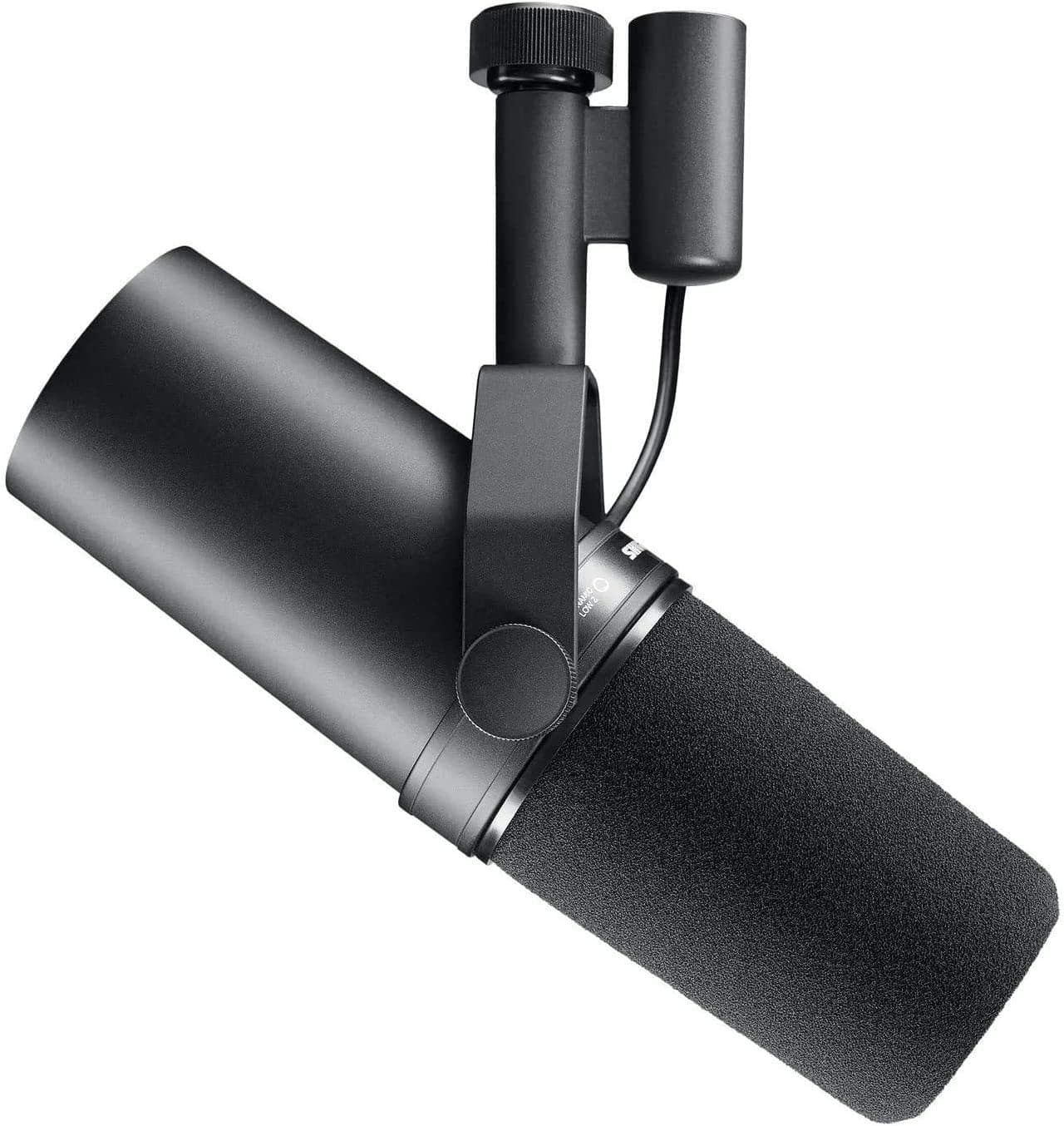
+ Smooth, full voice sound is the benchmark many famous podcasts and radio shows use
From our guide: Best Dynamic Microphones
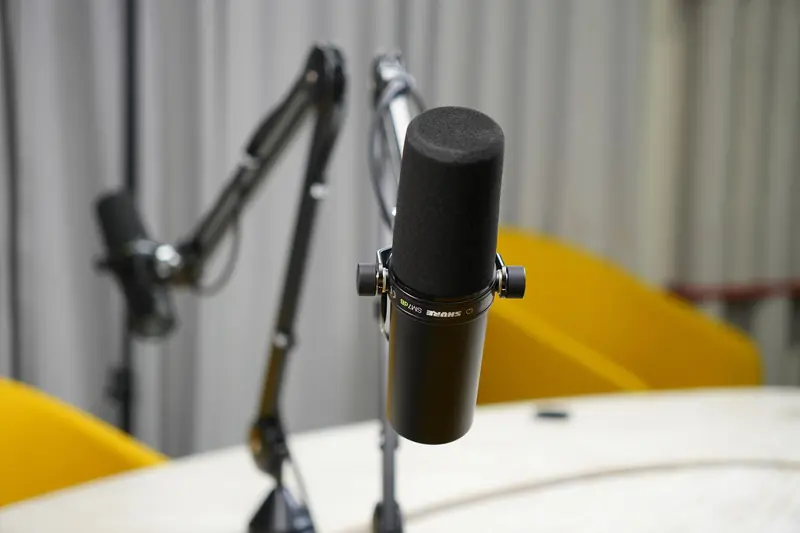
Speak into the right side
Many podcast microphones are side-address, meaning you speak into the side of the capsule rather than the top. Speaking into the end of a side-address microphone, such as many large-diaphragm condensers and some broadcast dynamics, produces thin or muffled sound.
Check the manufacturer's diagram for the front of the microphone, often marked with a logo. For end-address mics like many popular dynamic podcast microphones, speak into the top grille.
Get the distance right
Directional microphones boost bass as you move closer, called the proximity effect. Very close positioning can make a voice boomy and muddy, while speaking from too far away sounds distant and roomy.
A good starting point for dynamic mics is around two to four inches, and slightly further for condensers. Speaking slightly off axis, across the mic rather than directly into it, reduces plosives without dulling the voice.
Check windscreens and filters
Thick foam windscreens and stacked pop filters can soften high frequencies, especially on condenser microphones. Try recording a short test with and without the windscreen to hear the difference.
A thin mesh pop filter placed a few inches from the mic usually controls plosives with less effect on clarity. Check that the mic is not pointed at a blanket or cushion very close to the grille.
Treat the room
Small, hard rooms create reflections that blur speech, and uneven bass buildup in corners can make voices boomy. Record away from walls and corners, with soft furnishings, rugs and curtains nearby.
Acoustic panels behind and to the sides of the speaker reduce reflections. Recording in a closet full of clothes can sound too dead and muffled, so aim for a controlled room rather than removing all sound reflection.
Review settings and editing
Check that the recording software is using the correct microphone, not a webcam or laptop mic, and that noise suppression features in call apps are not heavily processing the voice. Aggressive noise reduction often makes speech sound underwater.
In editing, a gentle high-pass filter removes rumble, and a small cut in the low-mid frequencies around 200-400 Hz can reduce muddiness. Add small, careful boosts in upper frequencies for clarity rather than extreme adjustments.
Popular right now
- Best Microphone Isolation ShieldsBuying guide
- Best Acoustic DiffusersBuying guide
- Best XLR MicrophonesBuying guide
- Gain Staging BasicsArticle
- Best LED Video LightsBuying guide
- Best Digital RecordersBuying guide
Based on the last 28 days of search and visitor data.